
Arock Wordpress + WooCommerce Toolkit
20 small WordPress and WooCommerce tools in one lightweight plugin. Switch each tool on or off from one page; only the tools you turn on run.
$9.95Buy →

Set a minimum order amount for your WooCommerce store. Below it, customers see your message and can't place the order. Classic and block checkout.
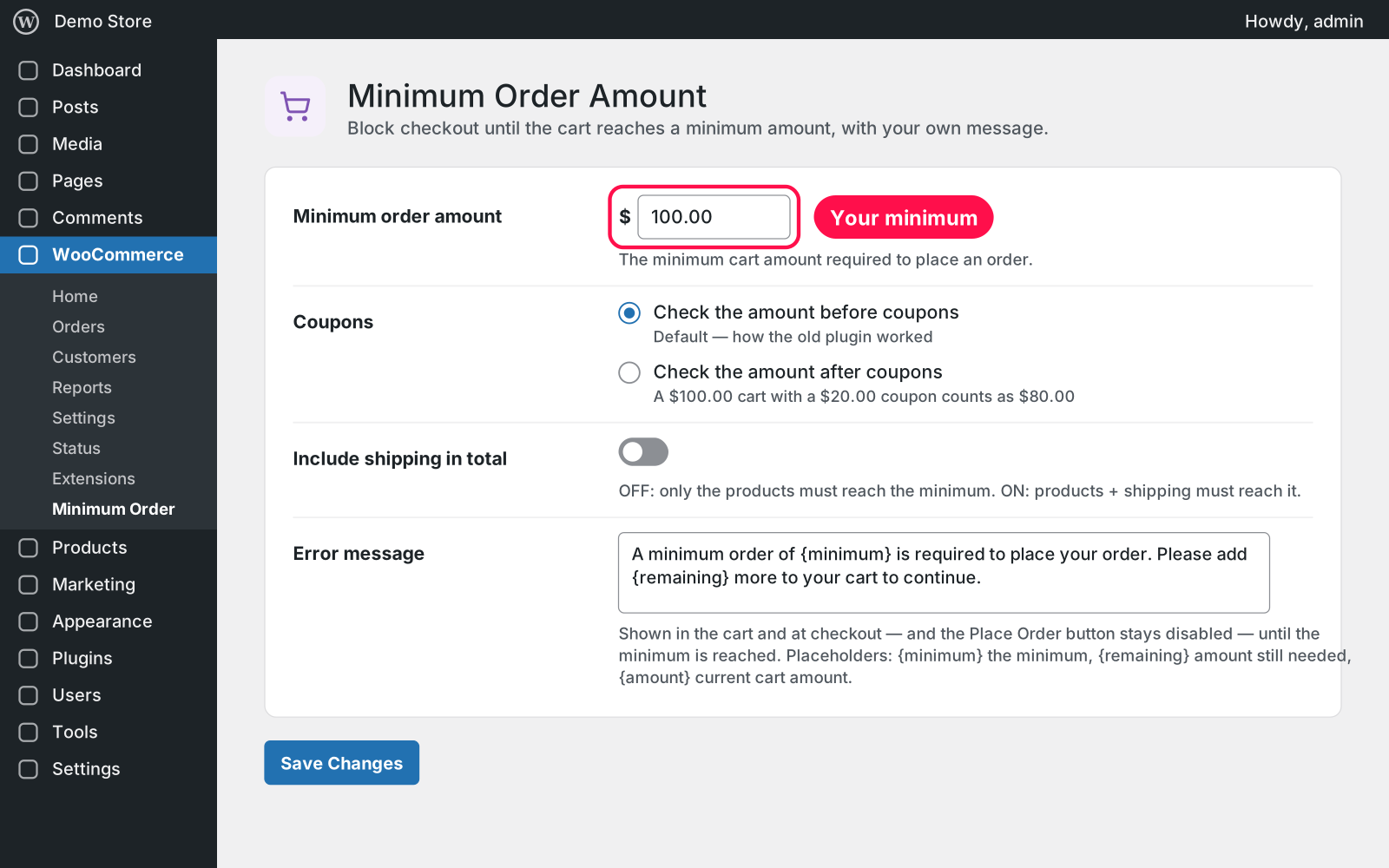
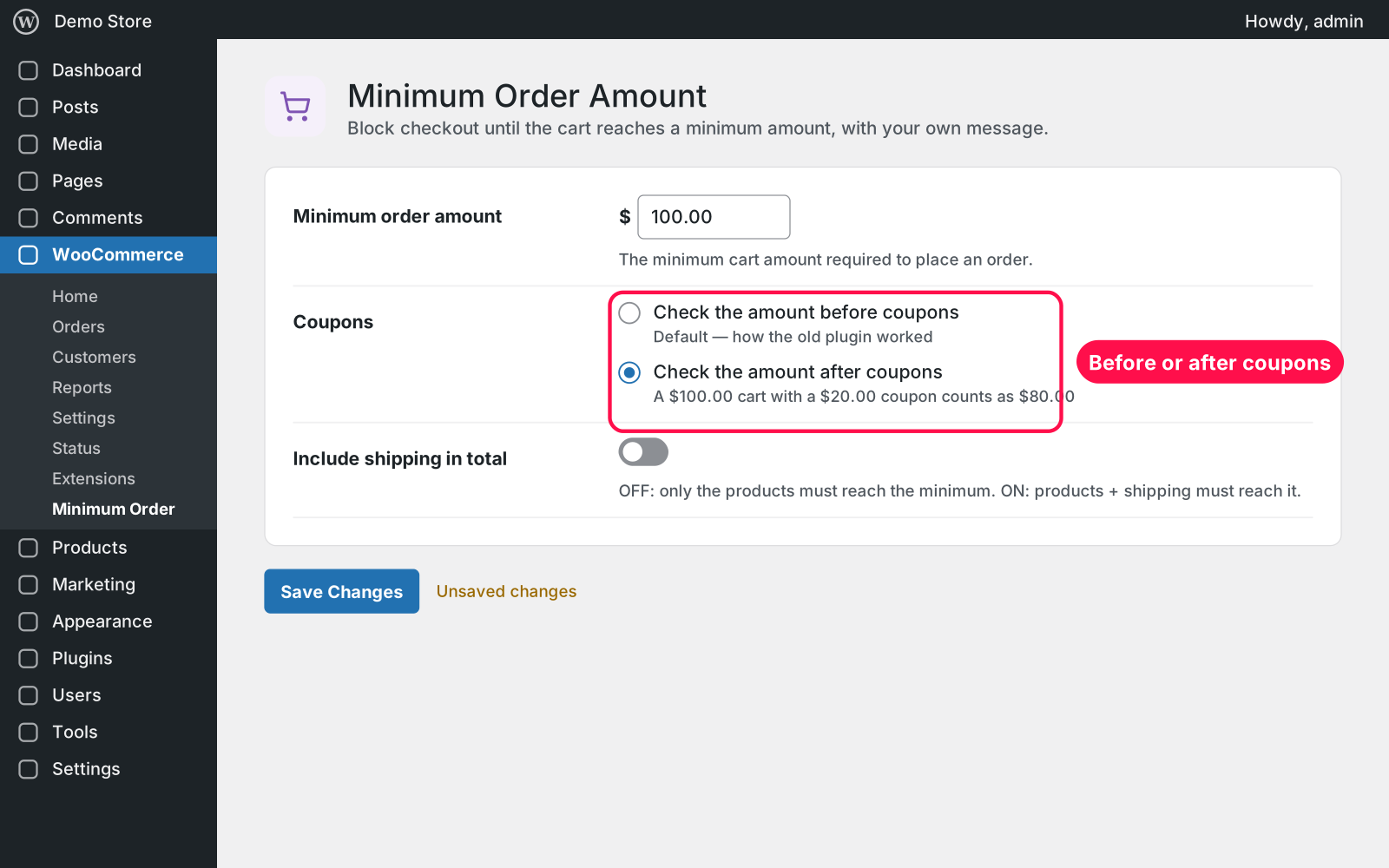
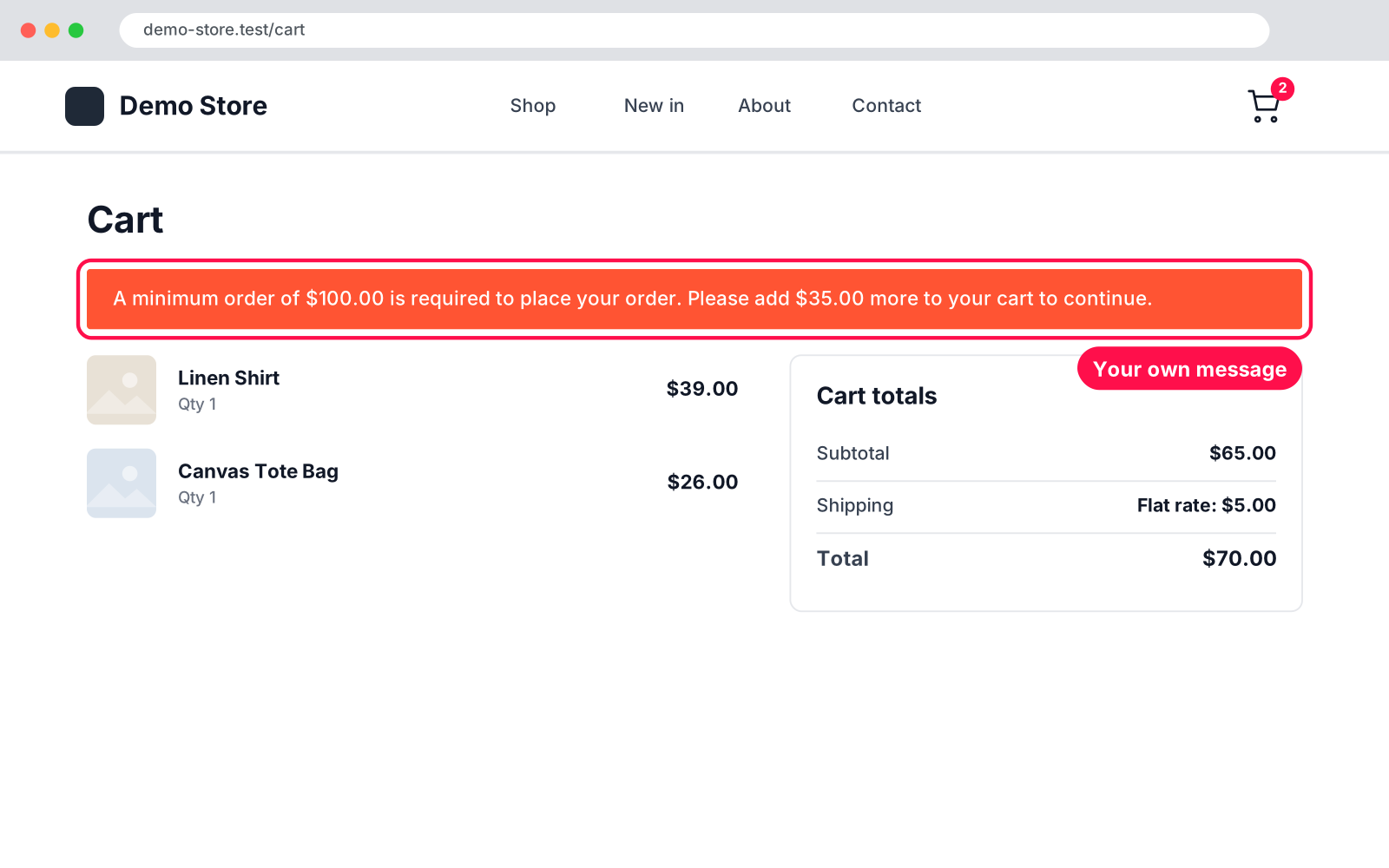
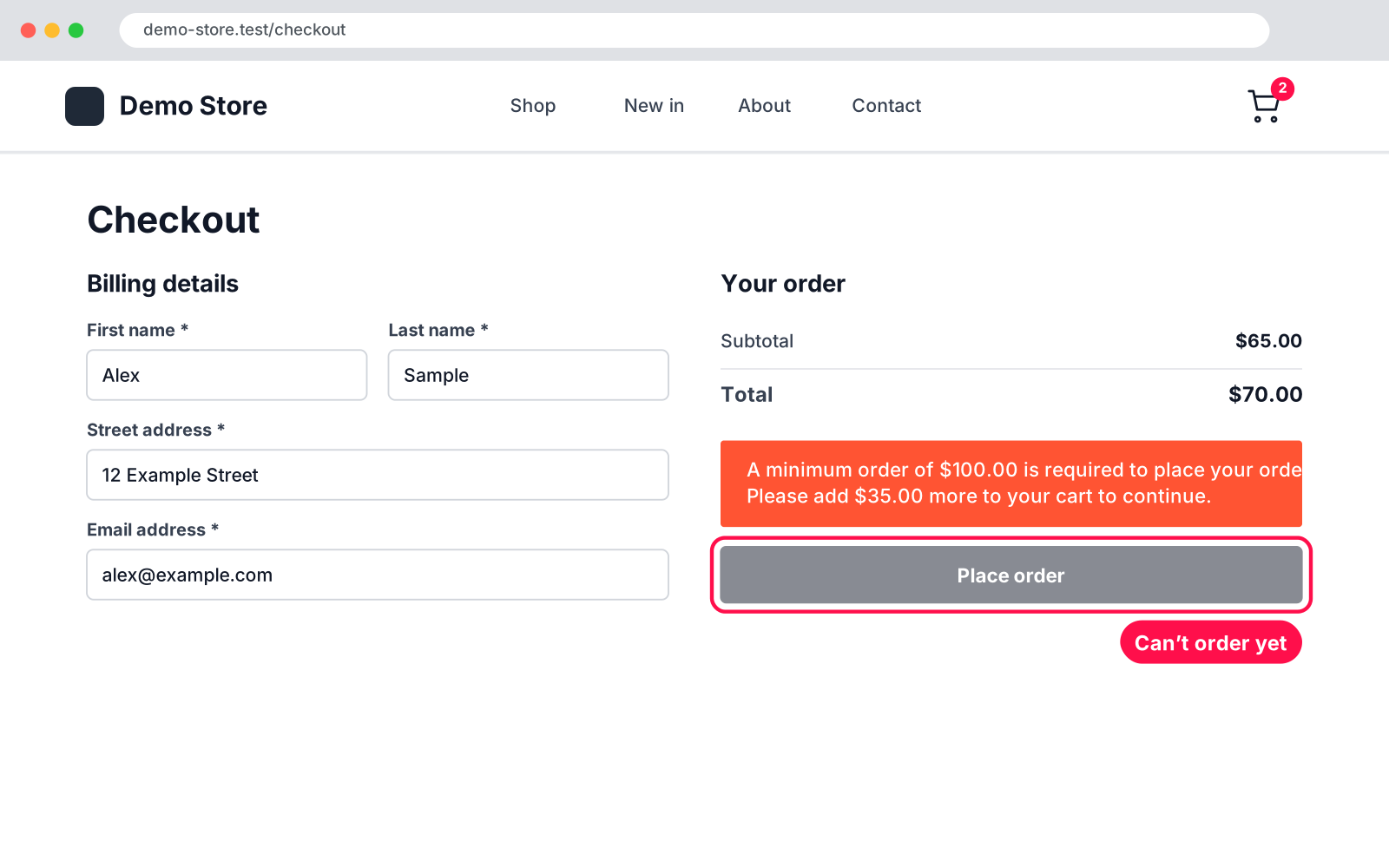
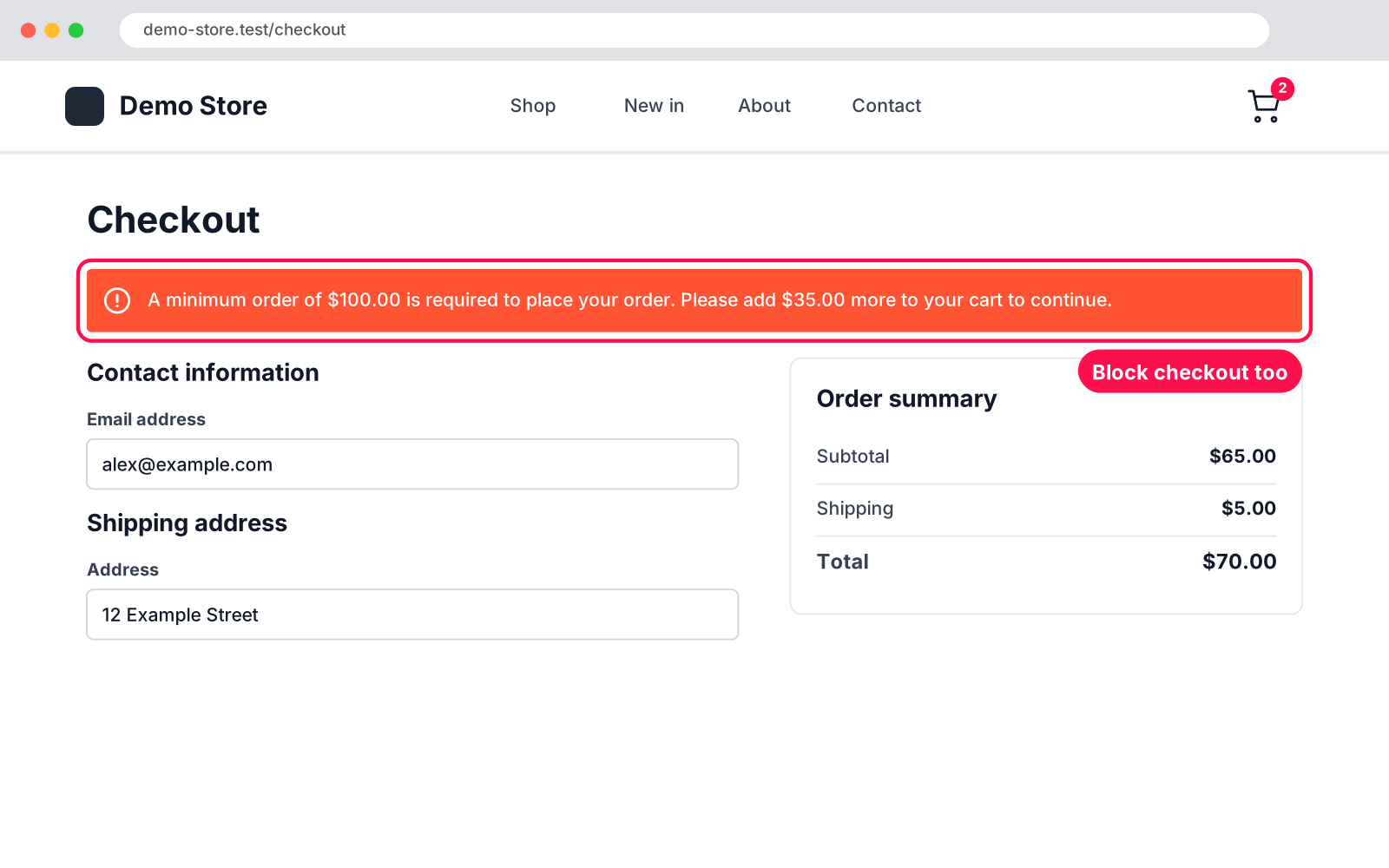
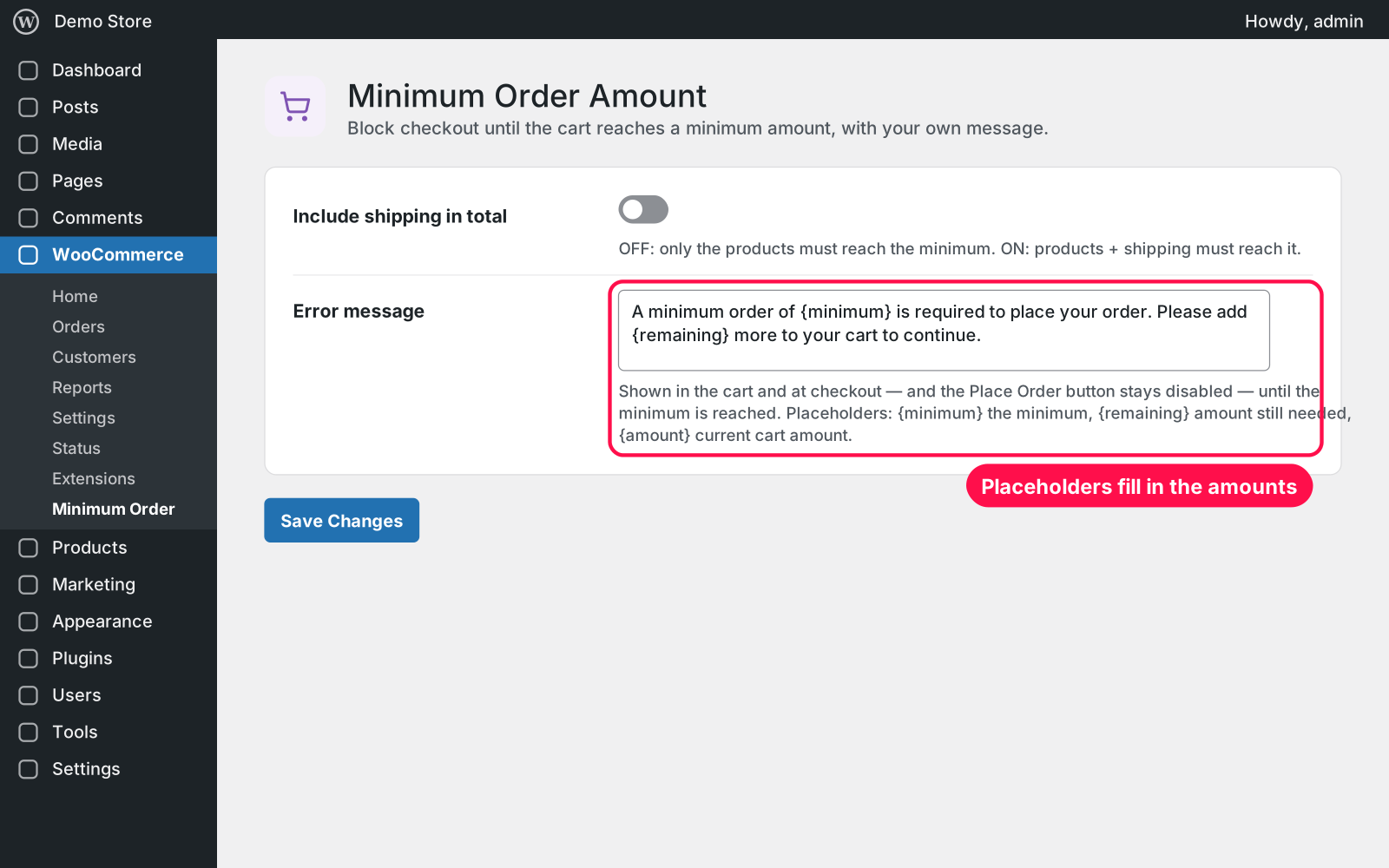
Sets one minimum order amount for your whole store. While the cart is below it, customers see your message in the cart and at checkout, and the order can't be placed. As soon as they reach the minimum, the message disappears and they can check out.
{minimum}, {remaining} and {amount} filled in for the customer.Yes. Install and activate this plugin, then deactivate the old plugin (it shows as "WooCommerce Minimum Amount Order" on your Plugins screen). Your settings carry over automatically. Deactivate the old one, don't delete it; this plugin pauses until you do.
Yes. On the block Cart and Checkout, WooCommerce shows your message and blocks the order itself. On the classic ones you get the red notice and a disabled Place Order button.
Yes. Cart and checkout pages aren't cached by caching plugins, and the minimum is checked every time the cart changes.
Yes, with FOX / WOOCS: you set the minimum in your store currency and it's converted for each customer.
Nothing in your store changes. Deleting the plugin keeps its settings too, because Arock Toolkit and other versions of this plugin share them.
I customize plugins and build new ones from scratch — same care, made for your site.
20 small WordPress and WooCommerce tools in one lightweight plugin. Switch each tool on or off from one page; only the tools you turn on run.

Skip the cart: "Add to cart" becomes "Checkout" and takes customers straight to checkout. Ideal for one-product stores and quick buys.

When a shopper adds a product to the cart, a popup offers that product's cross-sells with a quantity box and an "Add to order" button. Uses WooCommerce's own Cross-sells field.
Comments
Every comment is reviewed before it appears.
No comments yet — questions, ideas and bug reports are all welcome.