
Arock Wordpress + WooCommerce Toolkit
20 small WordPress and WooCommerce tools in one lightweight plugin. Switch each tool on or off from one page; only the tools you turn on run.
$9.95Buy →

When a shopper adds a product to the cart, a popup offers that product's cross-sells with a quantity box and an "Add to order" button. Uses WooCommerce's own Cross-sells field.
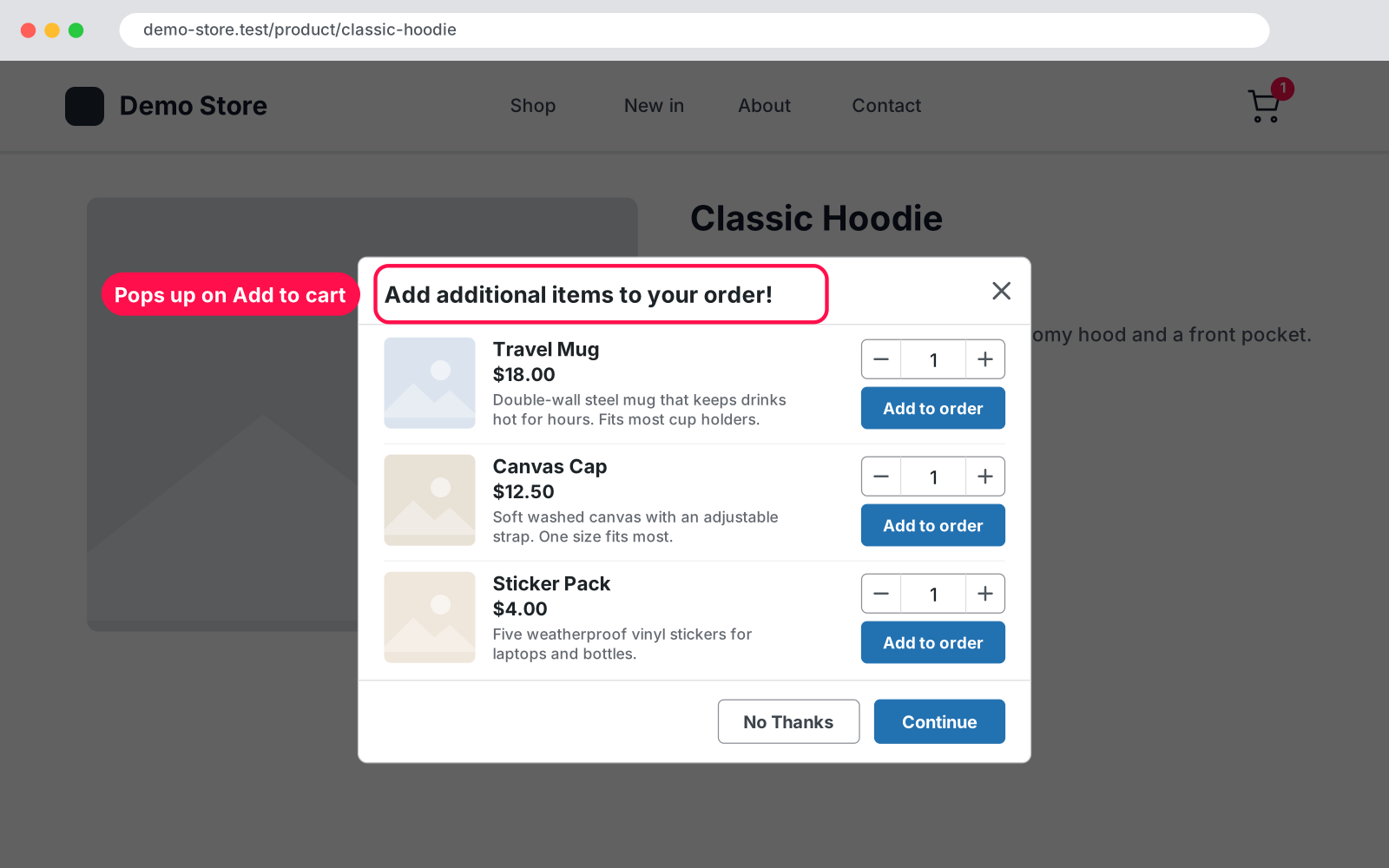
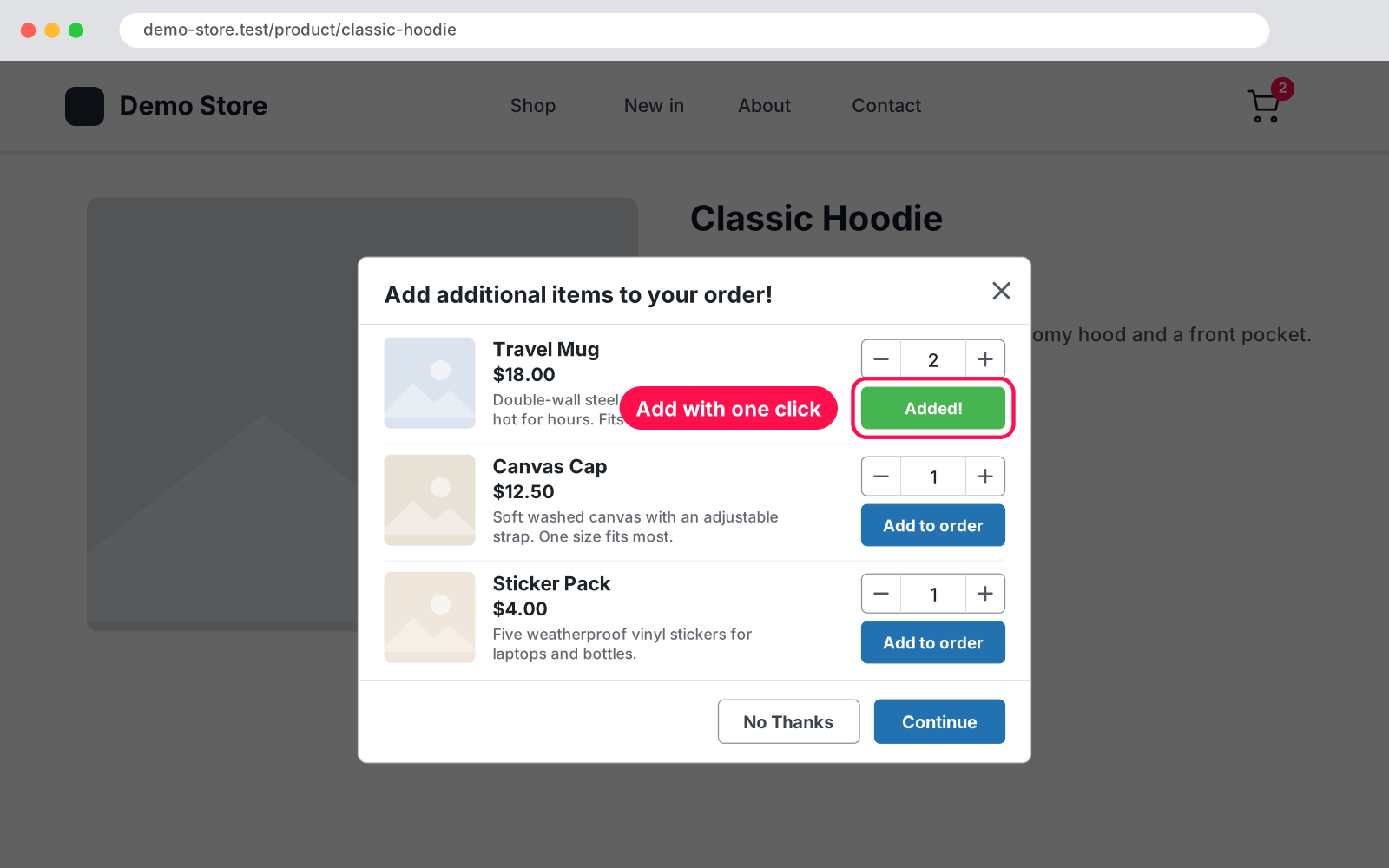
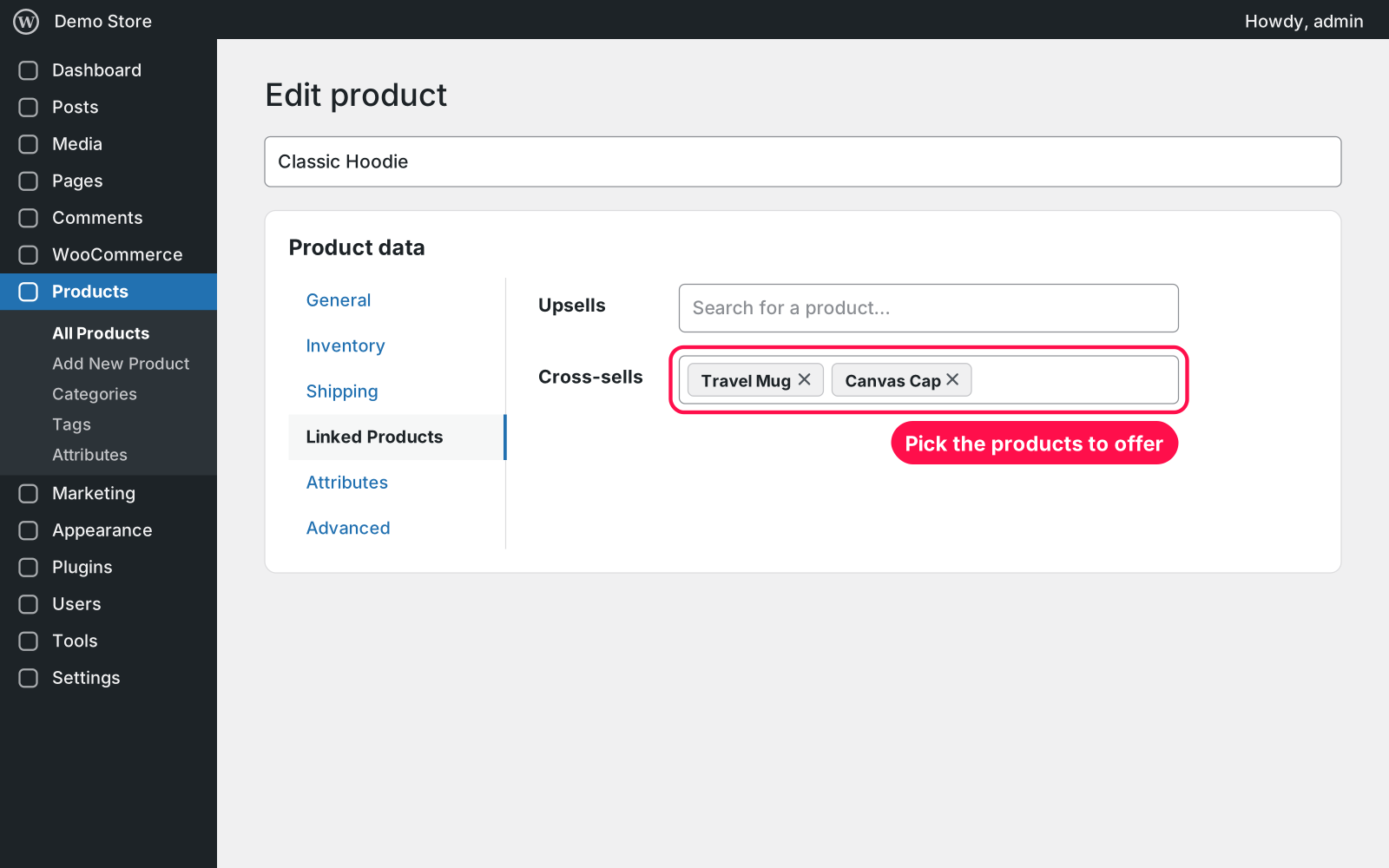
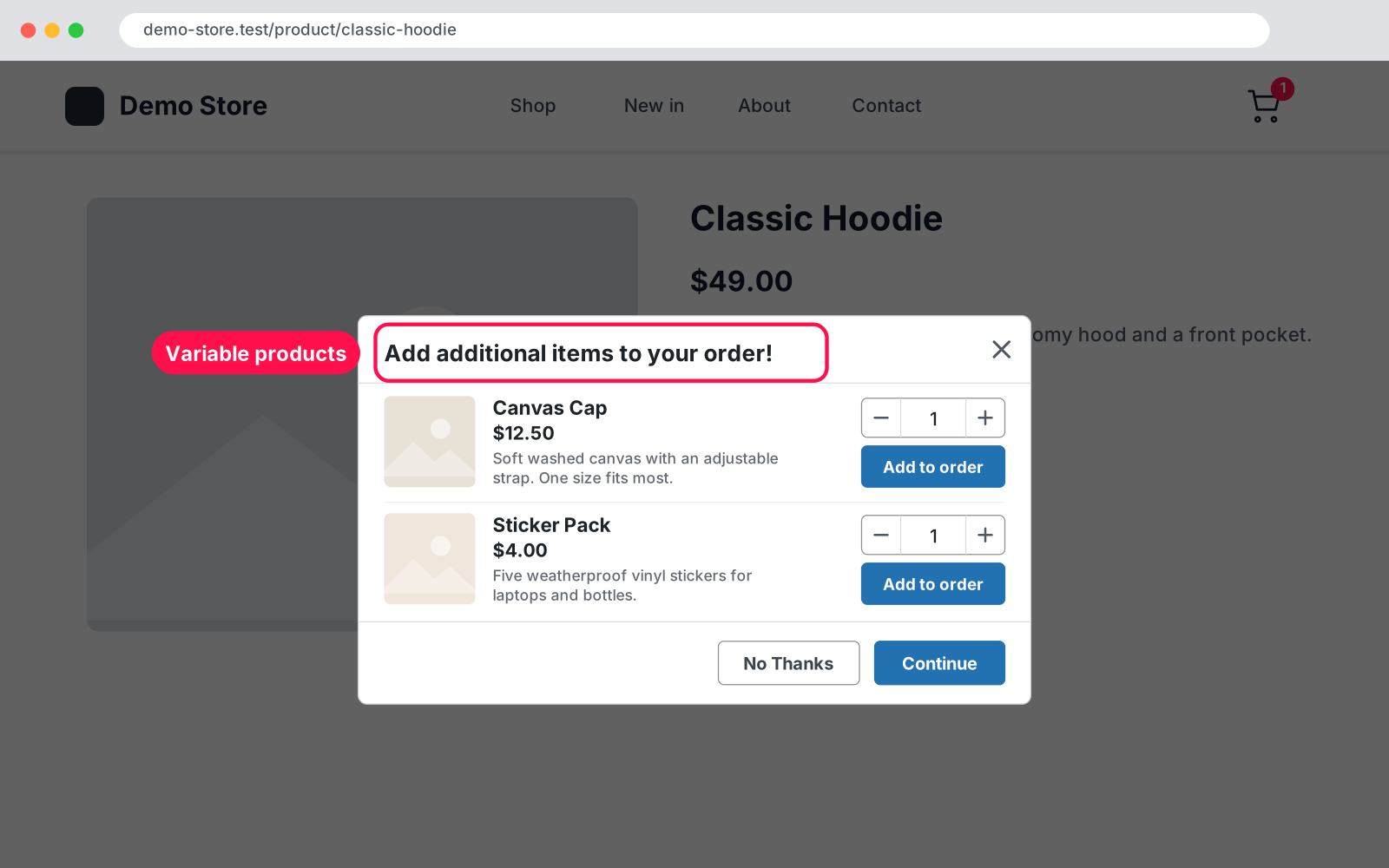
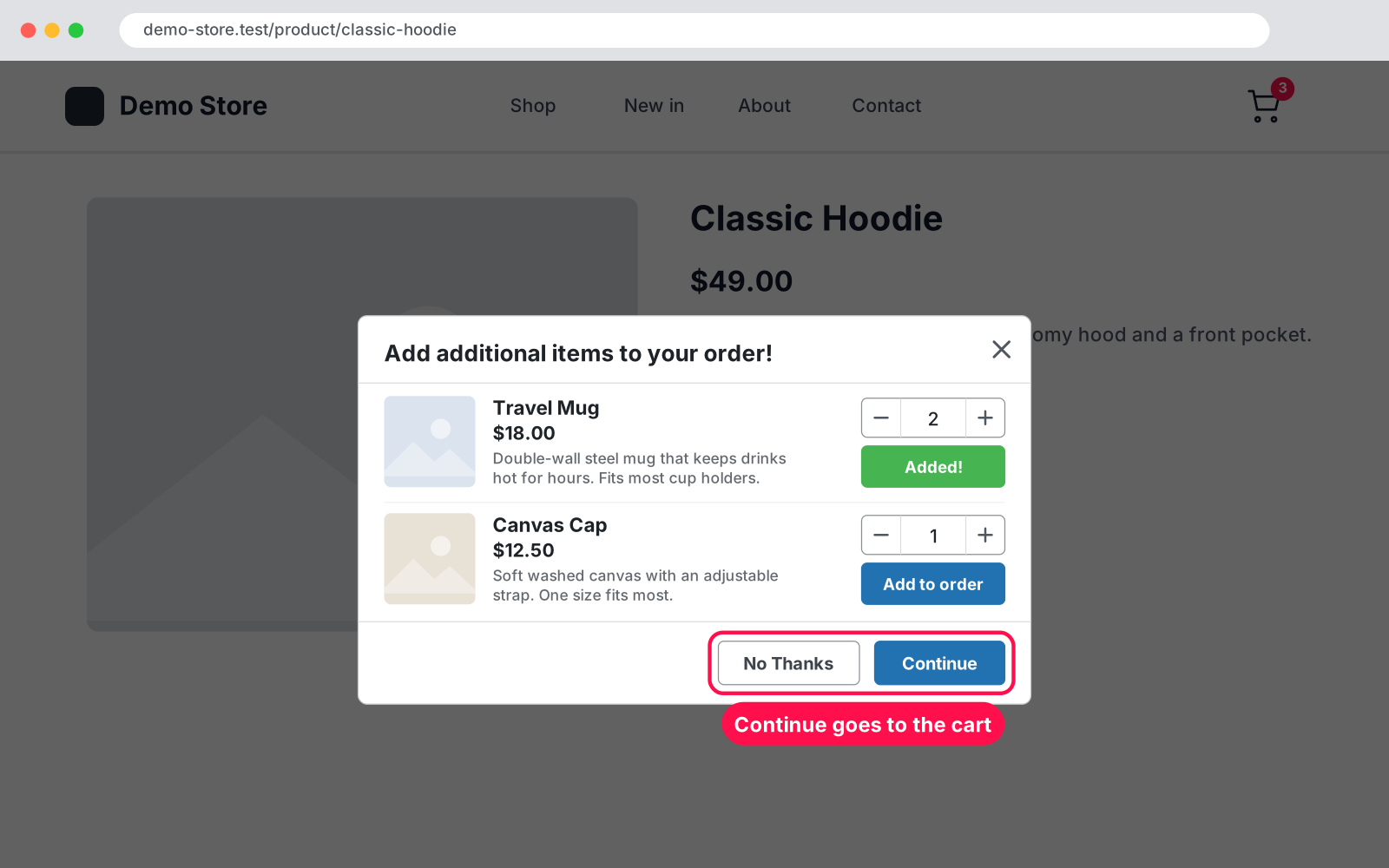
Sell more with every order. The moment a shopper clicks Add to cart, a clean popup suggests the products that go with it, and they can add them without leaving the page. It uses the Cross-sells you already pick in WooCommerce, so there is nothing to set up.
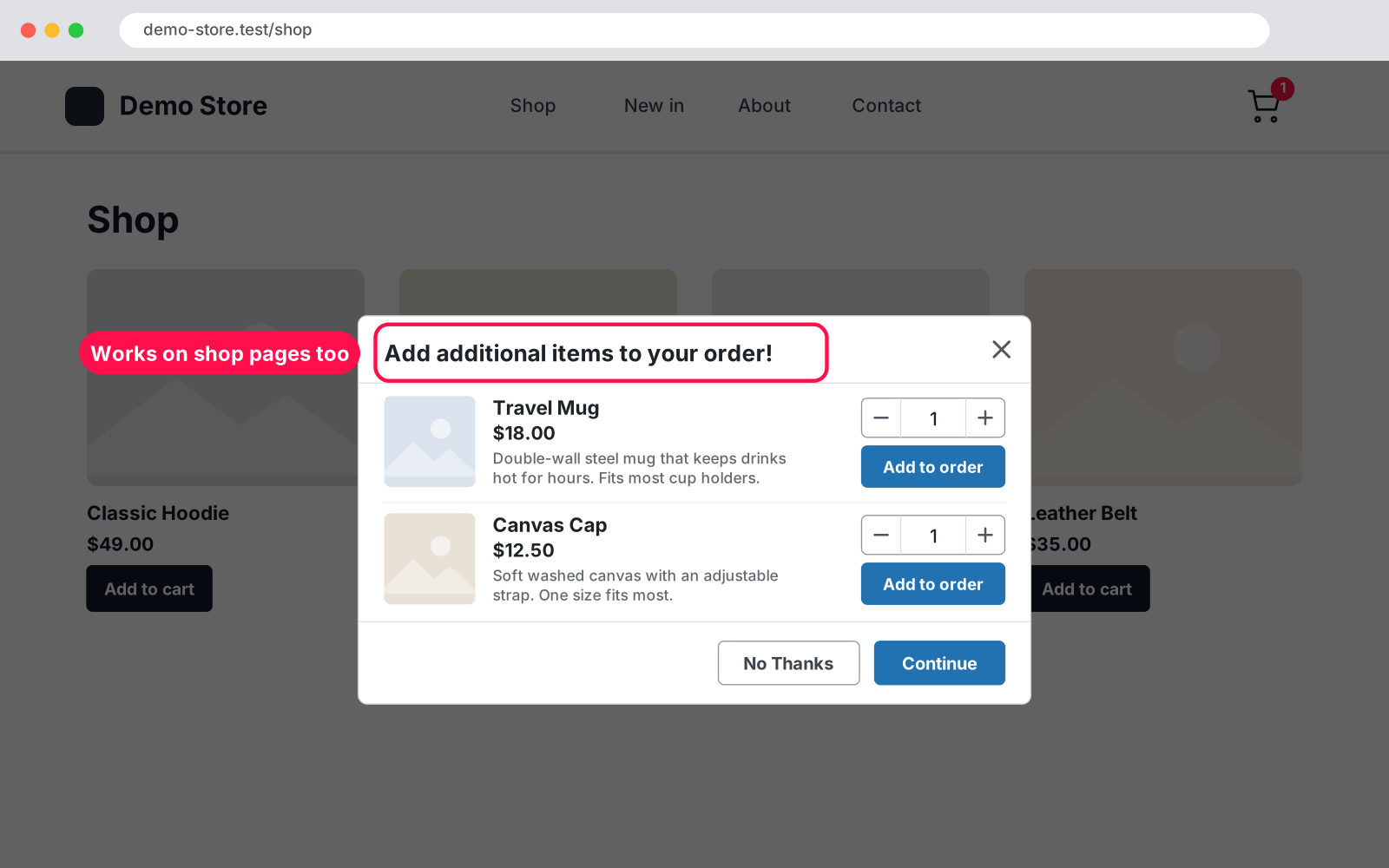
Yes. The popup runs on your product and shop pages, and its buttons go to whichever cart page you use, classic or block.
The product needs at least one published, in-stock cross-sell. On shop and category pages it opens with AJAX Add to cart buttons (WooCommerce › Settings › Products › "Enable AJAX add to cart buttons on archives").
Yes. The popup loads the suggestions fresh when it opens, so cached pages are fine.
Deactivate the old plugin. Arock Cross-Sell Popup pauses (with a notice on the Plugins screen) while the old one is active, so the popup never shows twice.
Nothing else changes. Your cross-sells are WooCommerce's own product data and stay on your products.
I customize plugins and build new ones from scratch — same care, made for your site.
20 small WordPress and WooCommerce tools in one lightweight plugin. Switch each tool on or off from one page; only the tools you turn on run.

Skip the cart: "Add to cart" becomes "Checkout" and takes customers straight to checkout. Ideal for one-product stores and quick buys.

A fundraising goal progress bar for WPForms donation forms. Website donations count automatically, checks and cash are logged by hand, with donors and days left.
Comments
Every comment is reviewed before it appears.
No comments yet — questions, ideas and bug reports are all welcome.