
Arock Wordpress + WooCommerce Toolkit
20 small WordPress and WooCommerce tools in one lightweight plugin. Switch each tool on or off from one page; only the tools you turn on run.
$9.95Buy →

Skip the cart: "Add to cart" becomes "Checkout" and takes customers straight to checkout. Ideal for one-product stores and quick buys.
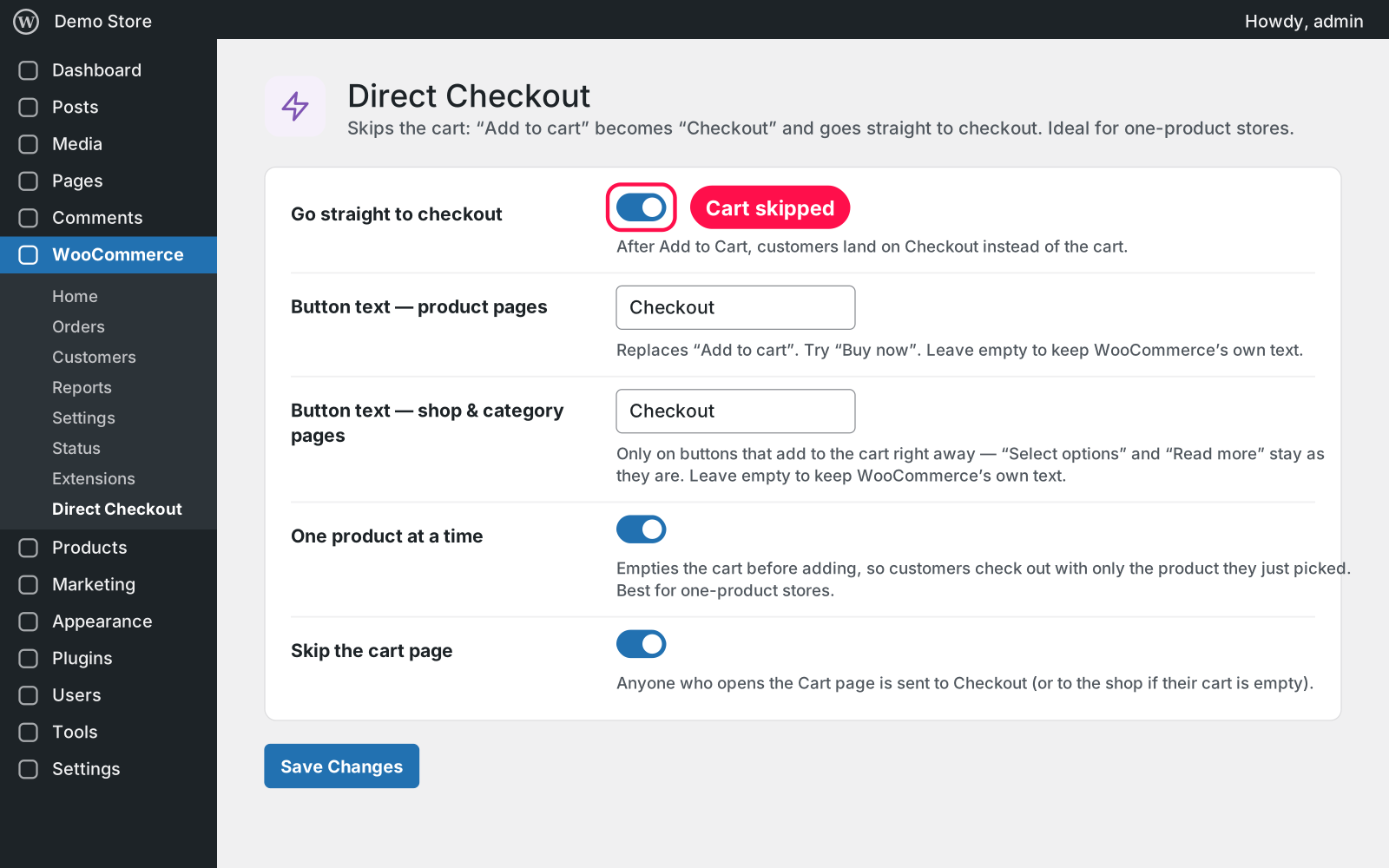
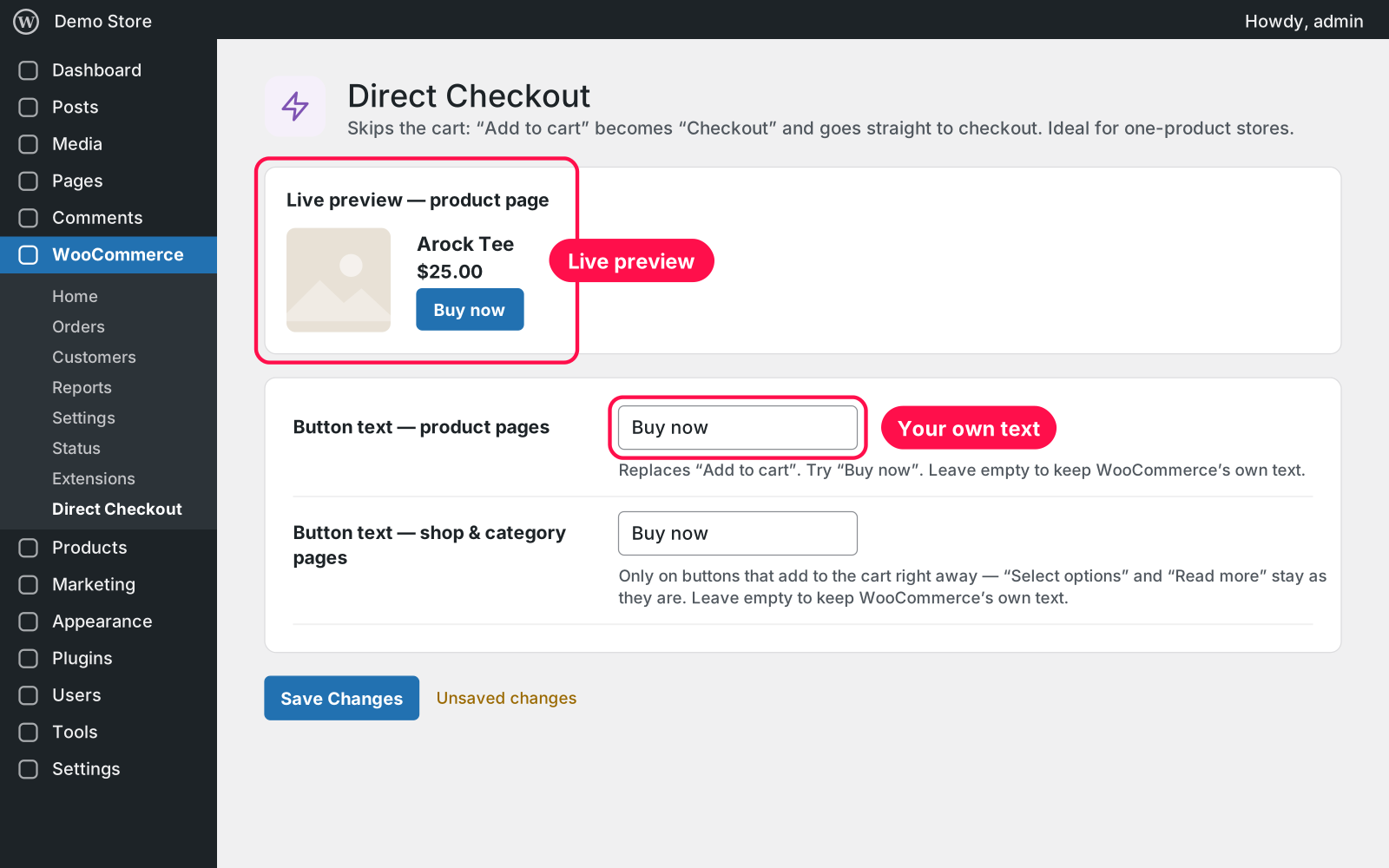
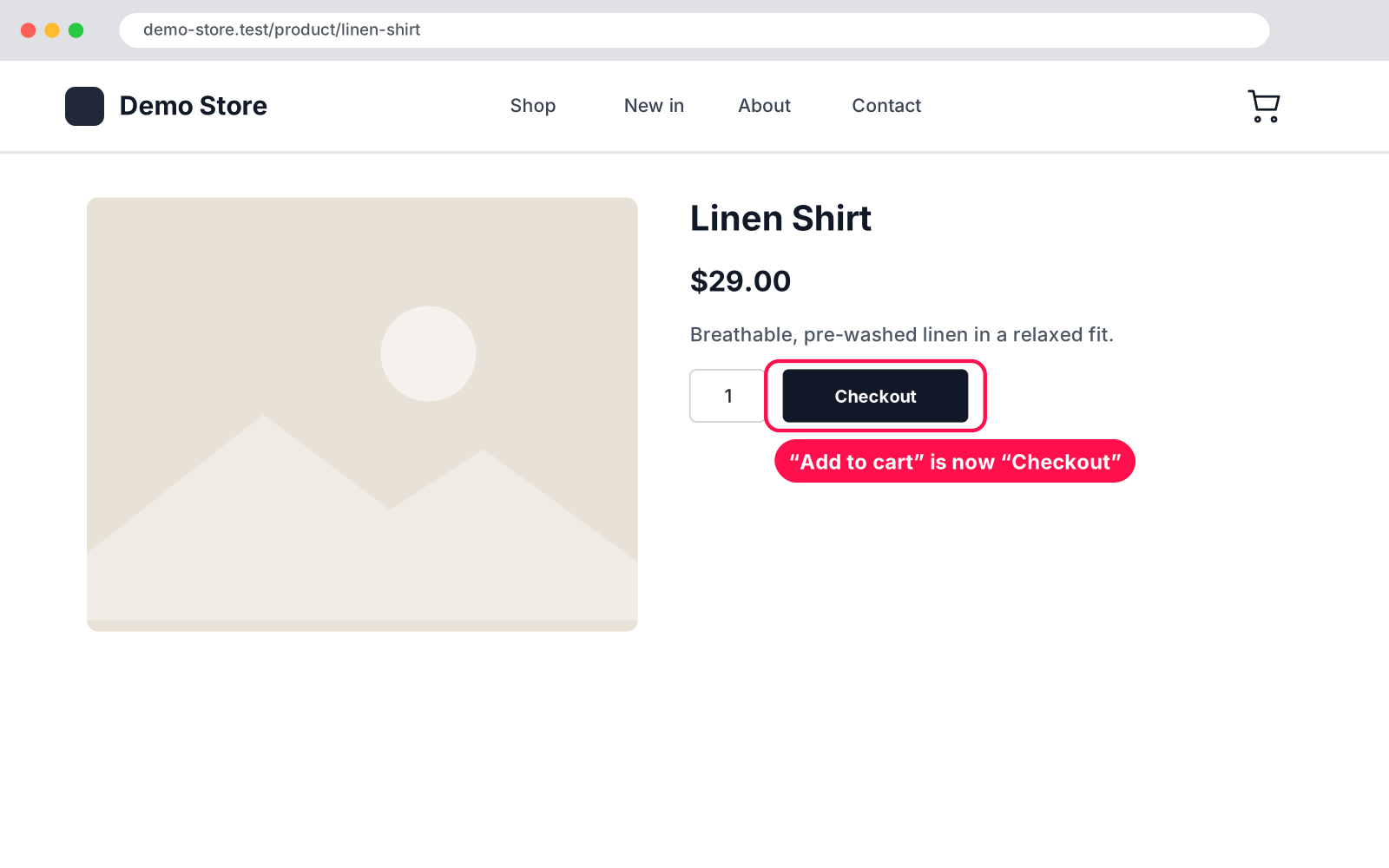
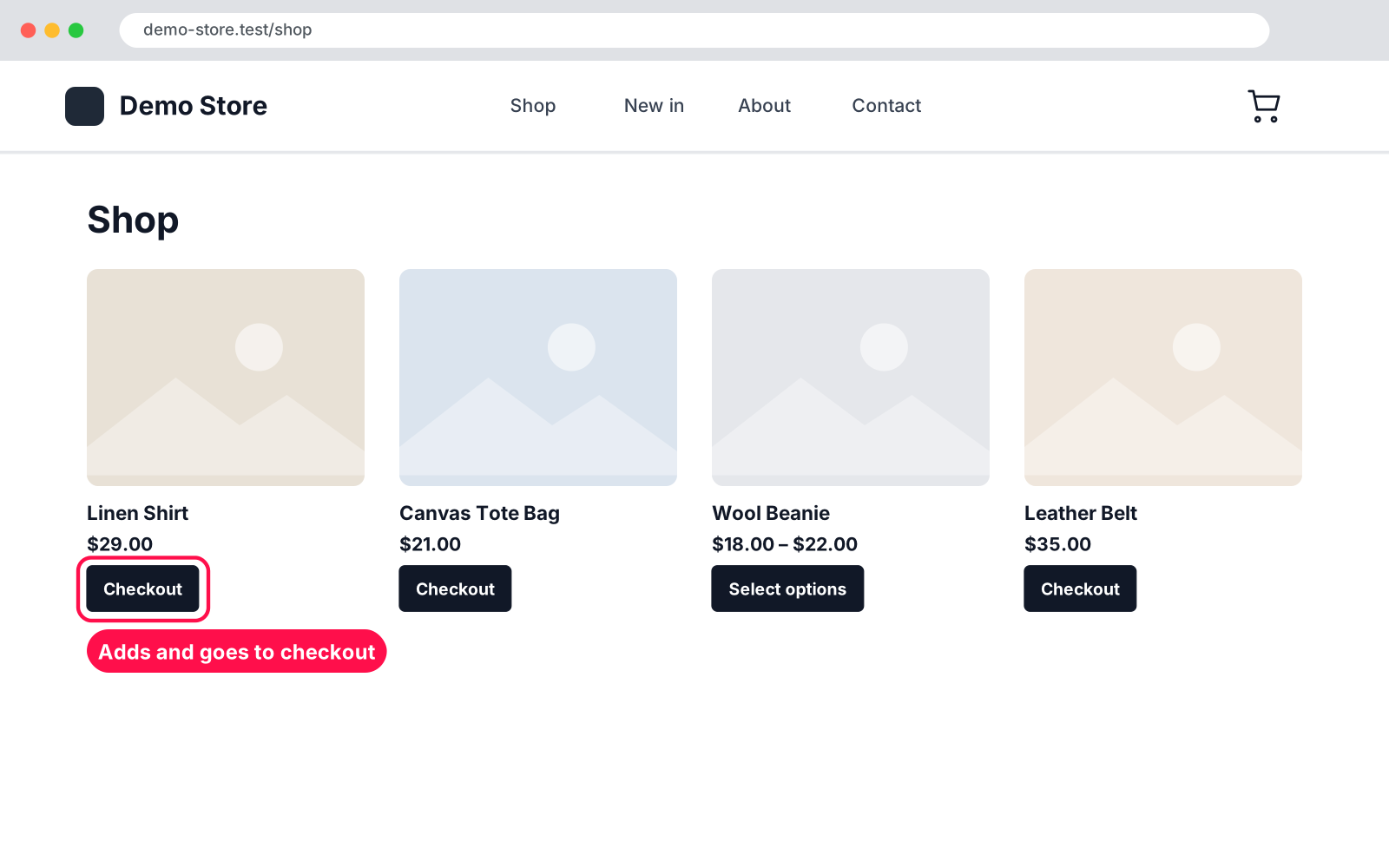
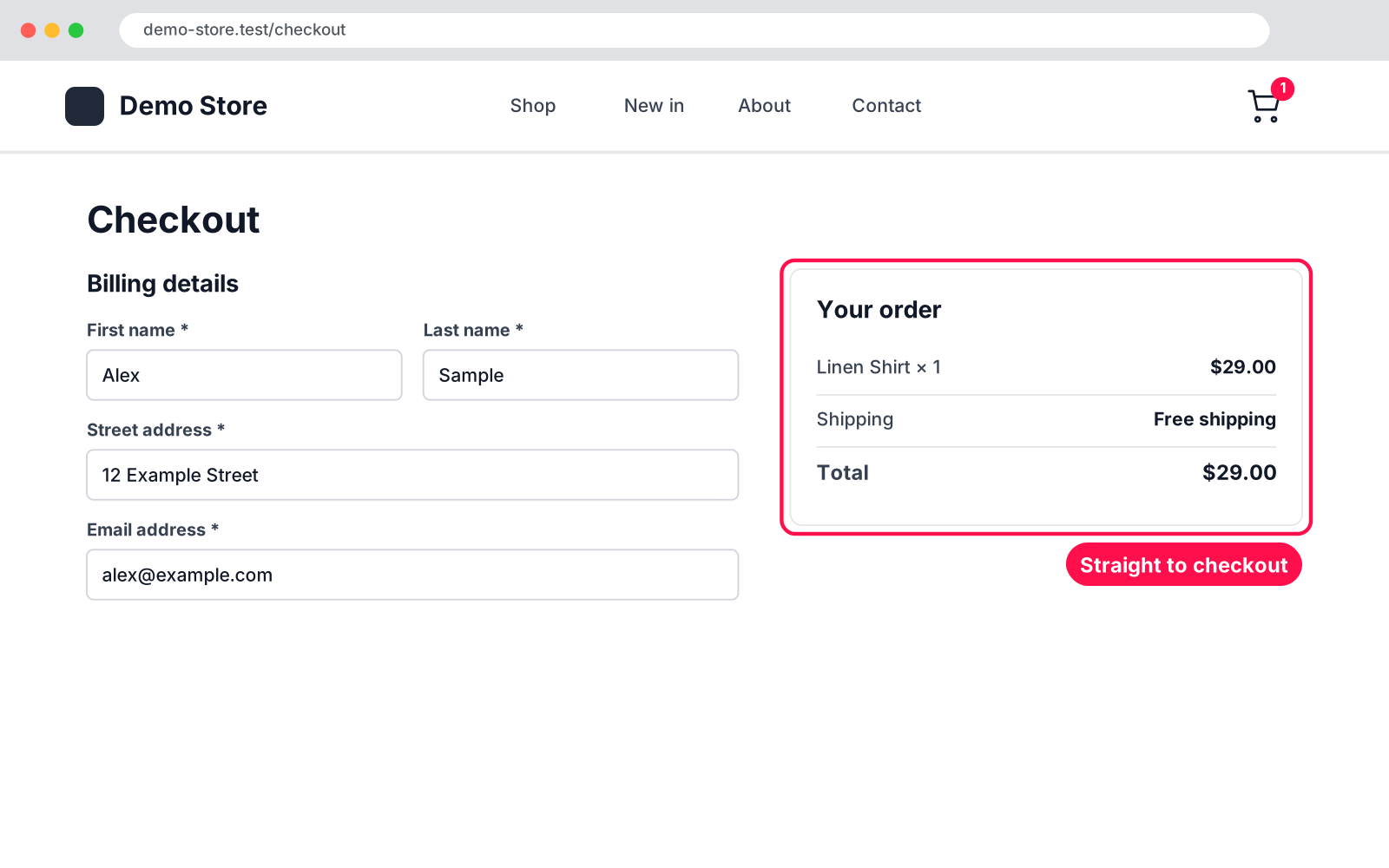
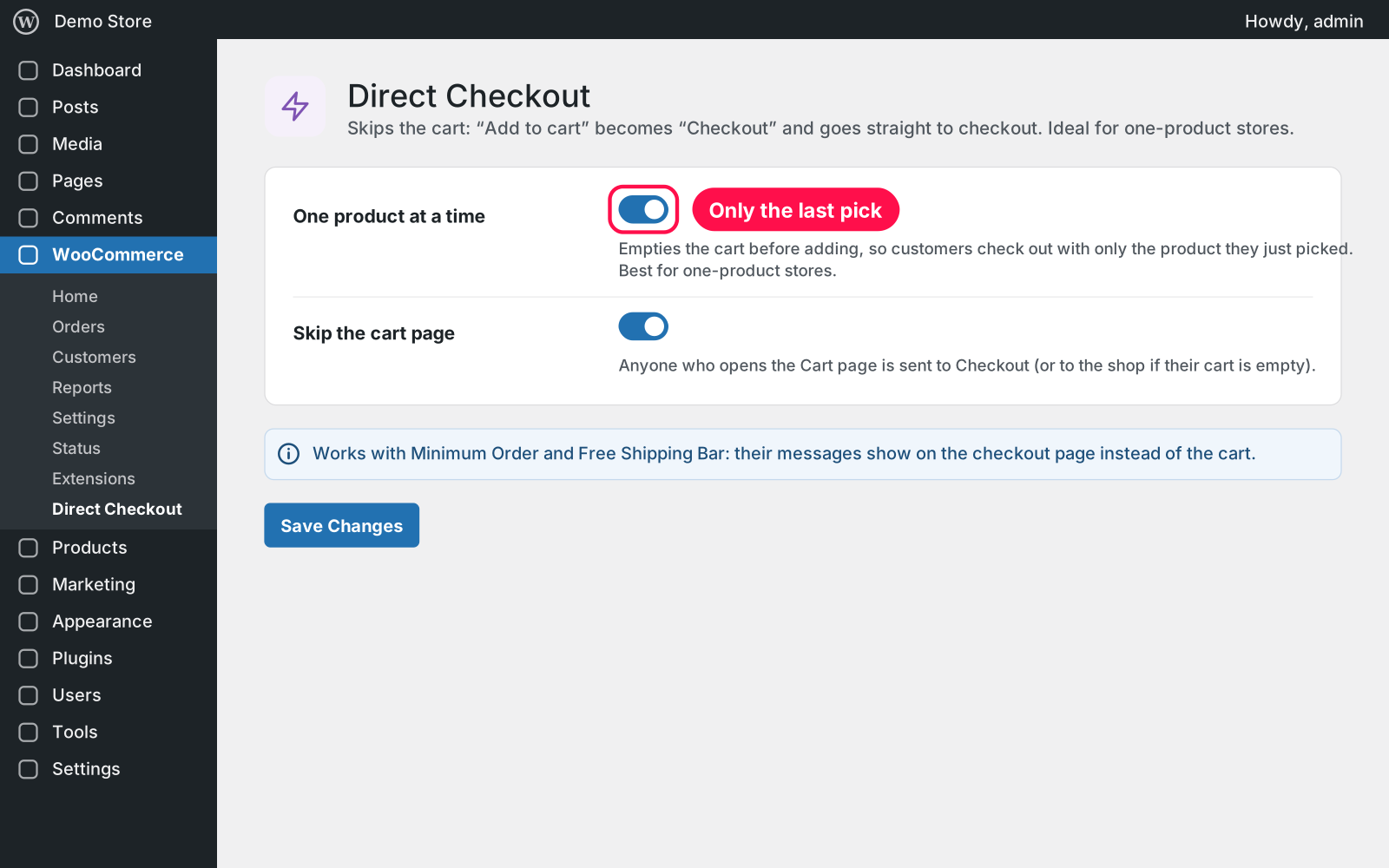
Cuts the cart out of the way to buy. The "Add to cart" button becomes "Checkout", and one click takes the customer straight to the checkout page with the product they just picked. It works right after you activate it; five simple settings let you fine-tune it.
Yes. Customers go to whichever Checkout page your store uses, classic or block, and the product blocks redirect too.
Yes, if you switch off "One product at a time". Then each click adds to the cart and goes to checkout.
Yes. The redirect happens when a product is added or the Cart page is opened, and cart and checkout pages aren't cached by caching plugins.
Yes. The Cart page stays open inside the WPBakery, Elementor and Divi live editors, so you can still edit it.
Nothing in your store changes. Deleting the plugin keeps its settings too, because Arock Toolkit and other versions of this plugin share them.
I customize plugins and build new ones from scratch — same care, made for your site.
20 small WordPress and WooCommerce tools in one lightweight plugin. Switch each tool on or off from one page; only the tools you turn on run.

When a shopper adds a product to the cart, a popup offers that product's cross-sells with a quantity box and an "Add to order" button. Uses WooCommerce's own Cross-sells field.

A fundraising goal progress bar for WPForms donation forms. Website donations count automatically, checks and cash are logged by hand, with donors and days left.
Comments
Every comment is reviewed before it appears.
No comments yet — questions, ideas and bug reports are all welcome.