Home/Scripts & plugins/WordPress/Original Images Download
WordPress pluginMediaProductivityFree

Original Images Download

Download one ZIP file with every original, full-size image in your Media Library. Built in small batches so big libraries never time out, and stored privately for admins only.
Version 1.0.0WP 6.0+PHP 7.4+Updated Nov 2026Downloads 0

What it does 01

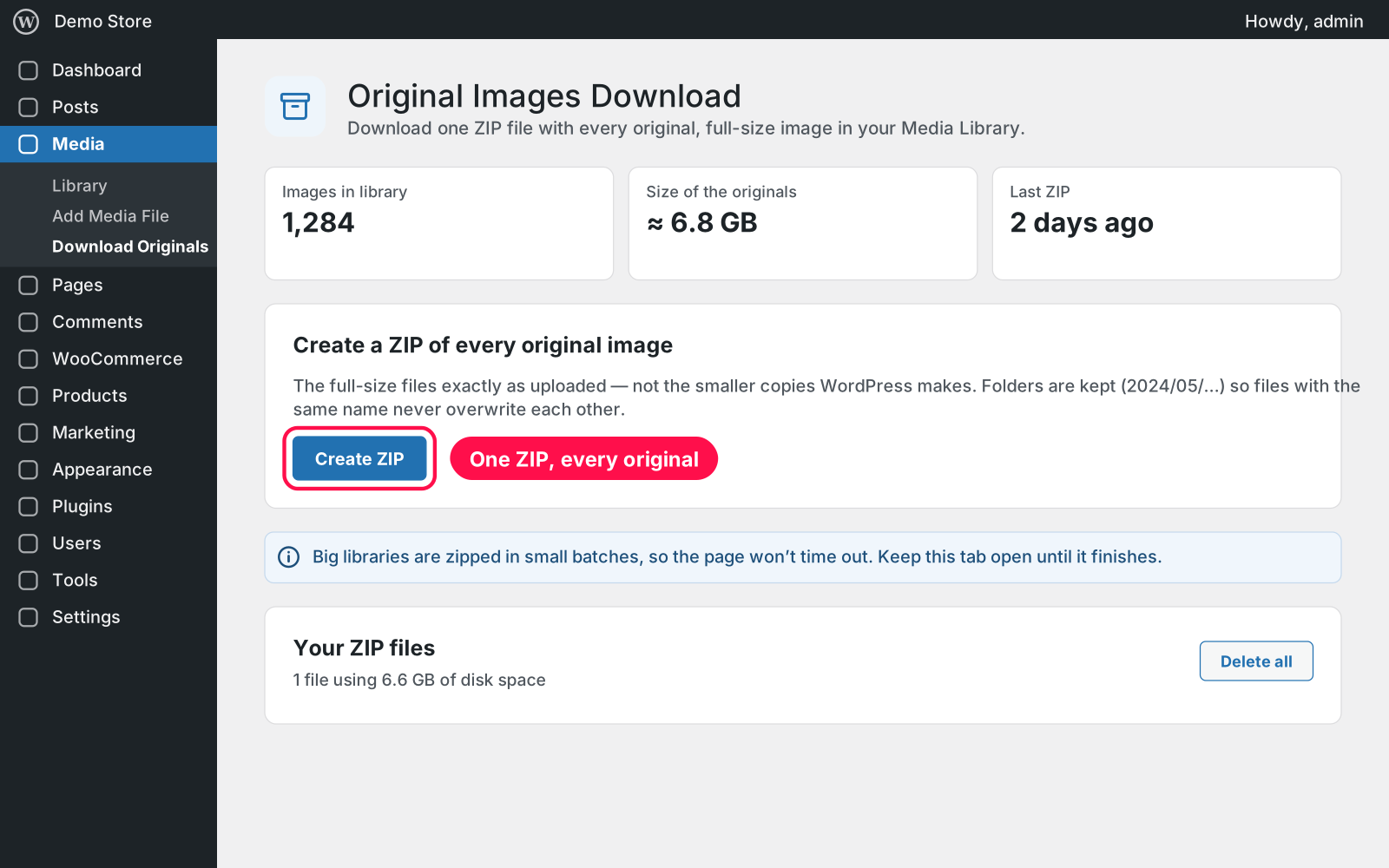
Need all your photos back in full size, for a backup, a new site or your designer? One click makes a single ZIP of every original image in your Media Library, exactly as it was uploaded. Big libraries are handled in small steps, and the finished ZIPs wait for you in a private list until you download or delete them.

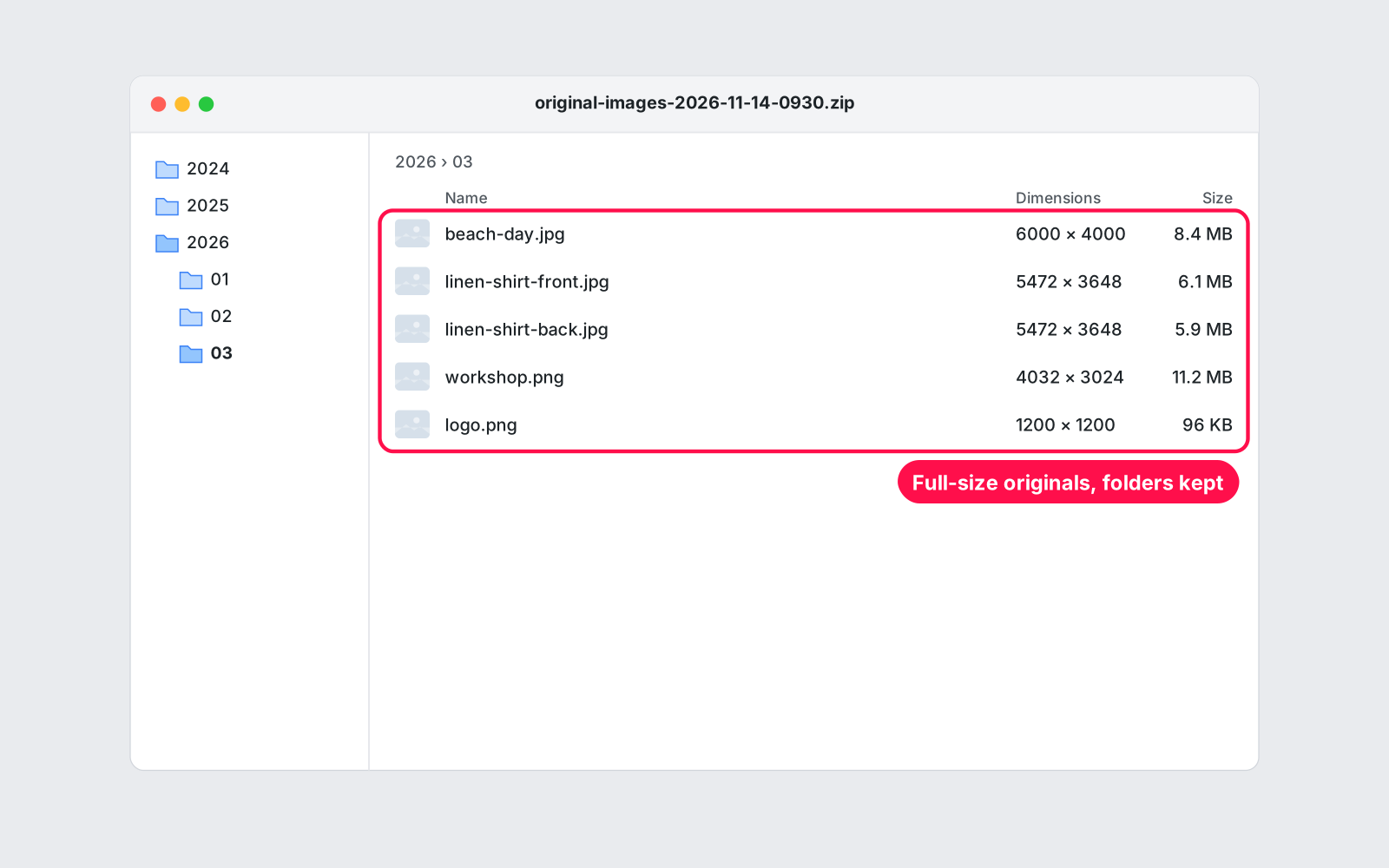
  • One click: a ZIP of every original image, the full-size files exactly as uploaded, not the smaller copies WordPress makes.
  • Folders kept: folders like 2024/05/… are kept, so files with the same name never overwrite each other.
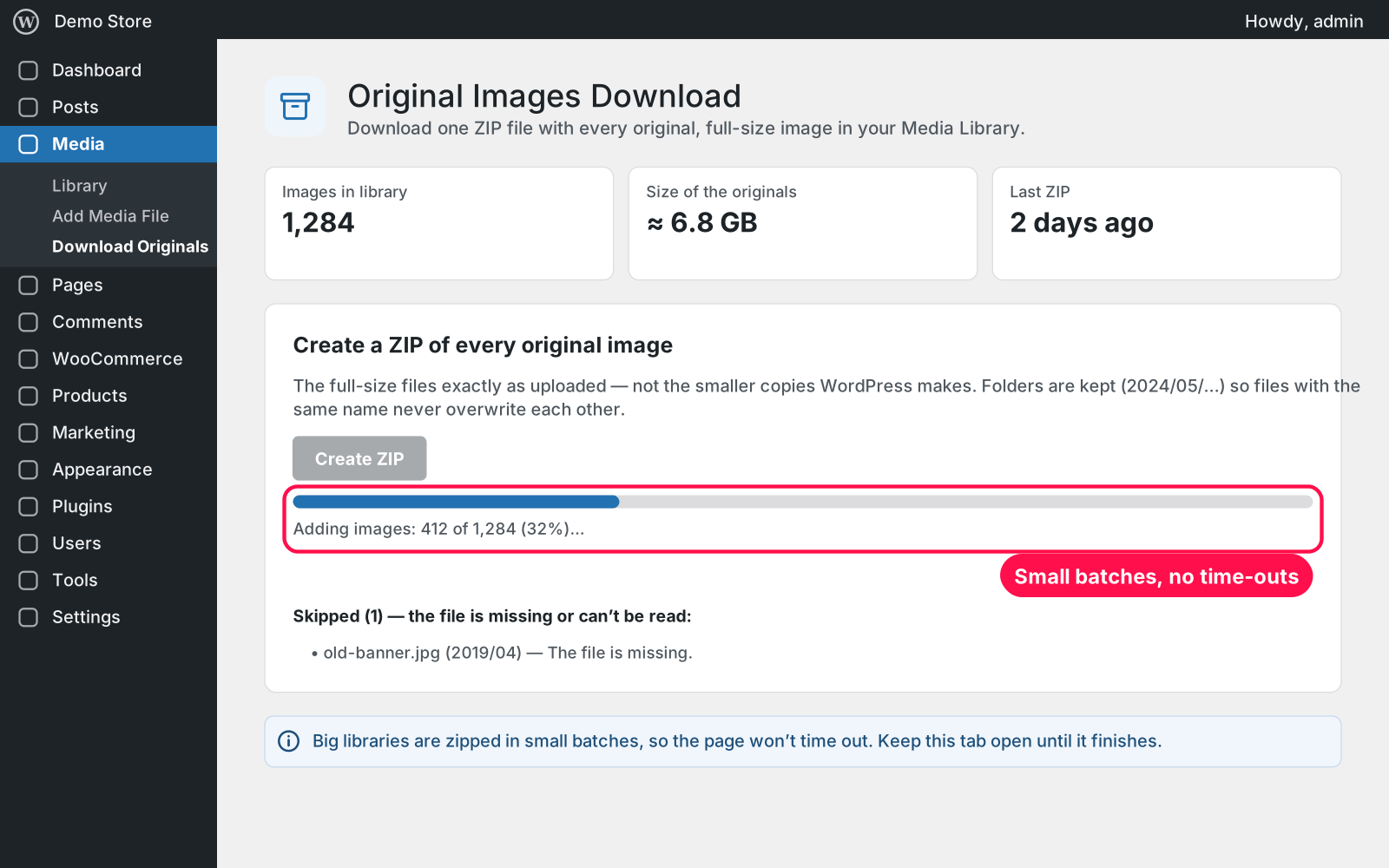
  • Big libraries: zipped in small batches with a progress bar, so the page never times out.
  • Missing files: missing or unreadable files are skipped and listed, so you know exactly what isn't in the ZIP.
  • Private: ZIPs are stored in a private folder with web access blocked, and only admins can download them.
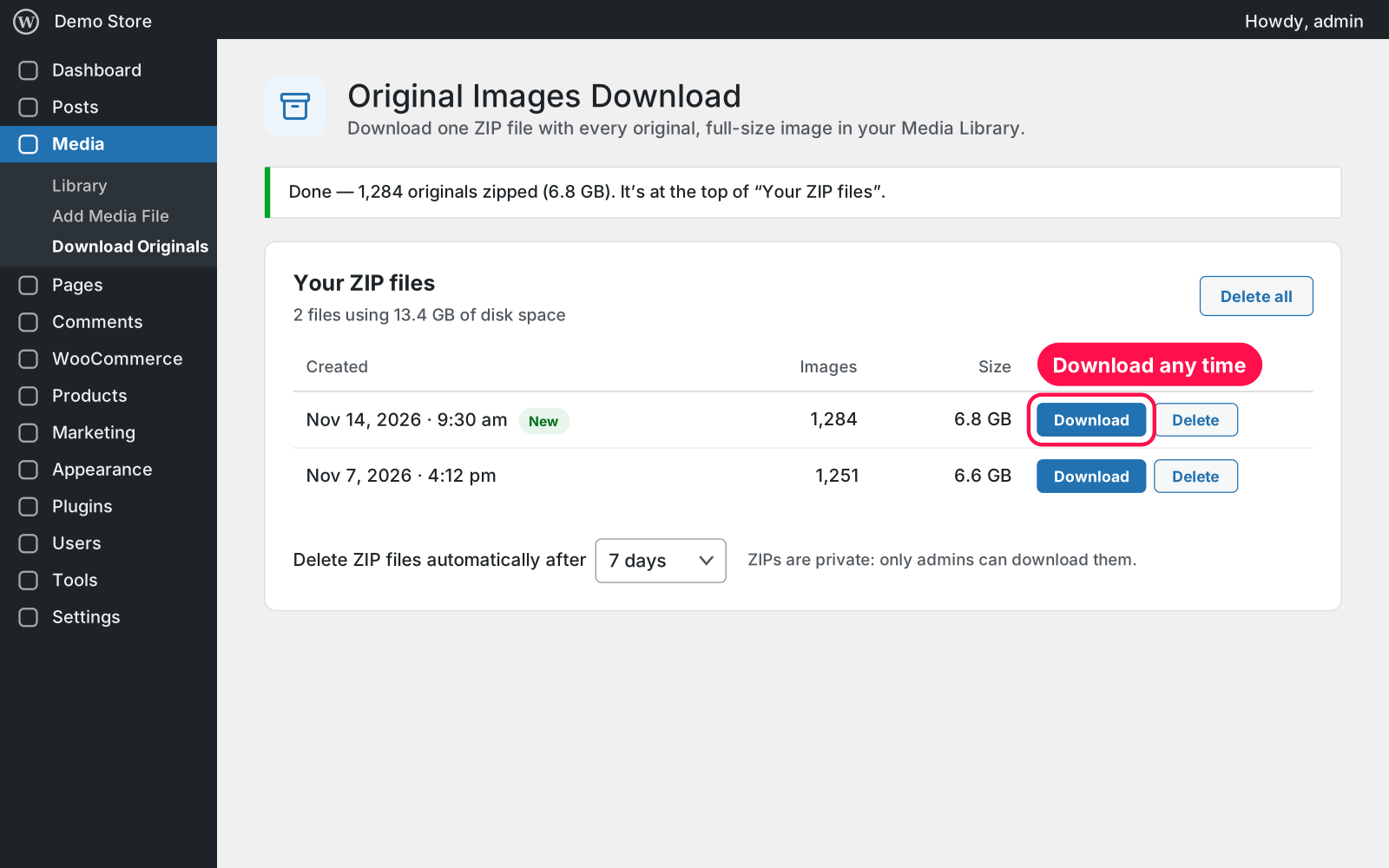
  • Your ZIP files: keeps every finished ZIP with its date, number of images and size.
  • Manage: download a ZIP again any time, delete one, or delete them all.
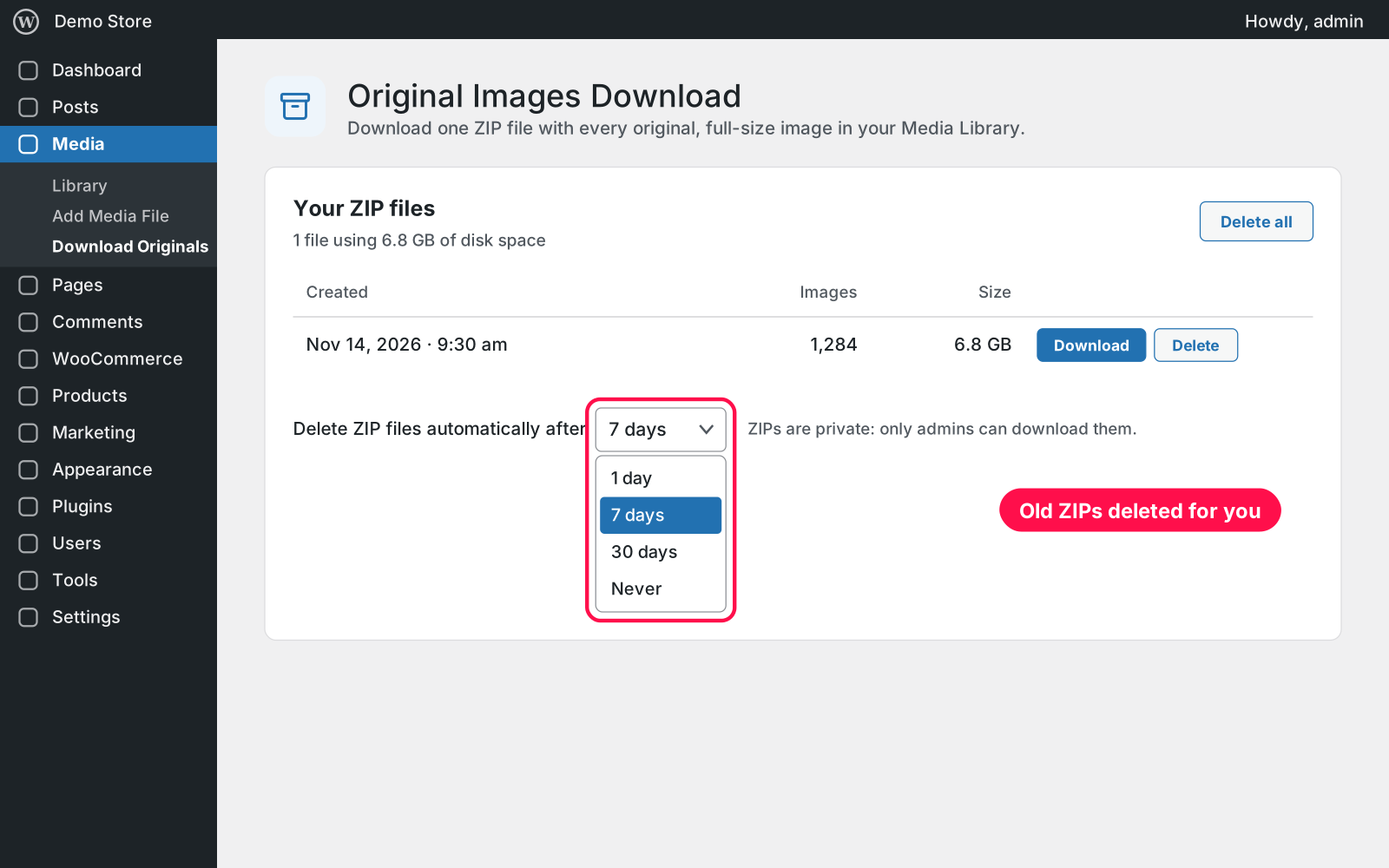
  • Auto-delete: old ZIPs are deleted after 1, 7 or 30 days (7 by default), or kept until you delete them.
  • Overview: shows how many images you have, roughly how big the originals are and when you made your last ZIP.
  • No special setup: it doesn't need PHP's ZIP extension.
  • Where it lives: one page under Media › Download Originals.

Setup 02 · about 2 minutes

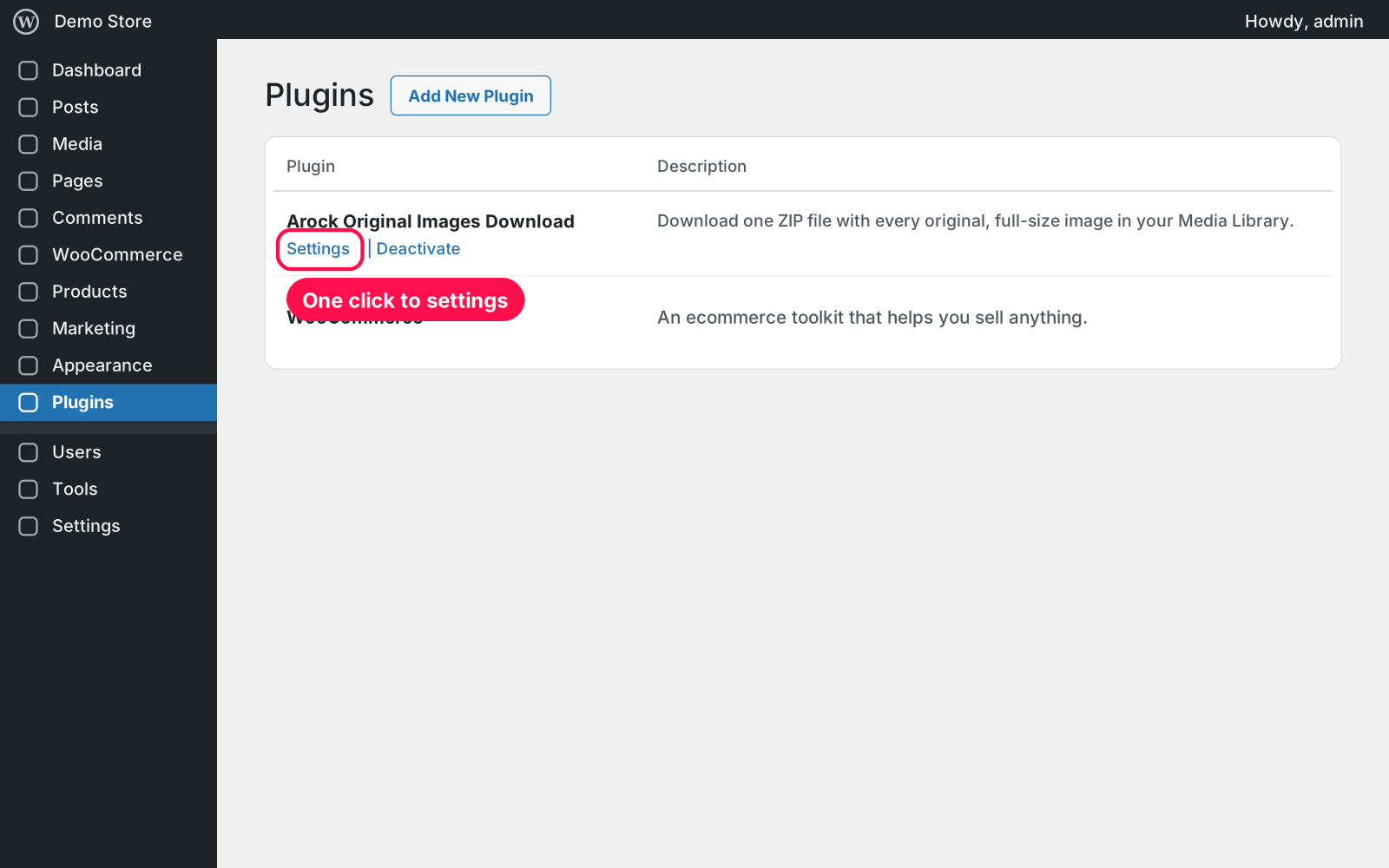
  1. Install & Activate it. In WordPress go to Plugins → Add New → Upload Plugin, choose the .zip and click Install Now, then Activate.
  2. Create your ZIP. Go to Media › Download Originals and click Create ZIP.
  3. Keep the tab open. The progress bar shows how far it is; big libraries take a few minutes.
  4. Download it. Click Download next to your ZIP in "Your ZIP files".

FAQ 03

Can anyone else download my ZIP files?

No. They're stored in a private folder with web access blocked, and the download link only works for logged-in admins.

My library is huge. Will it time out?

No. The ZIP is built in small batches, so it works on big libraries and normal hosting. Only very old 32-bit PHP servers can't make ZIP files over 2 GB.

Do the ZIP files fill up my disk?

Each ZIP is about as big as your originals, so they're deleted automatically after 7 days by default. You can choose 1 or 30 days, or keep them until you delete them yourself.

Is it really free?

Yes. Free forever, no sign-up, no ads, and it doesn't track you.

What happens to my data when I delete the plugin?

Your images are never touched. Stored ZIPs and the settings are kept, because Arock Toolkit and other versions of this plugin share them — delete the ZIPs on the plugin page first if you no longer need them.

Changelog 04

1.0.0Nov 14, 2026 · Latest
  • - First release as a standalone plugin (the same tool as in Arock Toolkit, with the same settings and ZIP list).
Need it to do something else?

I customize plugins and build new ones from scratch — same care, made for your site.

Ask me

Comments

Every comment is reviewed before it appears.

No comments yet — questions, ideas and bug reports are all welcome.

Leave a comment

Replying to
Comments are moderated and appear once approved. Your email is only used to notify you of replies.
Thanks! Your comment is awaiting moderation and will appear once it's approved.
Scripts & plugins

More plugins.

All scripts & plugins →
WordPressPremium

Arock Wordpress + WooCommerce Toolkit

20 small WordPress and WooCommerce tools in one lightweight plugin. Switch each tool on or off from one page; only the tools you turn on run.

Buy →
WordPress

Custom User Avatars

Let users pick their profile picture from the Media Library instead of Gravatar. It shows everywhere WordPress shows an avatar. No settings needed.

FreeDownload ↓
WordPress

Upload Control

Choose which file types can be uploaded to your Media Library, set a max file size per type, and safely allow JSON, fonts, SVG and 3D files.

FreeDownload ↓