
Arock Wordpress + WooCommerce Toolkit
20 small WordPress and WooCommerce tools in one lightweight plugin. Switch each tool on or off from one page; only the tools you turn on run.
$9.95Buy →

Choose which file types can be uploaded to your Media Library, set a max file size per type, and safely allow JSON, fonts, SVG and 3D files.
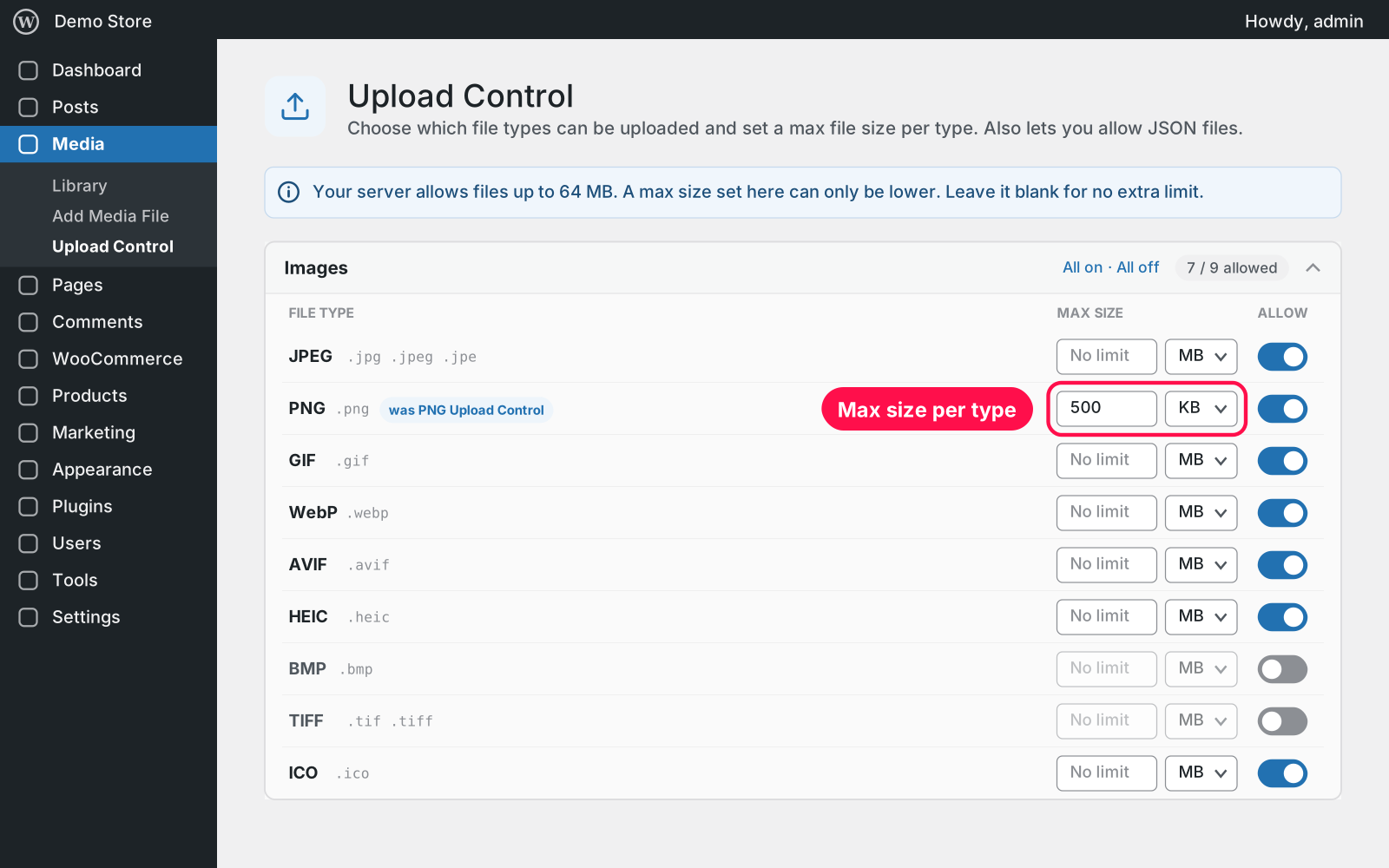
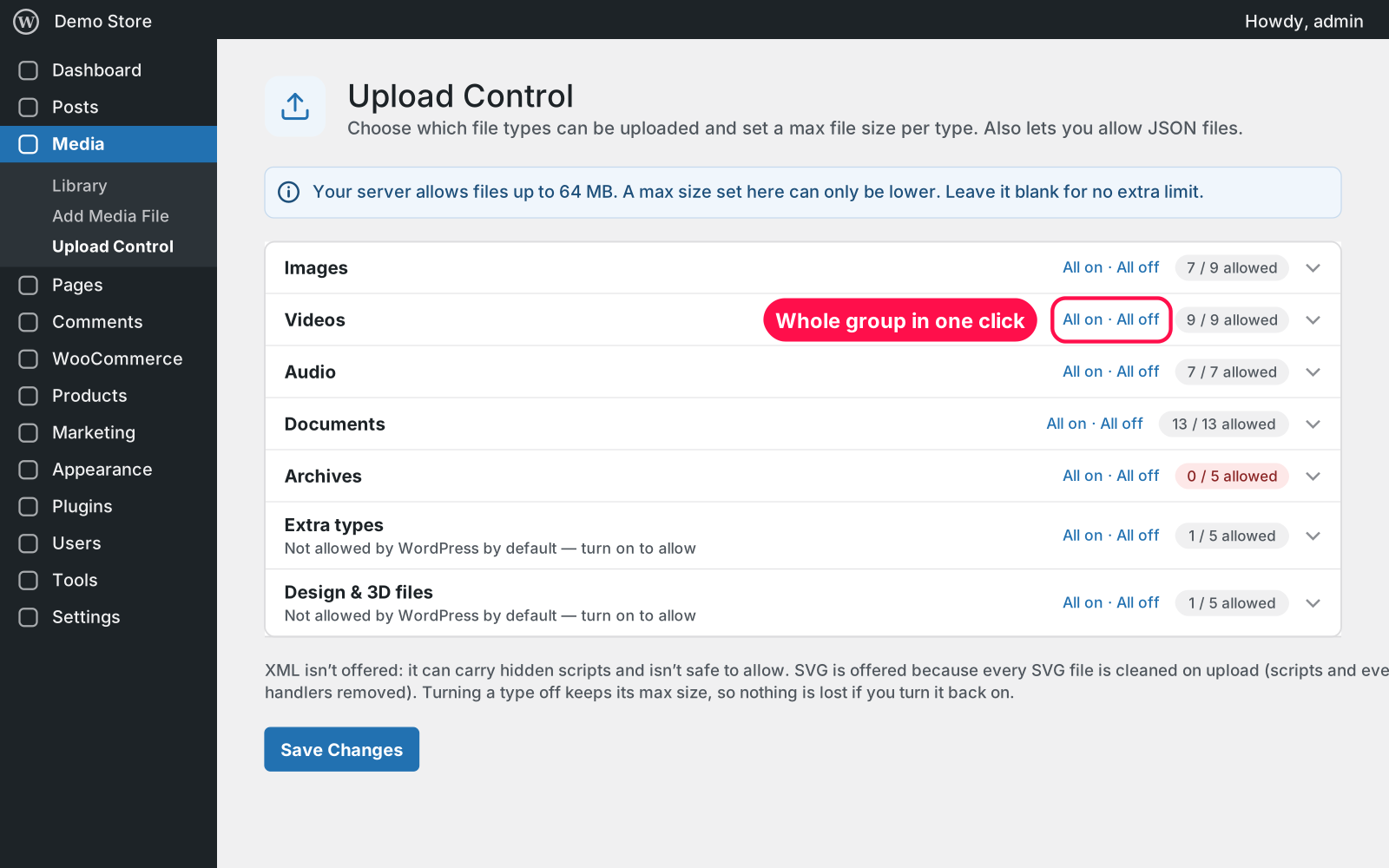
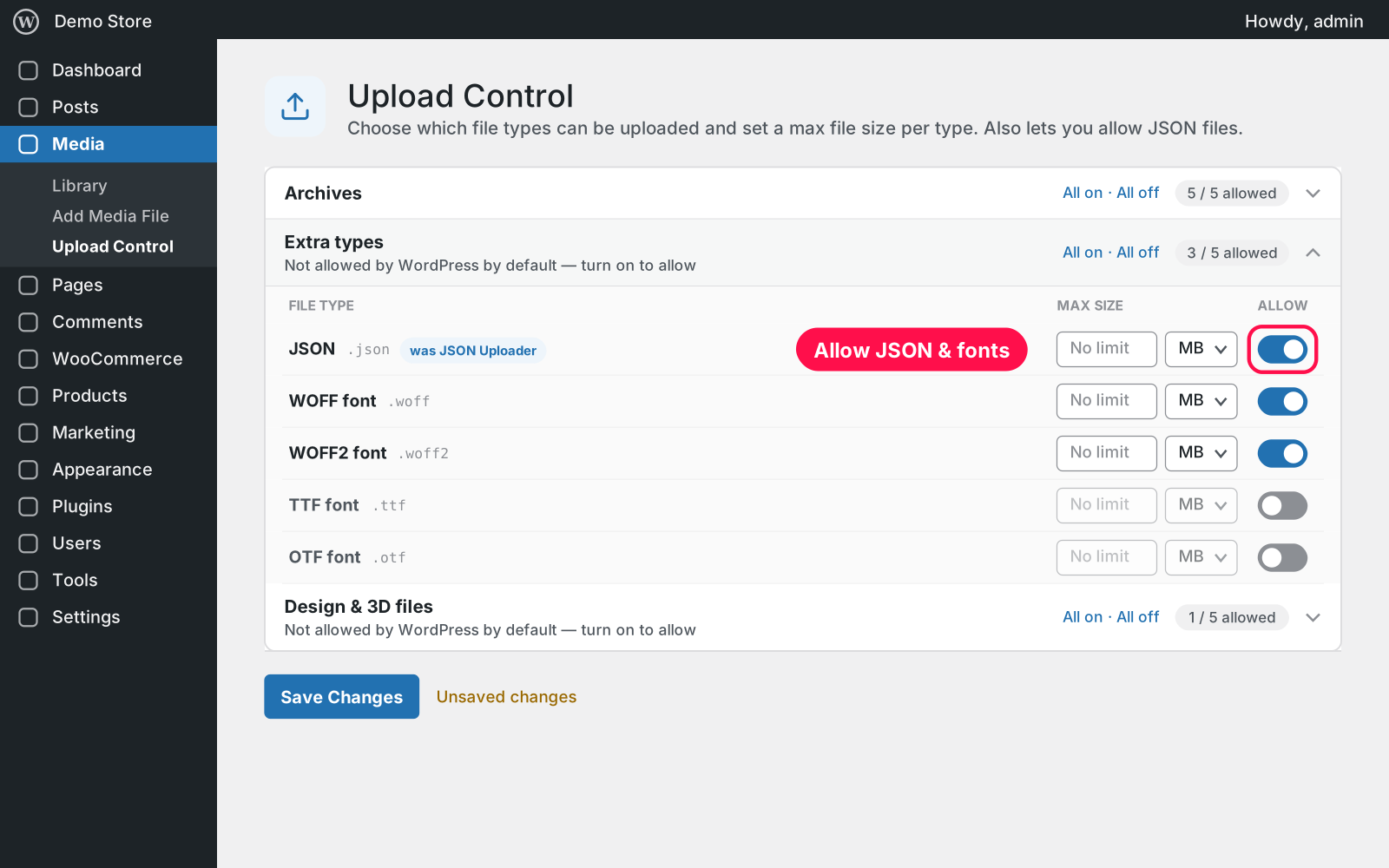
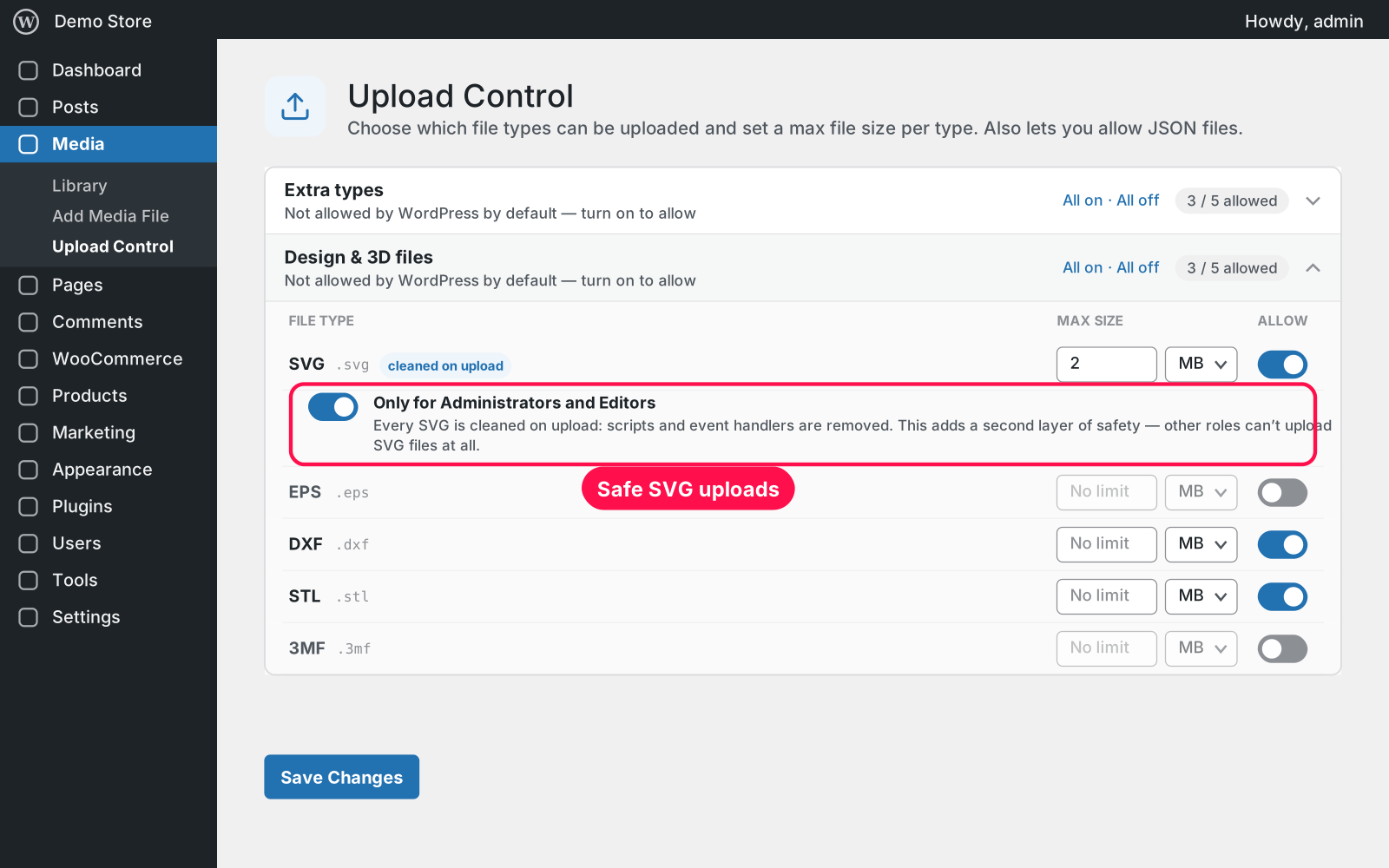
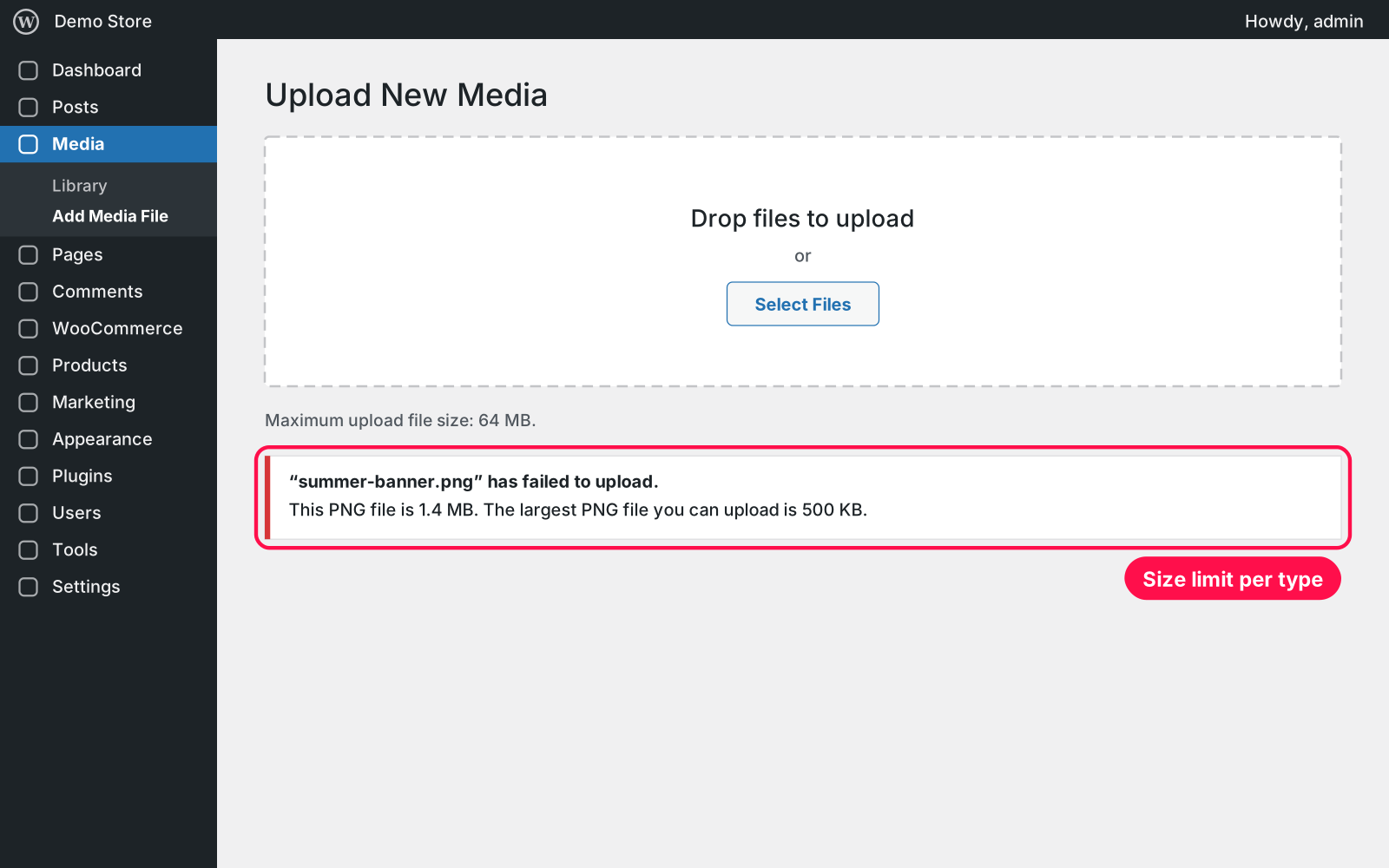
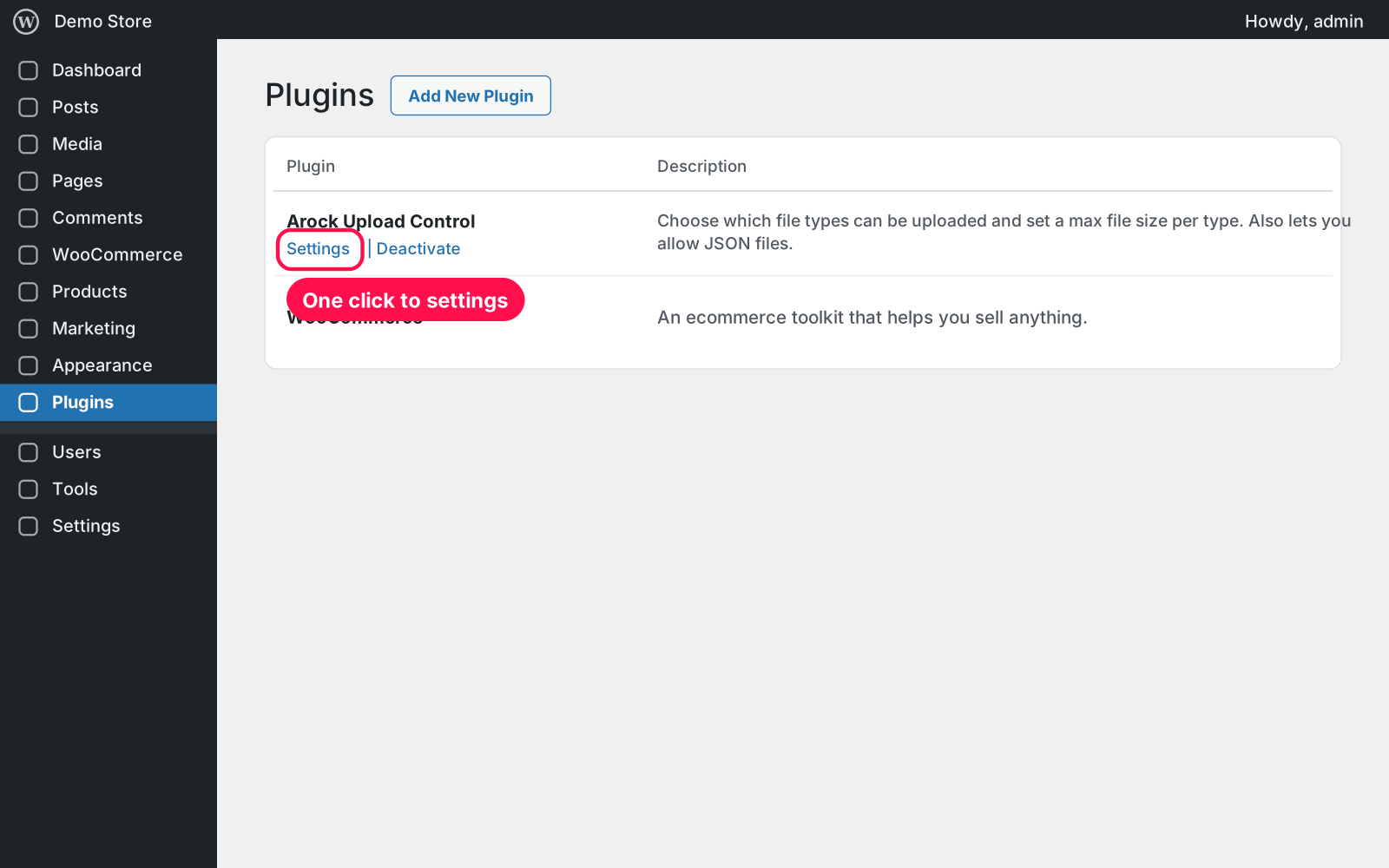
Decide exactly what can be uploaded to your site. Every file type WordPress accepts gets its own switch and an optional size limit, and a few useful types WordPress blocks (JSON, web fonts, SVG and 3D files) can be allowed safely. Everything is on one page under Media.
Yes. The file types you disabled are imported automatically. Settings from PNG Upload Control (PNG off, max PNG size) and JSON Uploader (JSON allowed) are imported too.
Every SVG is cleaned when it's uploaded — scripts and event handlers are removed — and by default only Administrators and Editors can upload SVGs at all.
Yes. The rules apply wherever files are uploaded through WordPress: the Media Library, the editor, product images and plugins that use the standard upload.
Yes. Free forever, no sign-up, no ads, and it doesn't track you.
Files you already uploaded are never touched. Deleting the plugin keeps your settings too, because Arock Toolkit and other versions of this plugin share them.
I customize plugins and build new ones from scratch — same care, made for your site.
20 small WordPress and WooCommerce tools in one lightweight plugin. Switch each tool on or off from one page; only the tools you turn on run.
Copy any post, page, product or custom post type in one click: from the list, bulk actions, admin bar or editor. WPBakery layouts and custom fields included.

See when every user last logged in. Adds a sortable Last Login column to the Users list for every role, admins included. No settings needed.
Comments
Every comment is reviewed before it appears.
No comments yet — questions, ideas and bug reports are all welcome.