
Arock Wordpress + WooCommerce Toolkit
20 small WordPress and WooCommerce tools in one lightweight plugin. Switch each tool on or off from one page; only the tools you turn on run.
$9.95Buy →

Choose which thumbnail sizes WordPress makes, cap the size of big uploads, see how much disk space each size uses and regenerate thumbnails in one click.
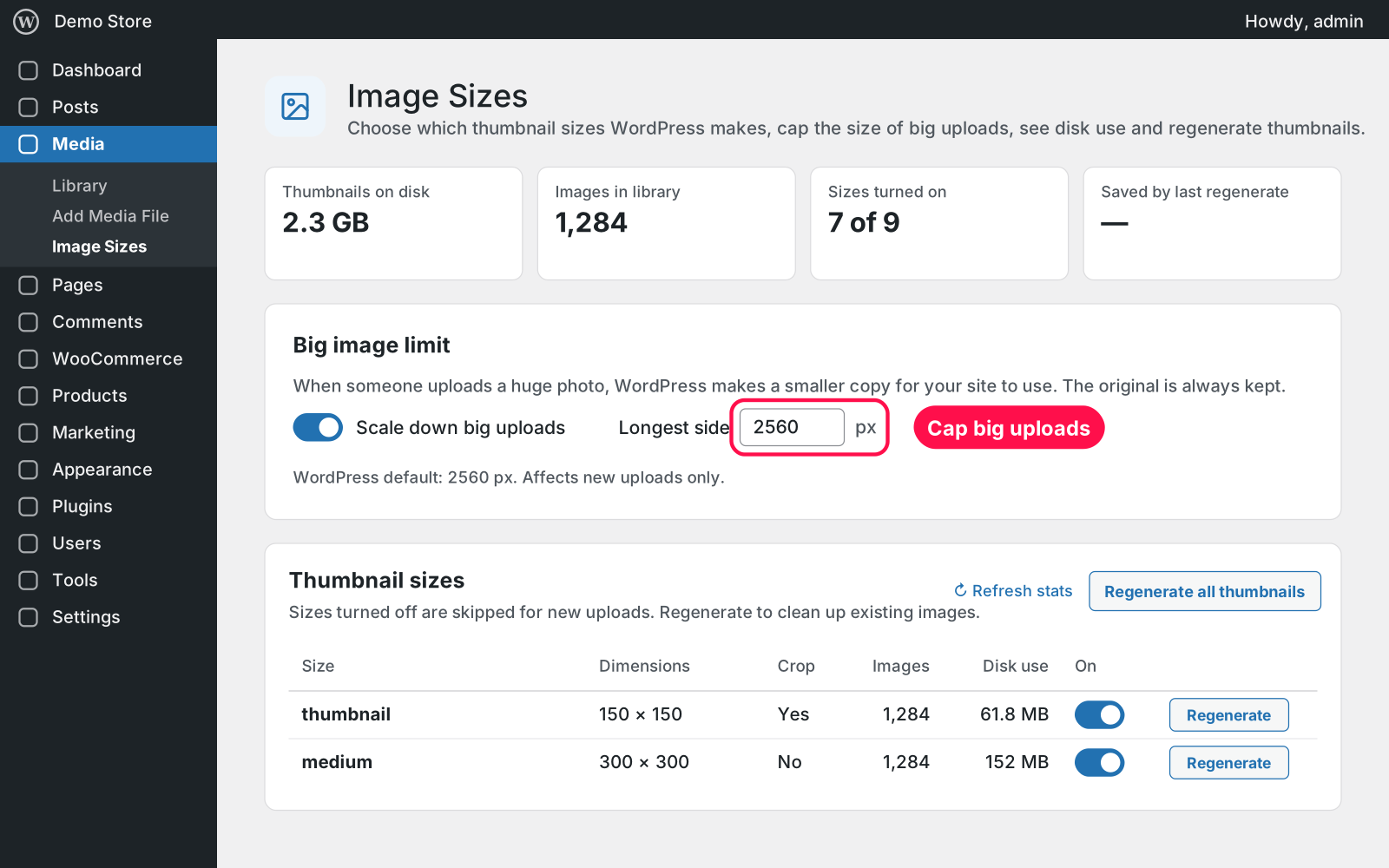
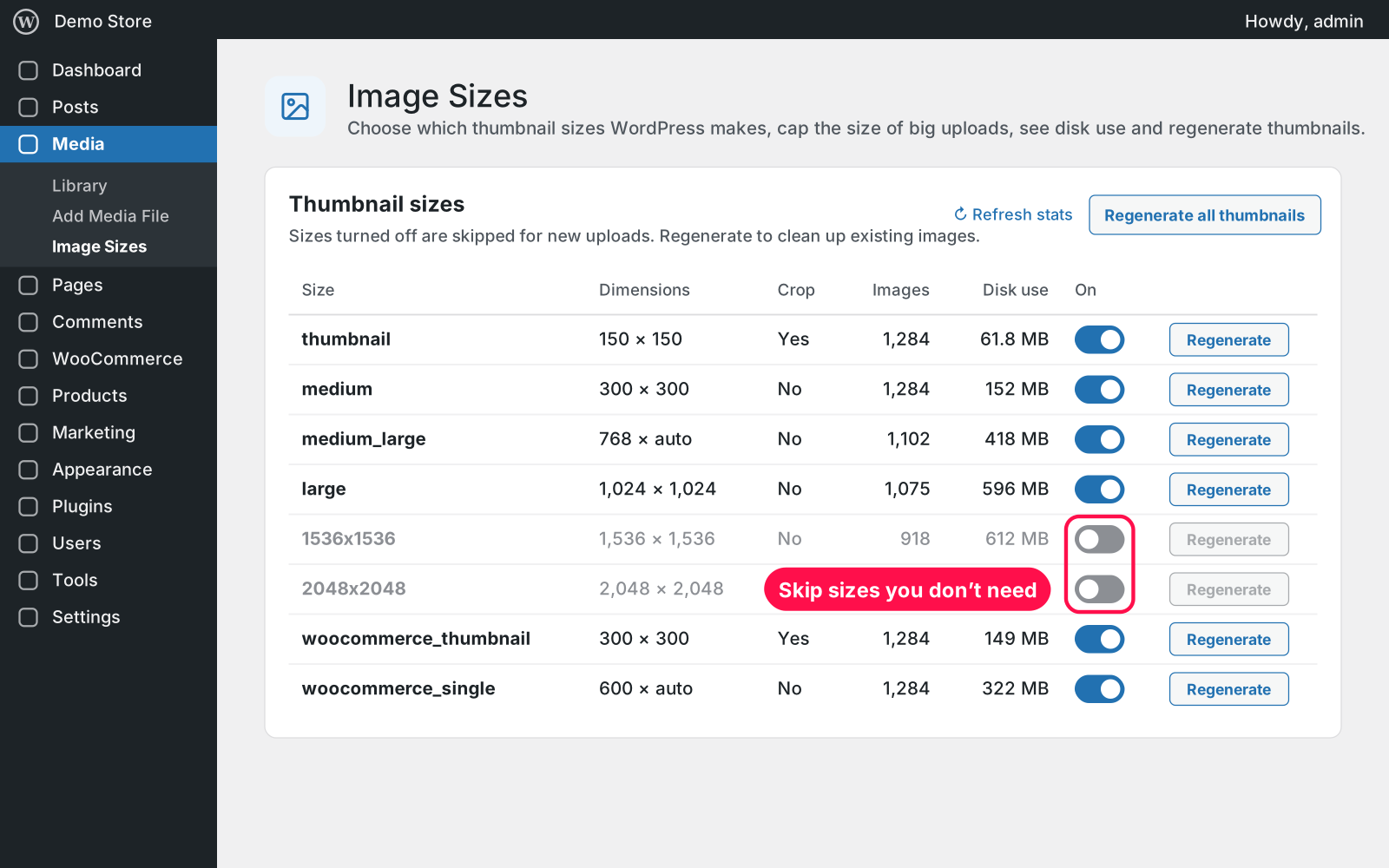
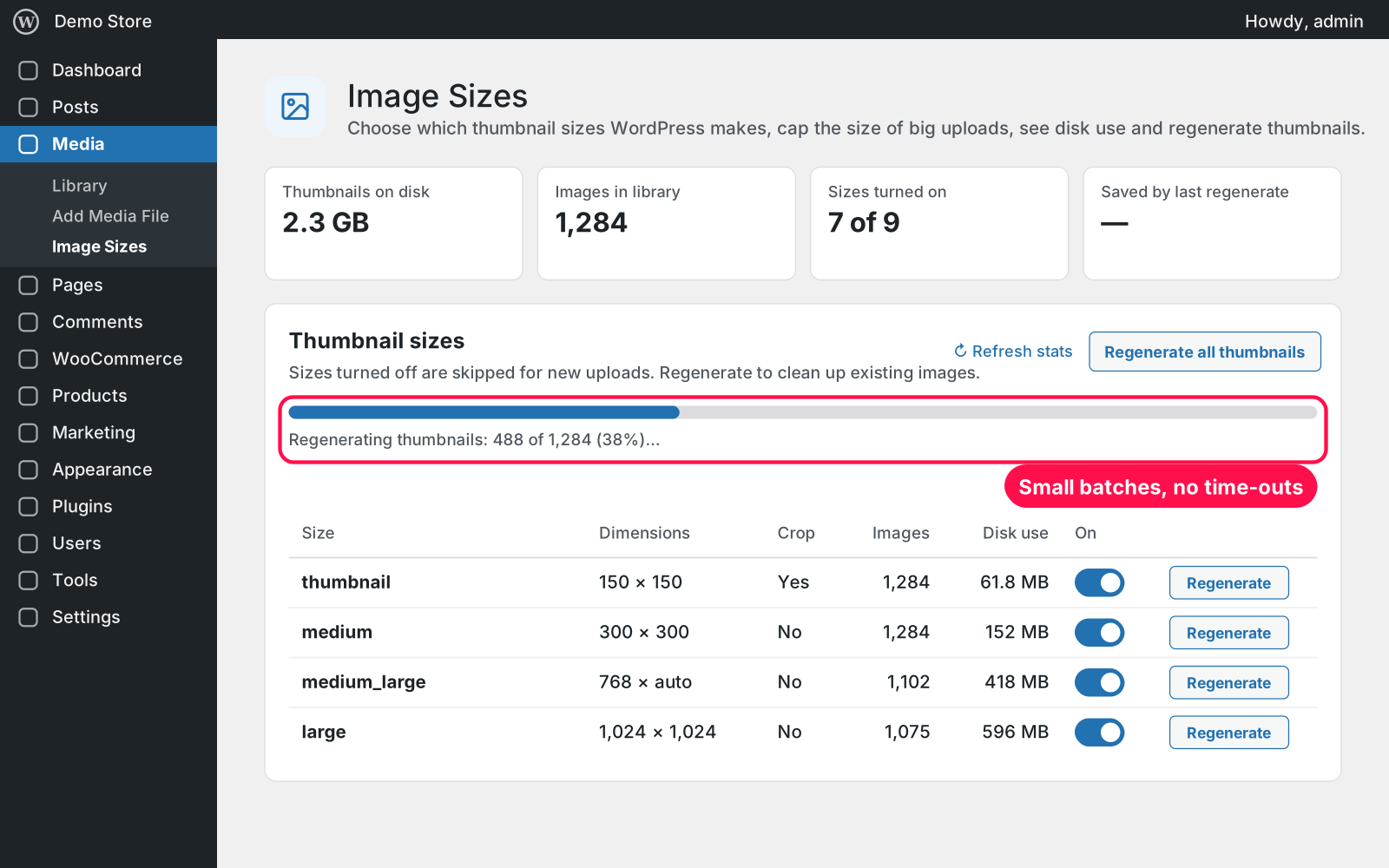
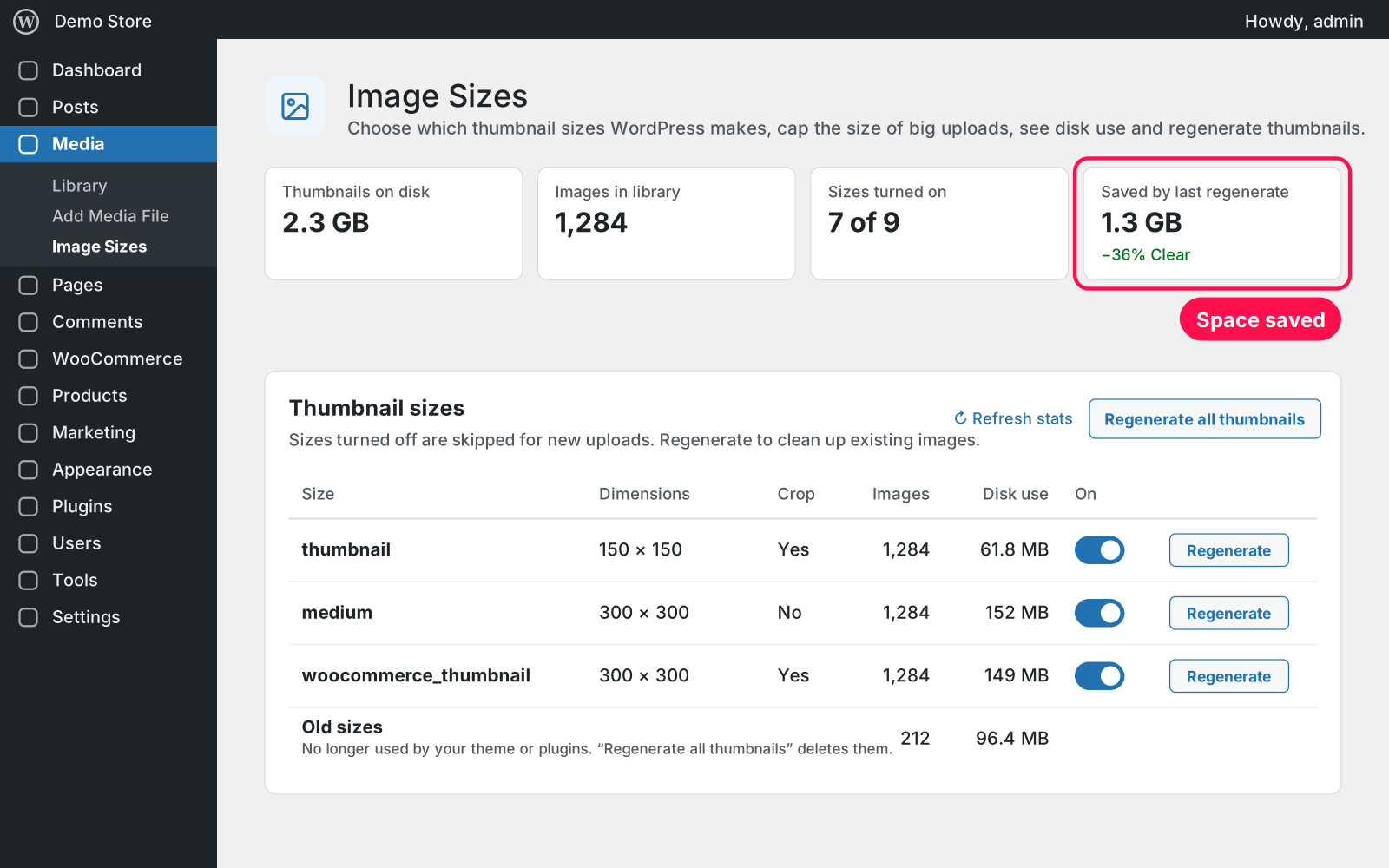
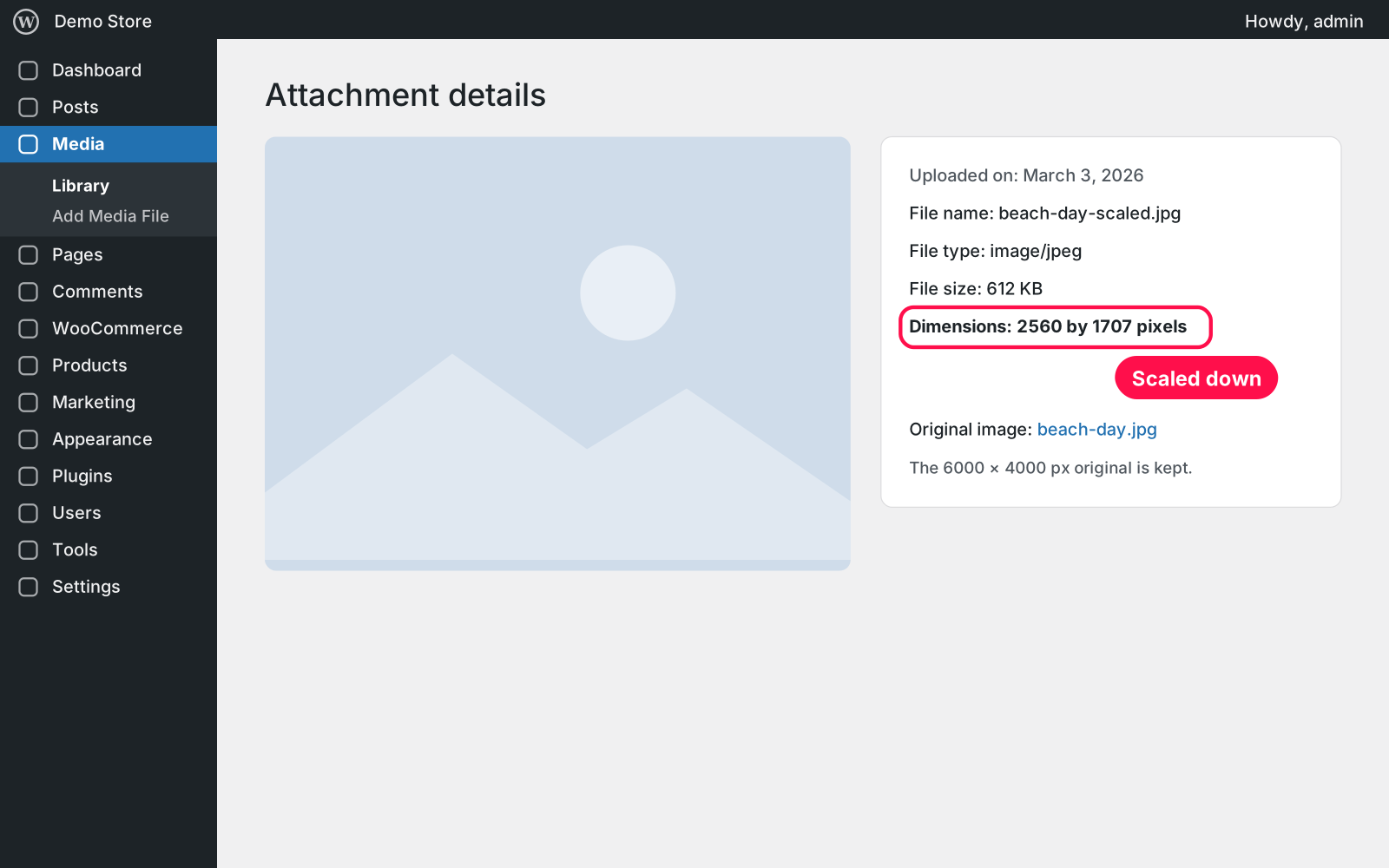
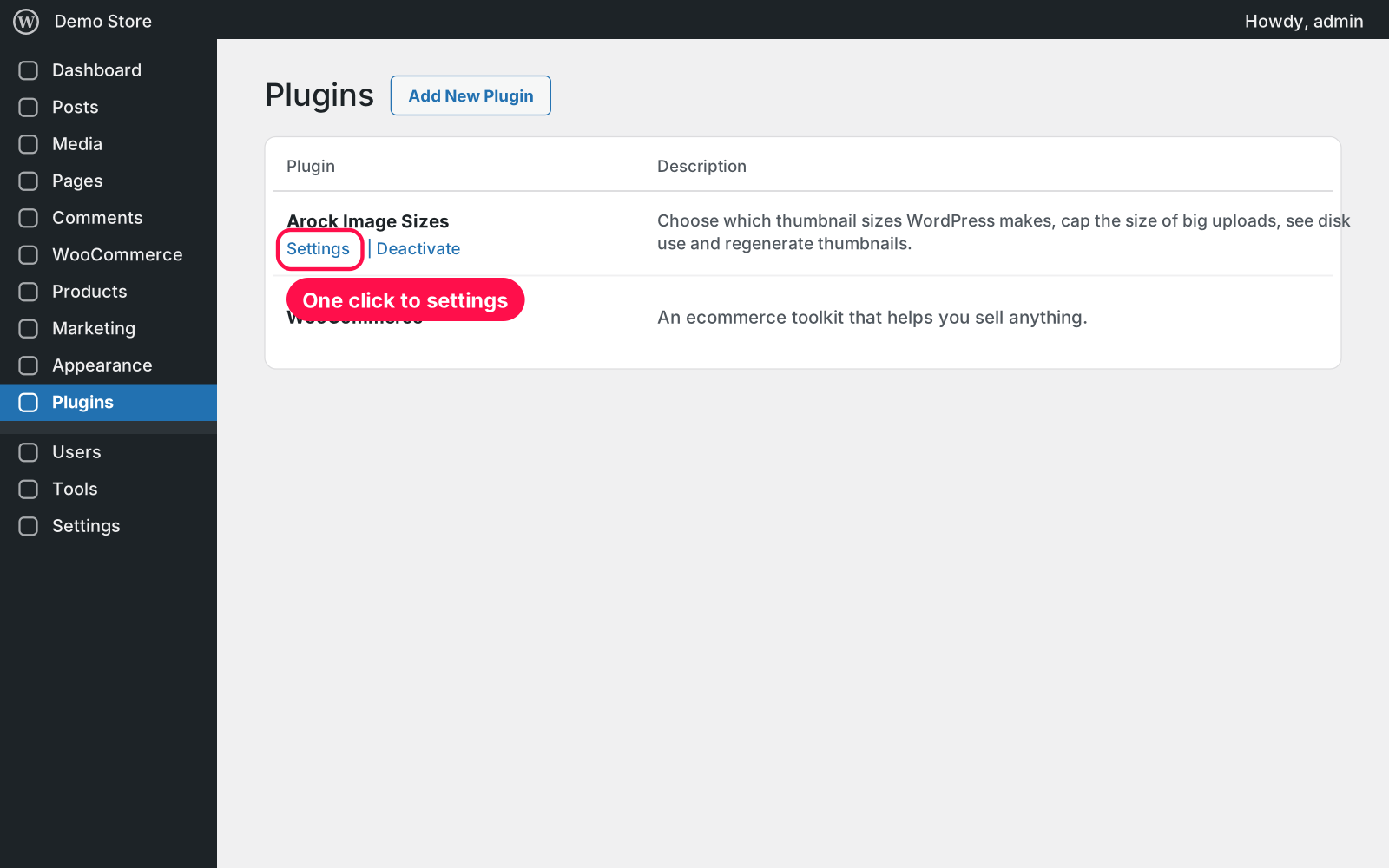
Every image you upload is copied into a pile of thumbnail sizes, many of which your site never shows. This plugin lists them all with the disk space each one takes, lets you switch off the ones you don't need, caps the size of huge photos and regenerates your thumbnails to clean up, all from one page under Media.
Yes. Your max width and height are imported once: the larger value becomes the new "Longest side". If you used Image Size Manager, your size choices carry over as they are.
No. Originals are never touched. Regenerating rebuilds the thumbnails from them and only removes thumbnail files that are no longer needed.
Yes. It lists every size registered on your site, including your theme's and WooCommerce's, so you decide which ones stay.
Yes. Free forever, no sign-up, no ads, and it doesn't track you.
Your images and thumbnails stay as they are. Deleting the plugin keeps your settings too, because Arock Toolkit and other versions of this plugin share them.
I customize plugins and build new ones from scratch — same care, made for your site.
20 small WordPress and WooCommerce tools in one lightweight plugin. Switch each tool on or off from one page; only the tools you turn on run.

Let users pick their profile picture from the Media Library instead of Gravatar. It shows everywhere WordPress shows an avatar. No settings needed.

Choose which file types can be uploaded to your Media Library, set a max file size per type, and safely allow JSON, fonts, SVG and 3D files.
Comments
Every comment is reviewed before it appears.
No comments yet — questions, ideas and bug reports are all welcome.