
Chrome SVG Grabber & Editor
Find every SVG on a web page, icons and logos included, and save each one as a clean .svg file. Recolor, resize and rename before you download, or copy the code.
FreeDownload ↓

A strong password the moment you click: copy it with one click or Enter. Pick the length and characters. Fast, private, and your passwords are never stored.
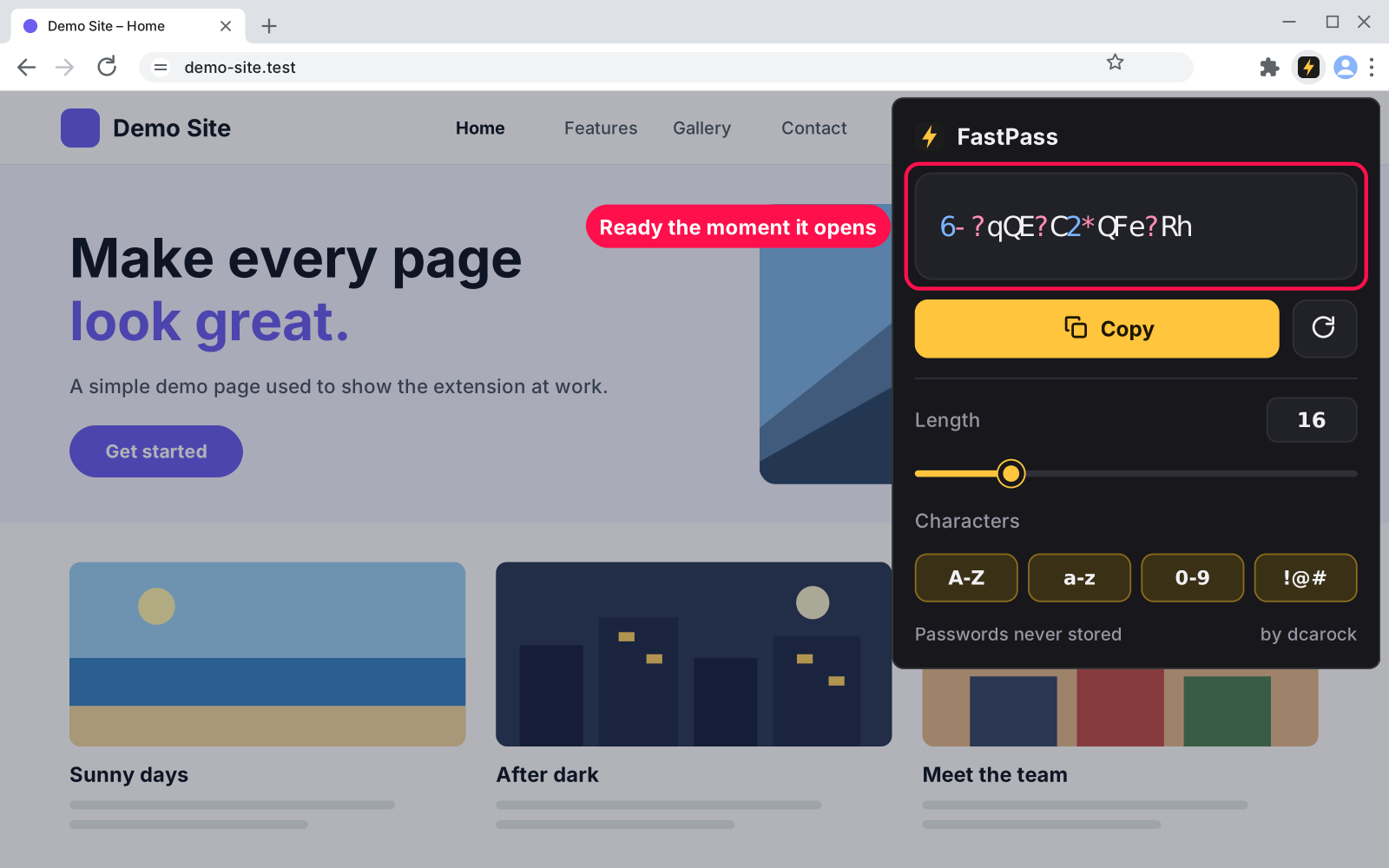
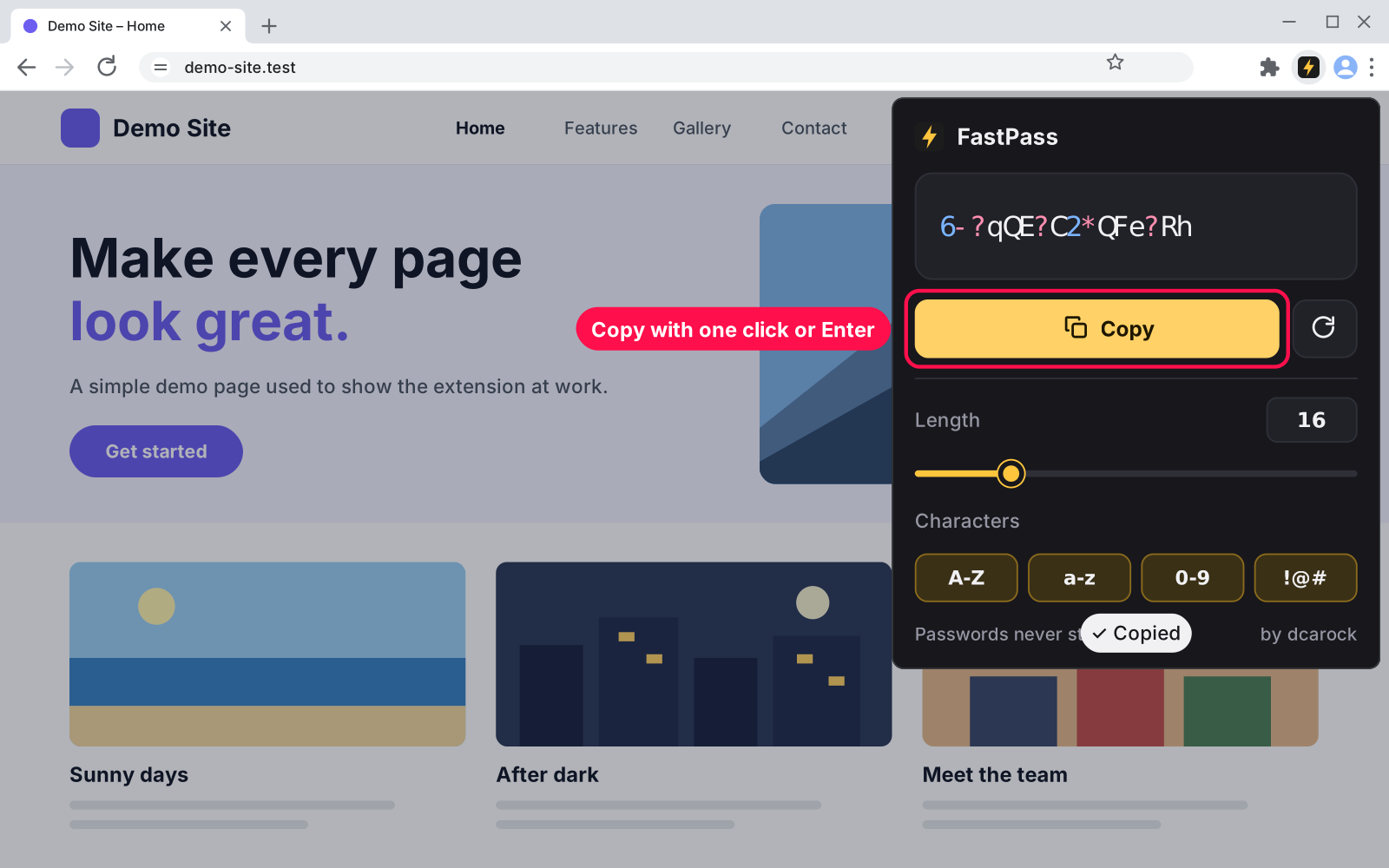
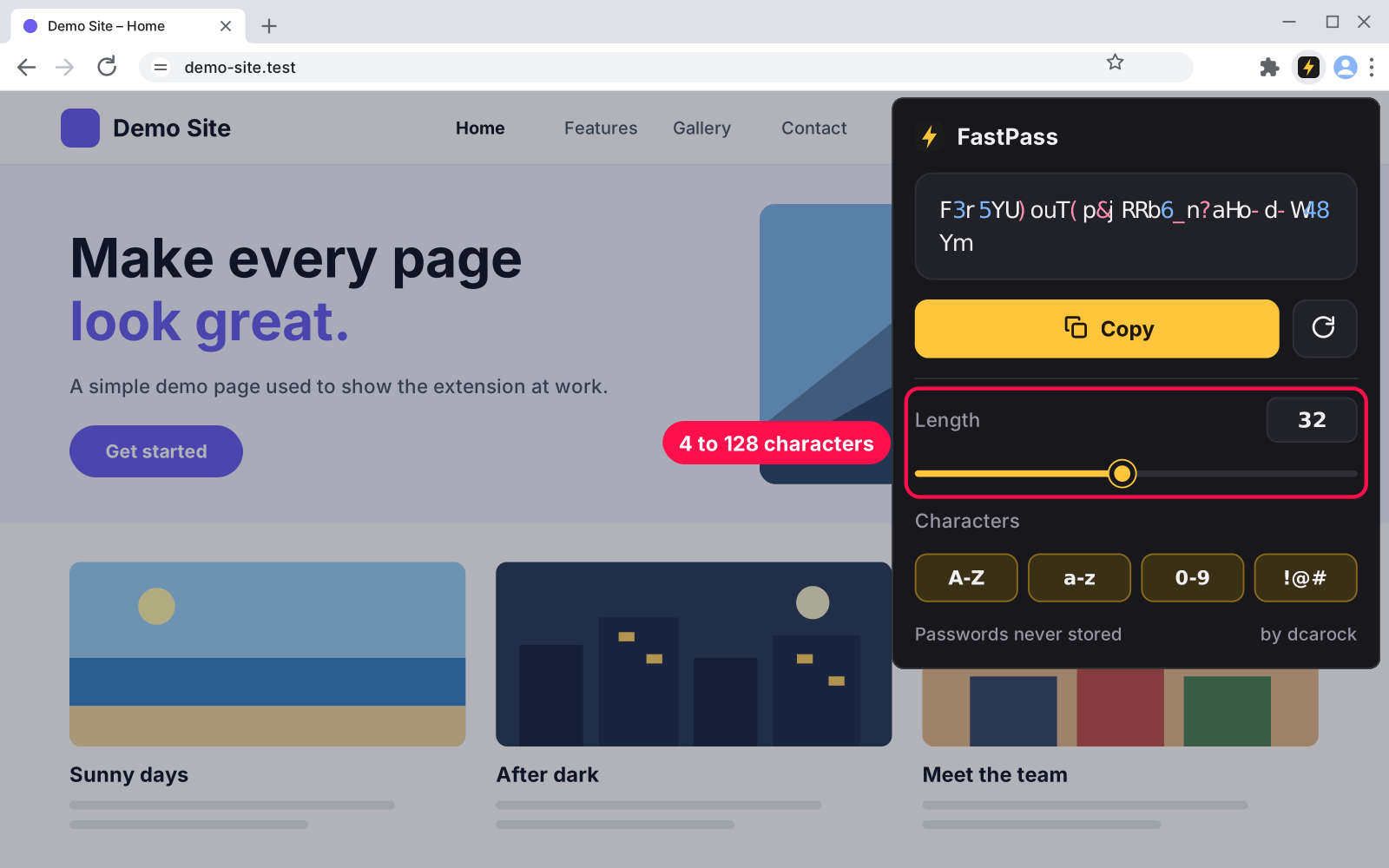
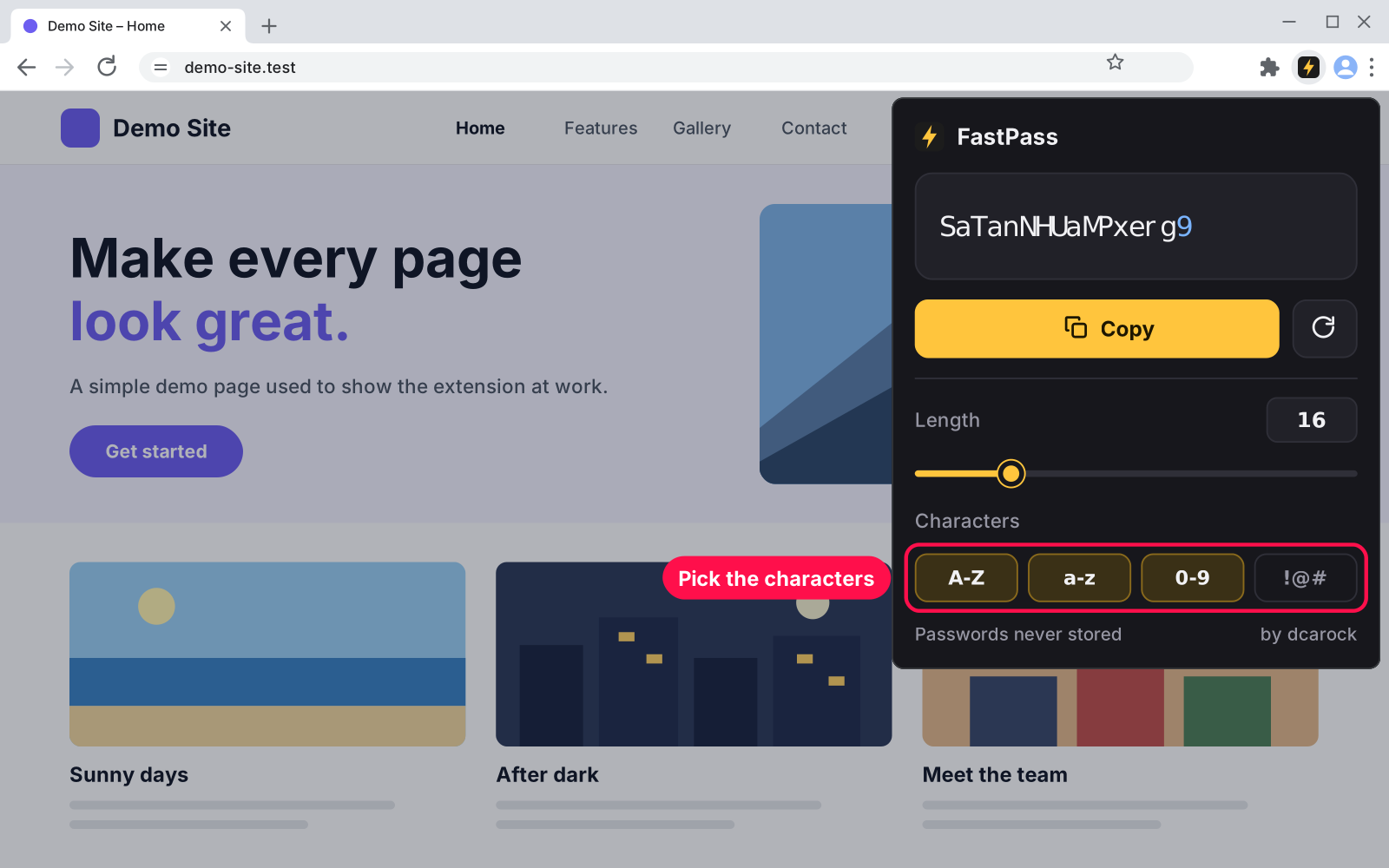
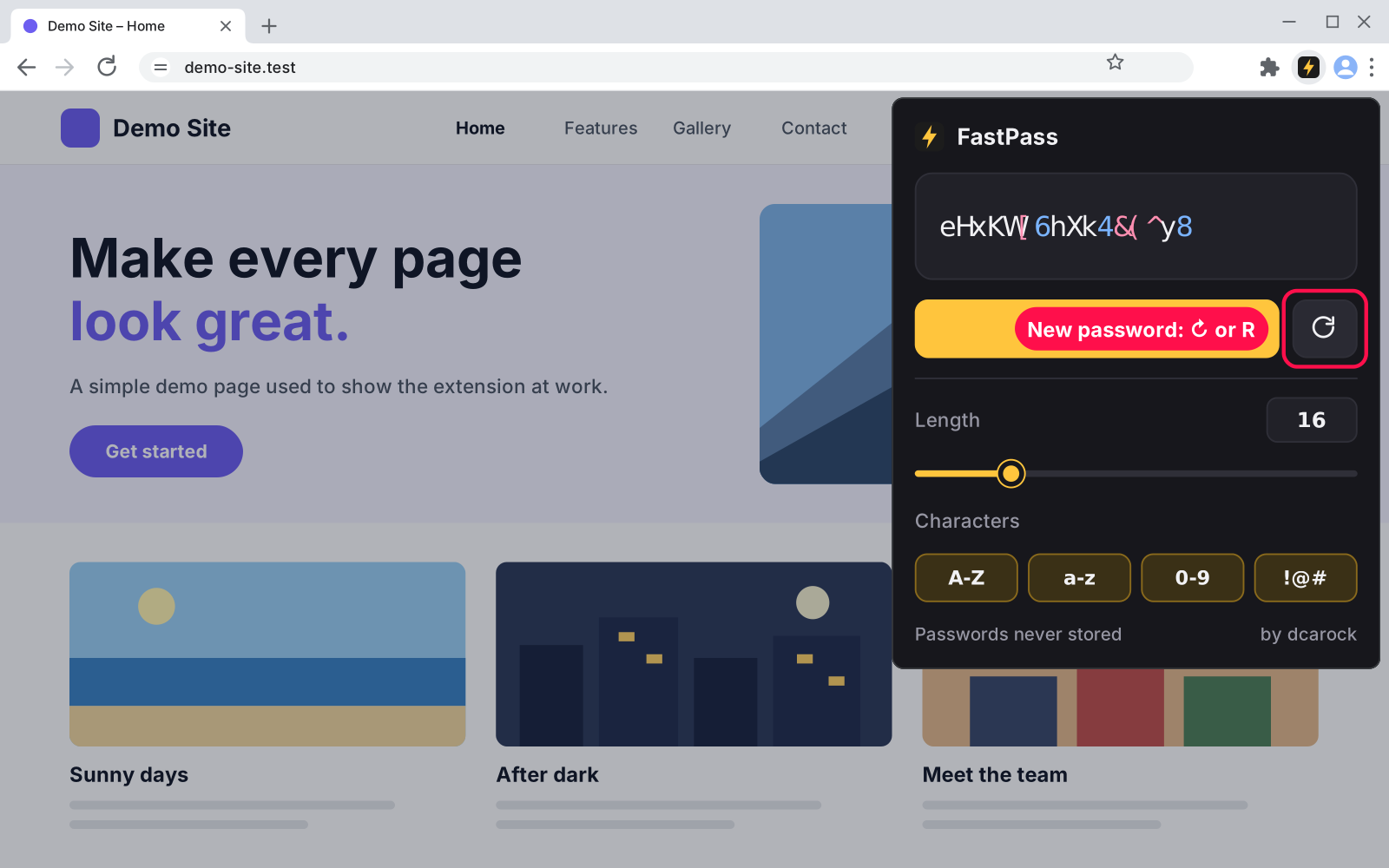
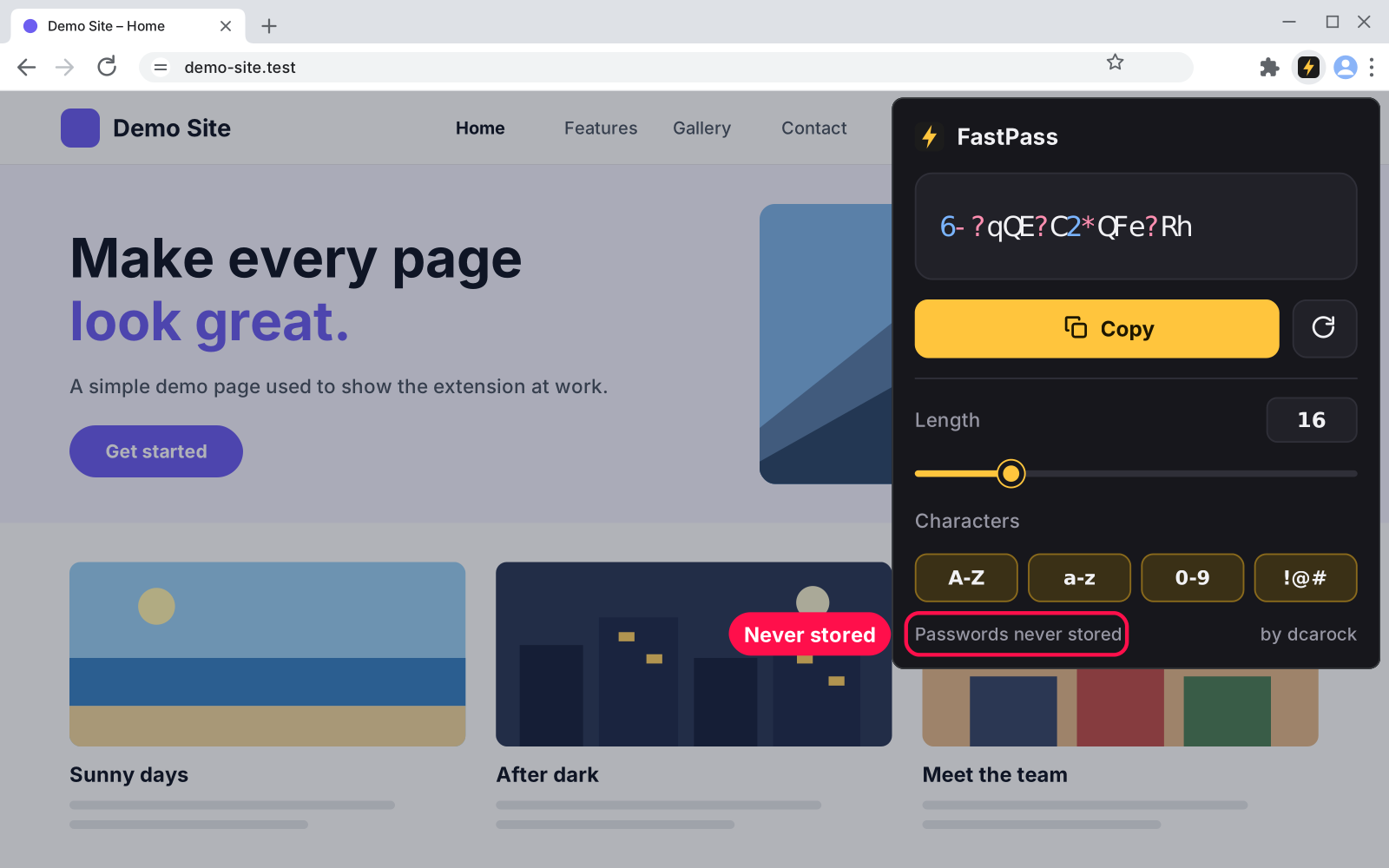
Signing up for something new? Click FastPass in your toolbar and a strong, random password is already waiting. Press Enter to copy it and paste it in. Nothing to type, nothing to set up, and your passwords are never stored.
No. A password lives only in the open popup and is gone when it closes. Only your length and character choices are remembered, on your computer.
Yes. It uses the browser's cryptographic random generator with no bias, the standard for creating keys and passwords. Save the password in your password manager.
Yes. Use the same steps at edge://extensions or brave://extensions.
Unzip the new version over the same folder, then click the reload arrow on FastPass's card in chrome://extensions.
Nothing is left behind. Its saved length and character choices are removed with it.
I build custom tools and extensions from scratch — made for exactly how you work.
Find every SVG on a web page, icons and logos included, and save each one as a clean .svg file. Recolor, resize and rename before you download, or copy the code.

Click the toolbar icon to list every video file on the page: MP4, WebM, MOV and more. Open it in a new tab or download it with one click.

Click the toolbar icon to see every image on the page with its size in pixels. Filter by size, open any image full size, or download it with one click.
Comments 1
Every comment is reviewed before it appears.
I like that a fresh password is waiting as soon as the popup opens, because the extra clicks in most generators are exactly when people give up and reuse an old one. Using the browser's secure random generator and never storing or syncing the result is the right default for this kind of tool. The rule that at least one of each selected character type is included also avoids the annoying case where a site rejects the password for missing a symbol or a digit.