Chrome extensionMediaProductivityChromeExtensionFree

Chrome Image Grabber

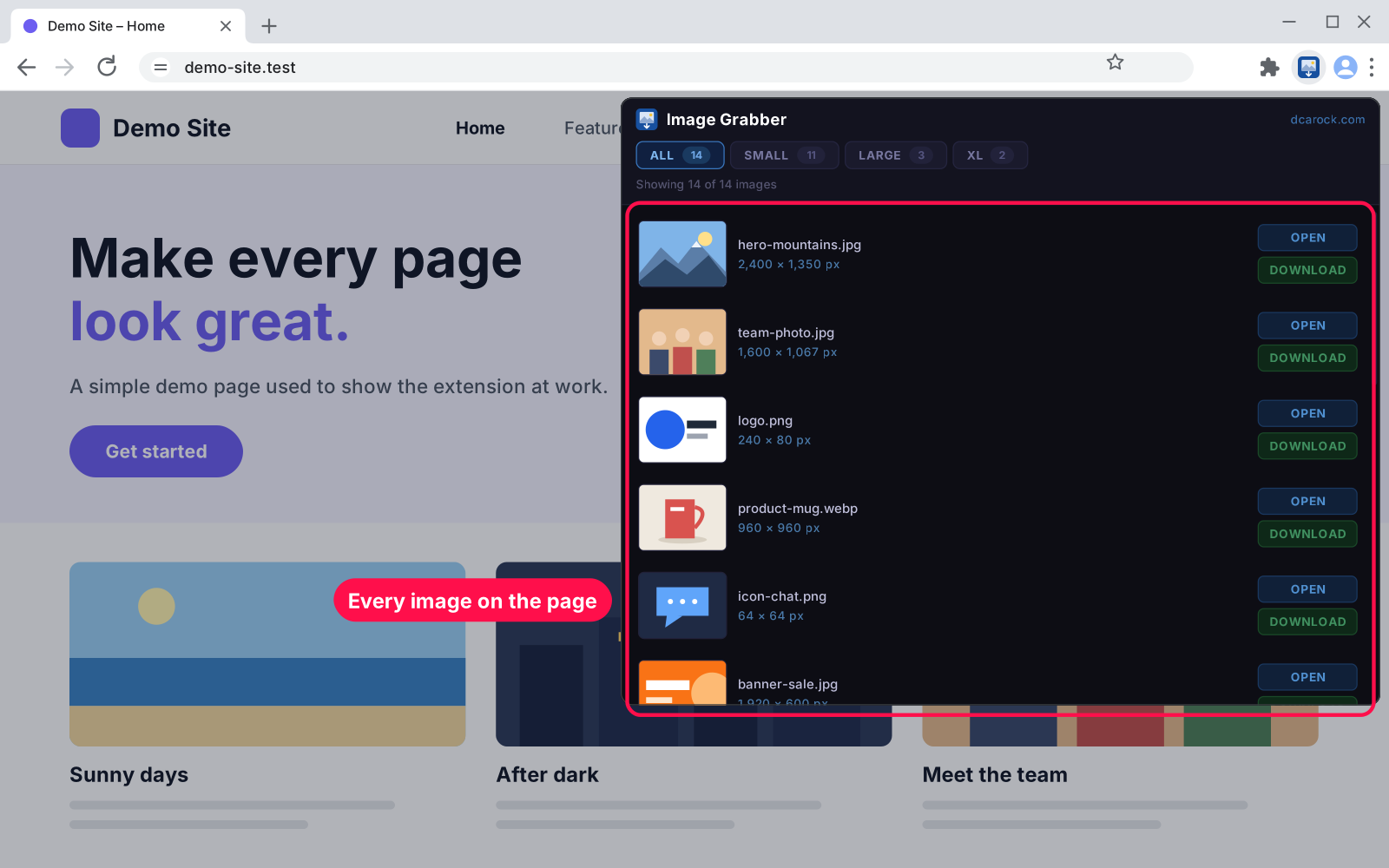
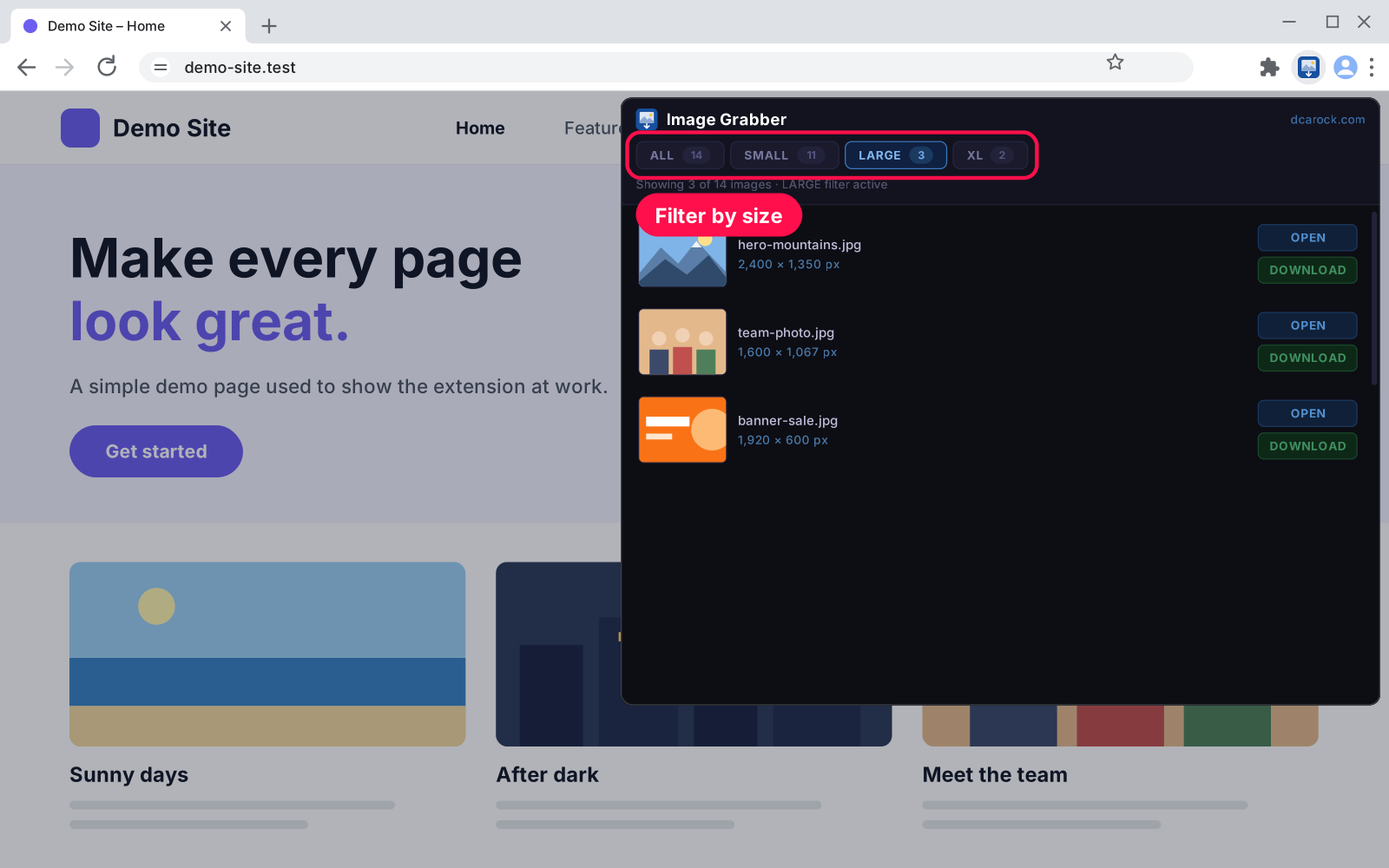
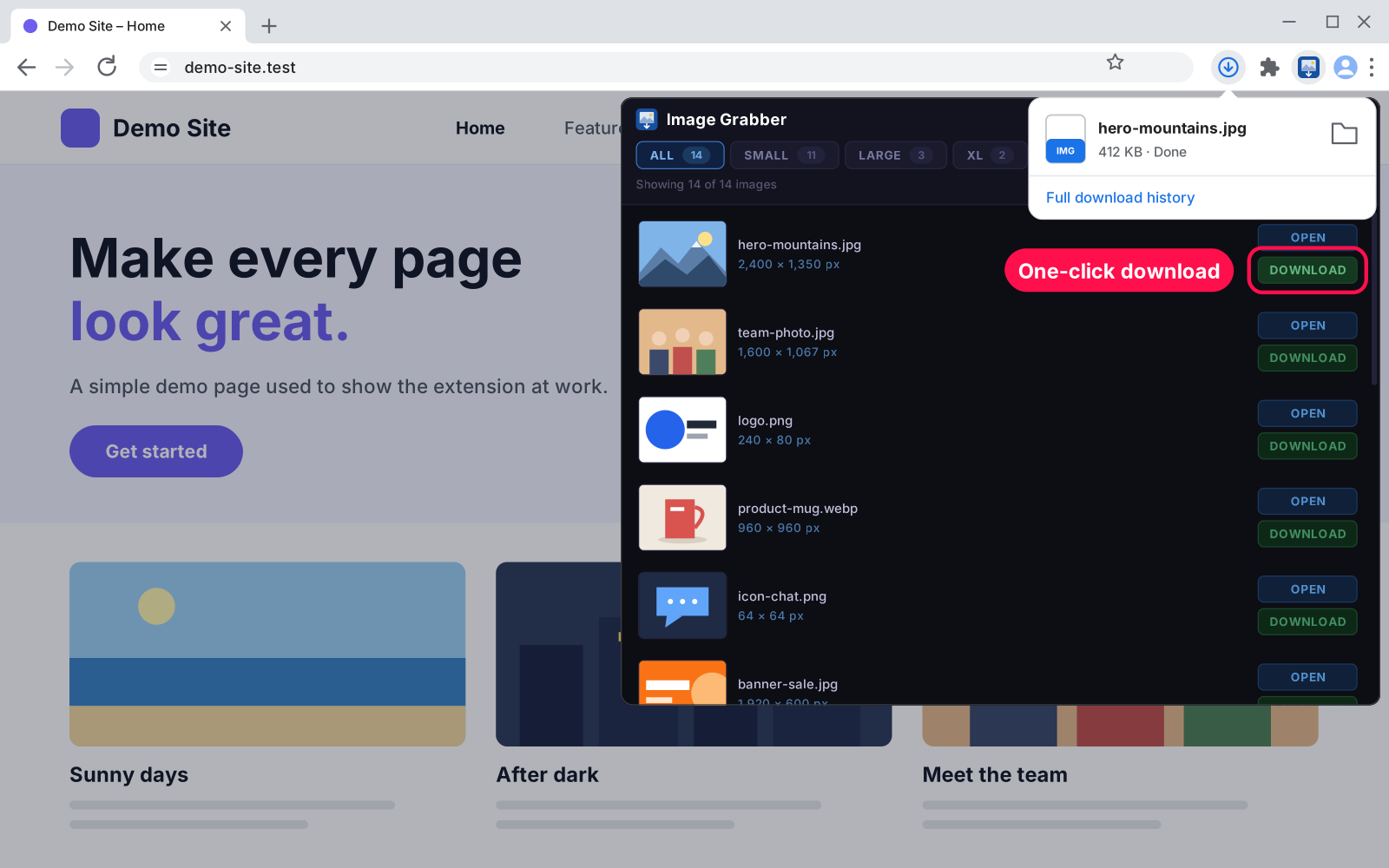
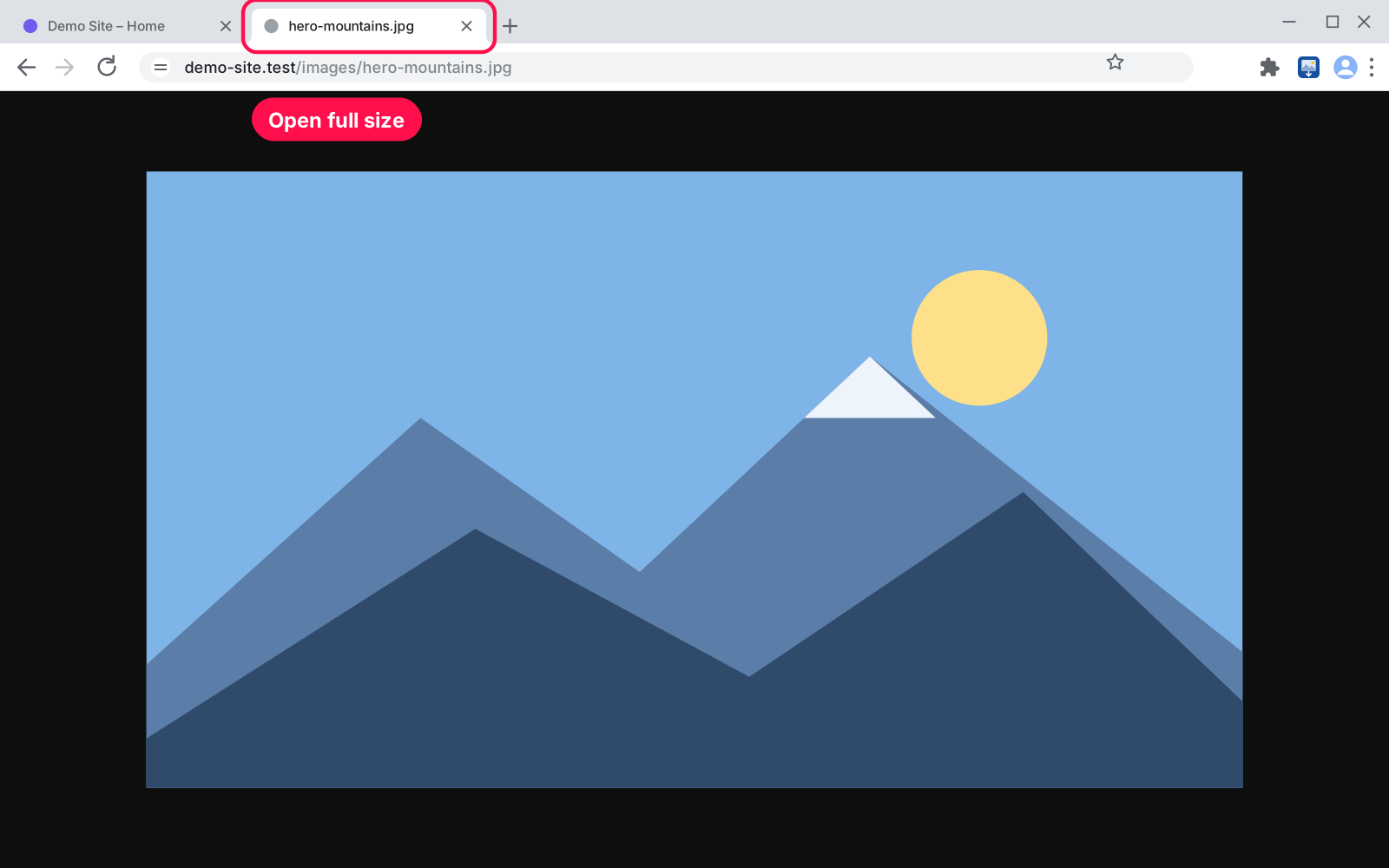
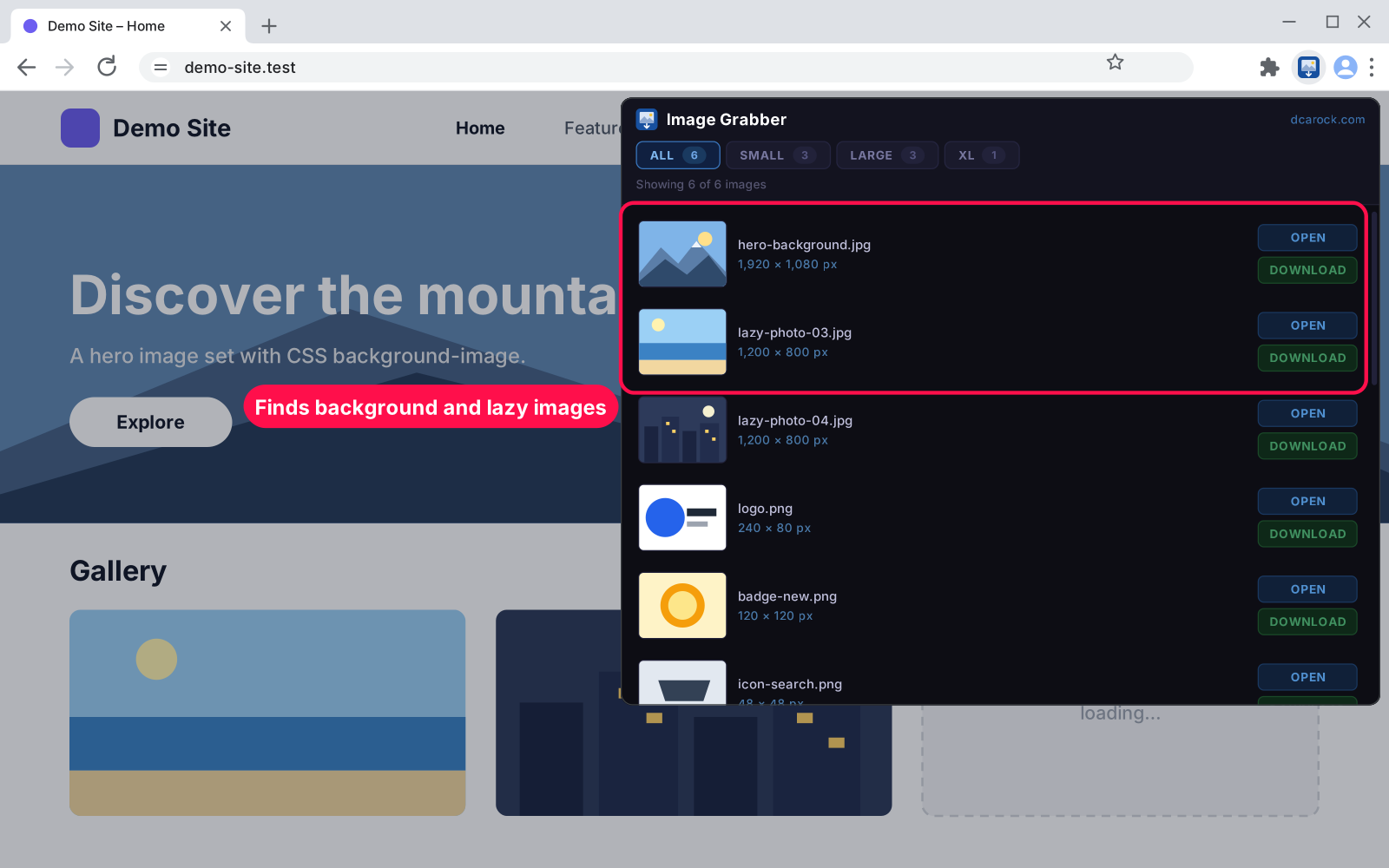
Click the toolbar icon to see every image on the page with its size in pixels. Filter by size, open any image full size, or download it with one click.

Version 1.0.0Chrome 100 or newer, Edge, Brave or any Chromium browserUpdated Nov 2026Downloads 1

What it does 01

Need a photo, a banner or a logo from a web page? Chrome Image Grabber lists every image on the page in one popup, with a thumbnail and its real size in pixels. Pick the one you want and download it with one click, no right-click hunting, no "Save image as…".

  • One click: click the toolbar icon and the list is ready.
  • Real sizes: every image shows its width × height in pixels and its file name.
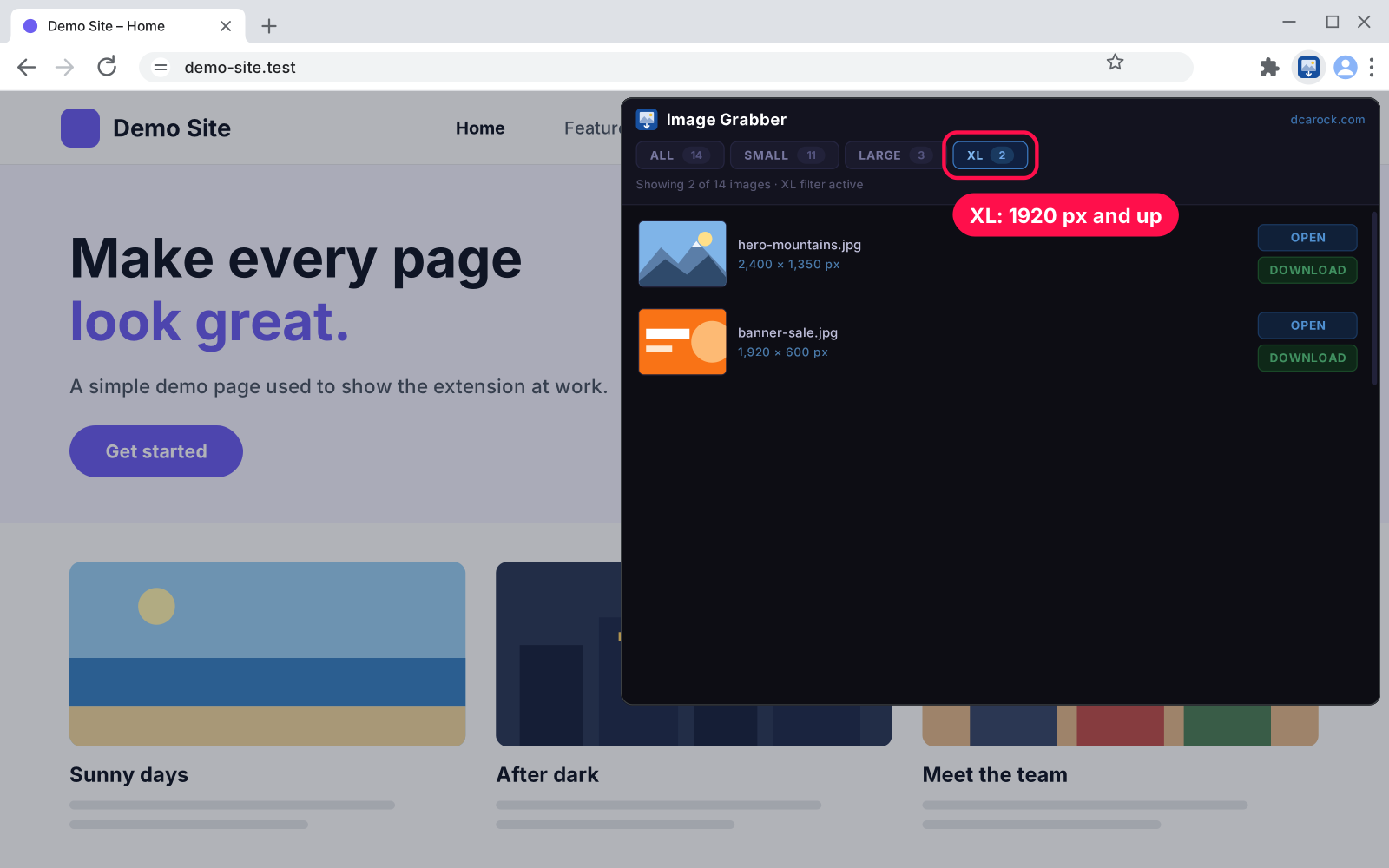
  • Size filters: All, Small (under 1000 px), Large (1000 px and up) or XL (1920 px and up), each with its count.
  • Download: save any image straight to your Downloads folder.
  • Open full size: open any image in a new tab.
  • Finds hidden images too: lazy-loaded pictures, every size in srcset, background images and the page's social share image.
  • Inside frames: also looks inside embedded frames on the page.
  • No duplicates: each image is listed once.
  • Private: no account, no tracking; nothing leaves your browser.
  • Tiny: under 20 KB, no settings to learn.

Setup 02 · about 2 minutes

  1. Download & unzip it. Unzip the file into a folder you'll keep; Chrome loads the extension from there.
  2. Turn on Developer mode. Open chrome://extensions and switch on Developer mode (top right).
  3. Load it. Click Load unpacked and choose the unzipped folder.
  4. Pin it. Click the puzzle-piece icon in the toolbar and pin Image Grabber, then click it on any page.

FAQ 03

Does it work in Edge or Brave?

Yes. Use the same steps at edge://extensions or brave://extensions.

Why does it say "Can't access this page"?

It works on regular web pages (http and https). Browser pages like chrome://, the settings and the Web Store can't be read by any extension.

Why does an image show "unknown dimensions"?

The site didn't let the image load in time (or blocked it). You can still open or download it.

How do I update it?

Unzip the new version over the same folder, then click the reload arrow on Image Grabber's card in chrome://extensions.

What happens when I remove it?

Nothing is left behind. It saves no settings or data.

Changelog 04

1.0.0Nov 15, 2026 · Latest
  • - First release.
Need it to do something else?

I build custom tools and extensions from scratch — made for exactly how you work.

Ask me

Comments

Every comment is reviewed before it appears.

No comments yet — questions, ideas and bug reports are all welcome.

Leave a comment

Replying to
Comments are moderated and appear once approved. Your email is only used to notify you of replies.
Thanks! Your comment is awaiting moderation and will appear once it's approved.
Scripts & plugins

More tools.

All scripts & plugins →
Chrome

Chrome SVG Grabber & Editor

Find every SVG on a web page, icons and logos included, and save each one as a clean .svg file. Recolor, resize and rename before you download, or copy the code.

FreeDownload ↓
Chrome

Chrome Video Grabber

Click the toolbar icon to list every video file on the page: MP4, WebM, MOV and more. Open it in a new tab or download it with one click.

FreeDownload ↓
Chrome

Basic Password Generator

A strong password the moment you click: copy it with one click or Enter. Pick the length and characters. Fast, private, and your passwords are never stored.

FreeDownload ↓