
Chrome SVG Grabber & Editor
Find every SVG on a web page, icons and logos included, and save each one as a clean .svg file. Recolor, resize and rename before you download, or copy the code.
FreeDownload ↓

Click the toolbar icon to list every video file on the page: MP4, WebM, MOV and more. Open it in a new tab or download it with one click.
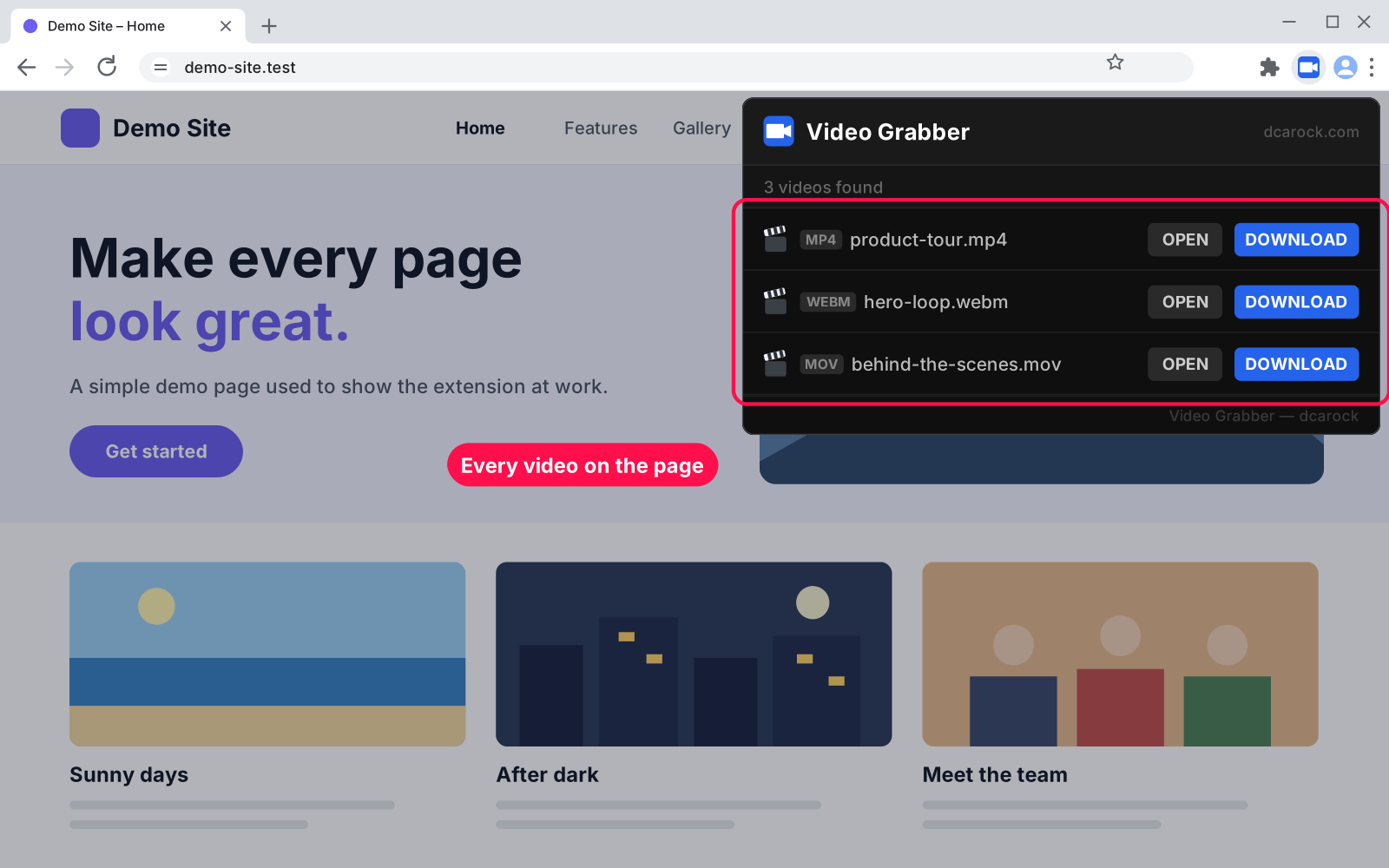
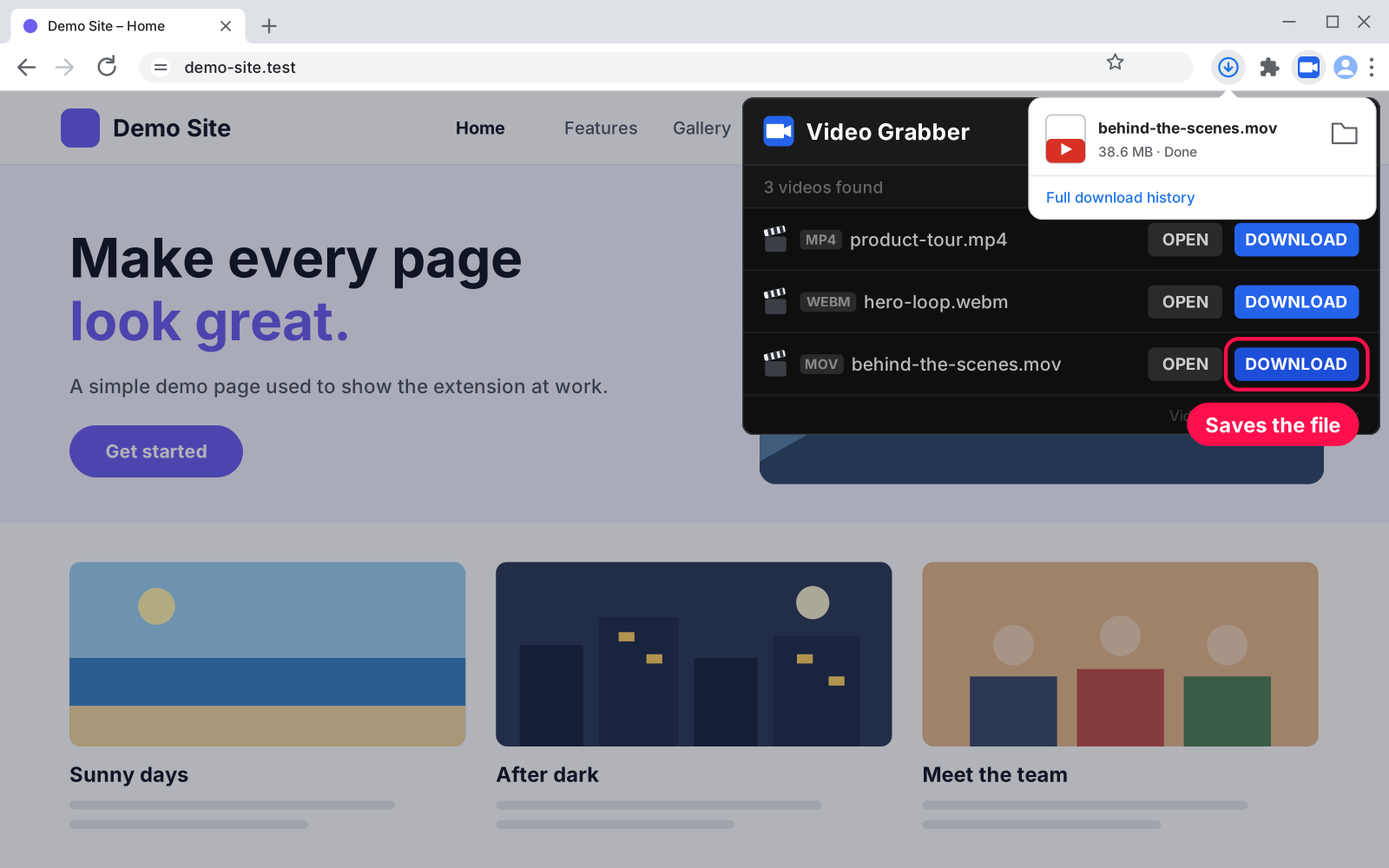
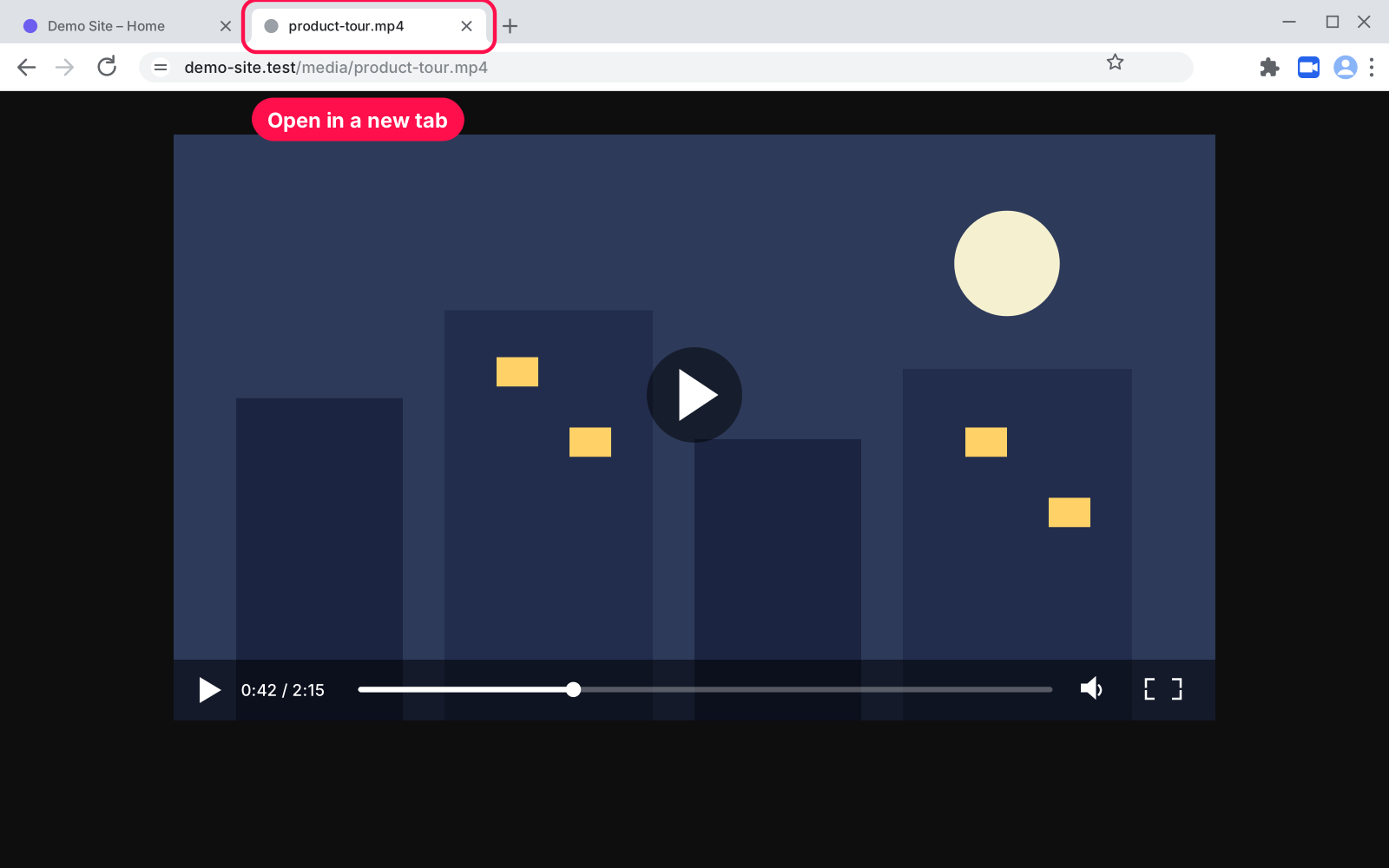
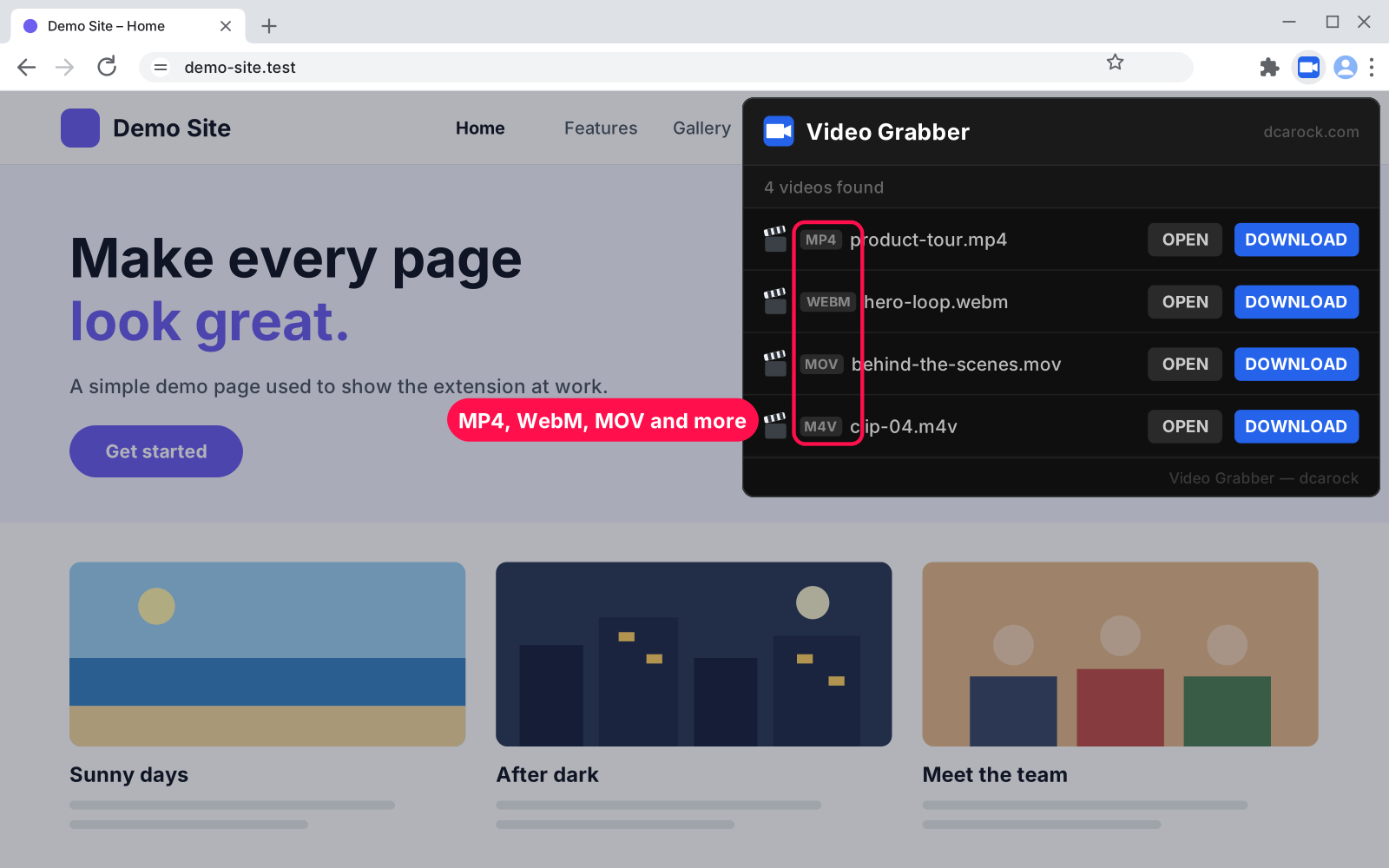
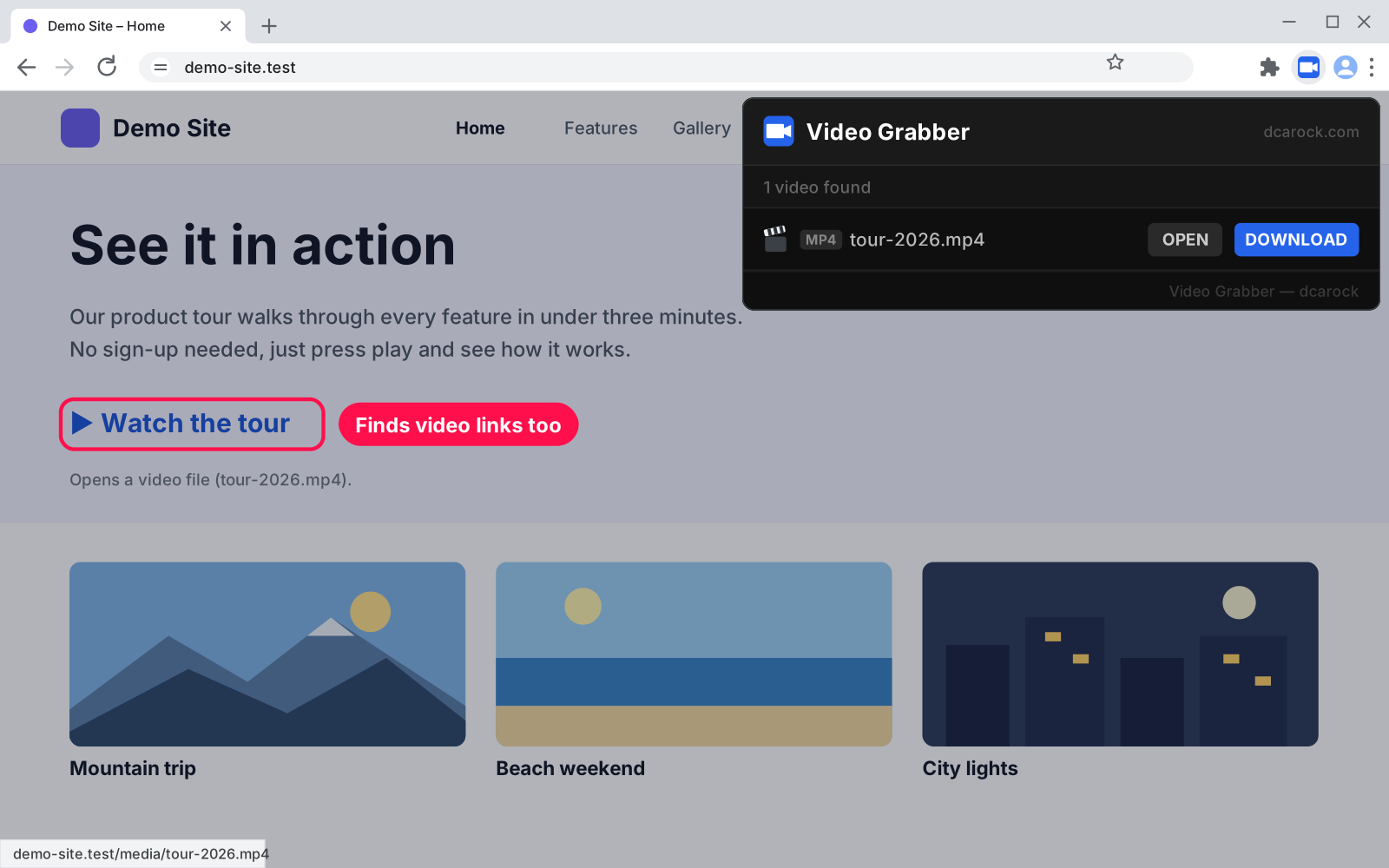
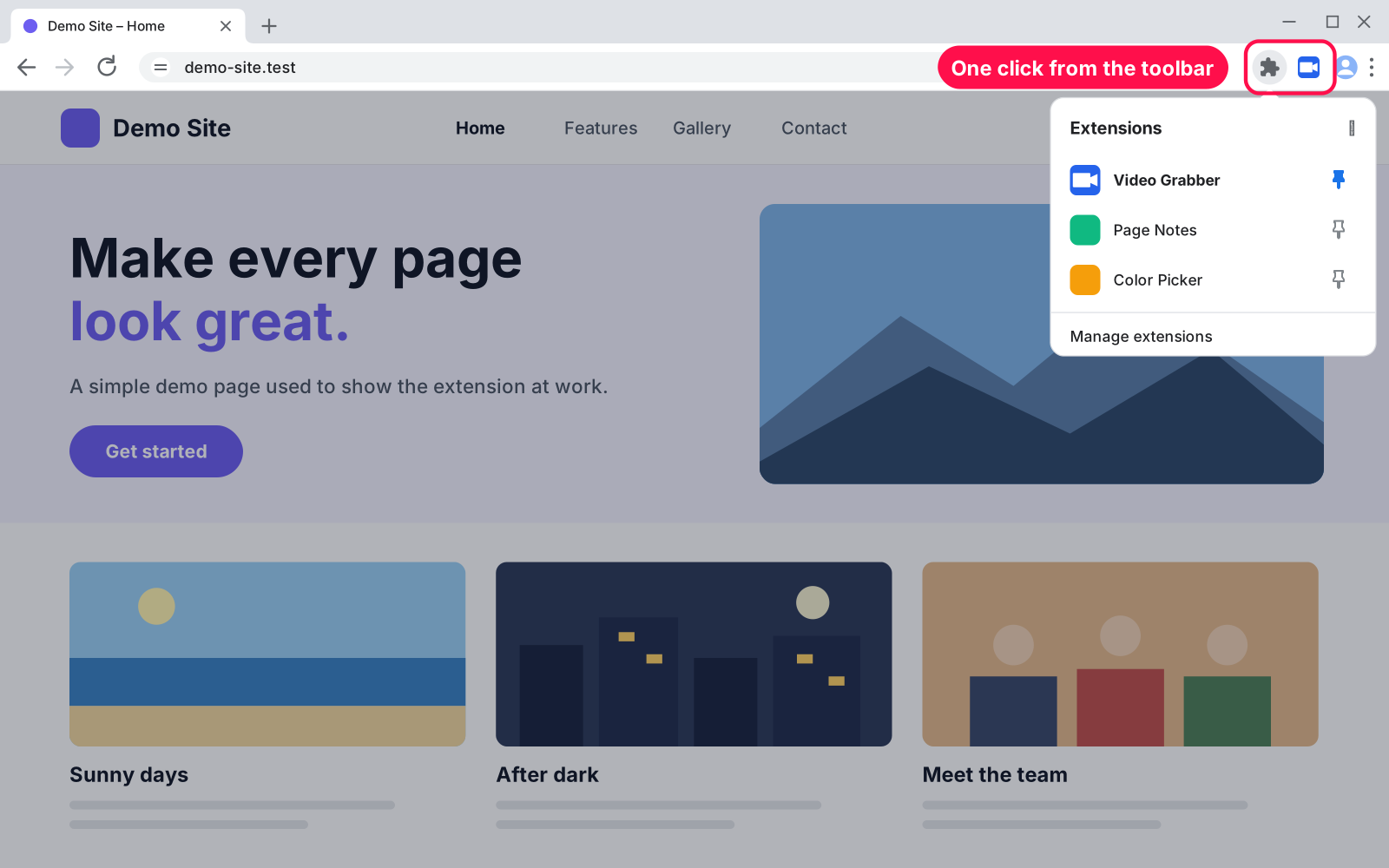
Want to keep a product video, a tutorial clip or a background video from a website? Chrome Video Grabber scans the page and lists every video file it finds. Click Download to save it, or Open to watch it in its own tab.
No. Streaming sites send video in small pieces instead of one file, so there is no file to grab. It works on sites that use real video files (MP4, WebM…).
Yes. Use the same steps at edge://extensions or brave://extensions.
The page has no video files, or it loads them in a way that hides the file (like streaming). Browser pages like chrome:// can't be scanned by any extension.
Unzip the new version over the same folder, then click the reload arrow on Video Grabber's card in chrome://extensions.
Nothing is left behind. It saves no settings or data.
I build custom tools and extensions from scratch — made for exactly how you work.
Find every SVG on a web page, icons and logos included, and save each one as a clean .svg file. Recolor, resize and rename before you download, or copy the code.

Click the toolbar icon to see every image on the page with its size in pixels. Filter by size, open any image full size, or download it with one click.

A strong password the moment you click: copy it with one click or Enter. Pick the length and characters. Fast, private, and your passwords are never stored.
Comments
Every comment is reviewed before it appears.
No comments yet — questions, ideas and bug reports are all welcome.