

DayQuizz
dayquizz.com
Ten fresh questions a day in English, Spanish, Math, History, Science and Trivia — keep your streak alive and climb the leaderboard.
 STL PhotoStudio · a web app by dcArock
Put your 3D model on a seamless backdrop, light it with softboxes, give it real materials and take the shot. Perfect for Etsy listings, colour variants and Kickstarter pages — before the first print.
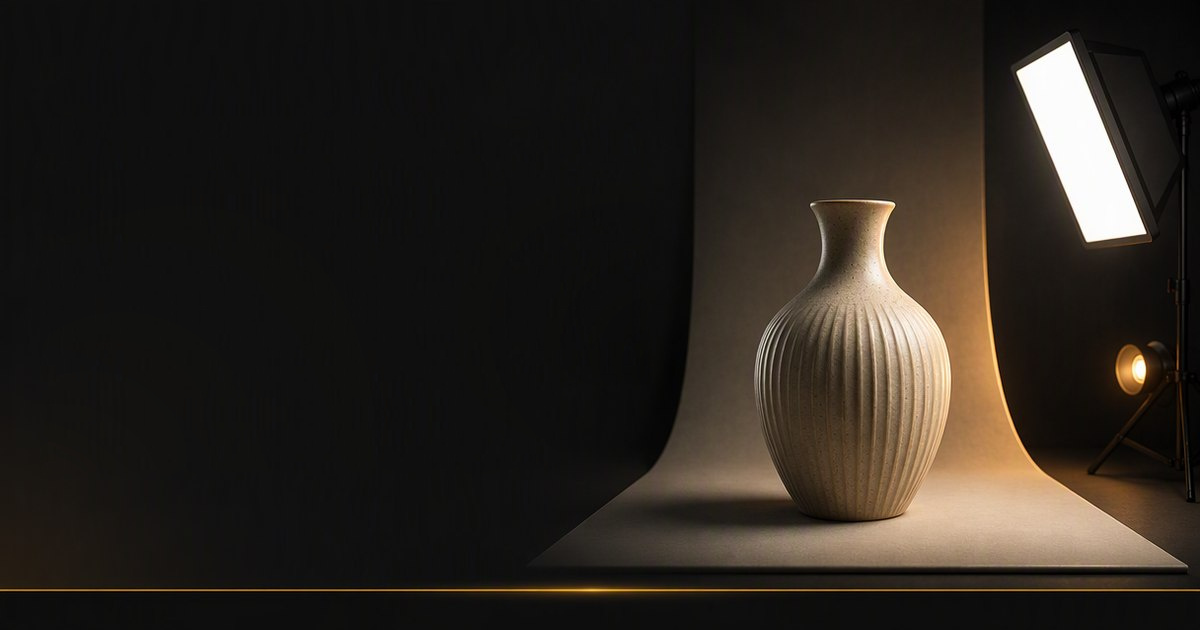
No 3D rendering skills, no install. If you can drag a file and click a preset, you can shoot a listing-ready photo.
STL (binary or ASCII), GLB/glTF, OBJ with its colours, and 3MF. STL files stand upright automatically.
A seamless cove, a wall and table, a 360° HDRI of a real place — or your own photo behind the model.
Softbox, spot, bulb, sun and ambient lights. Start from a rig, then drag lights around the light plan.
Matte, glossy, metal or translucent, with print-line, grainy, textile or glitter textures.
Click regions, brush or box-select faces to turn a single-colour STL into a multi-colour print.
Lens, aperture and focus behave like the real thing — soft background blur and a viewfinder frame included.
Transparent or green-screen backgrounds with contact shadows, and 12-shot turntables in one ZIP.
Physically correct light on your own GPU — soft shadows, reflections and photos up to 8K with Pro.
Selling a 3D-printed product means you need photos, and good photos usually mean printing the part, building a lightbox and wrestling with lights. If you sell STL files — or the product doesn’t exist yet — that isn’t even an option.
So I built STL PhotoStudio: a photo studio for 3D models. You put your model on a backdrop, light it with softboxes, give it real materials — print lines included — and take the shot, the way you’d photograph the printed part.
It runs in your browser, on your own graphics card. No install, no sign-up, and your model never leaves your computer unless you choose to save it.
Drop an STL, GLB, OBJ or 3MF anywhere on the page. It opens right in your browser — nothing is uploaded.
Pick a scene preset or a backdrop, start from a lighting rig and give your model real materials and colours.
Frame the shot, set lens and aperture, then render — a fast preview in a moment, or path traced for photoreal light.
Pick the Cut-out backdrop for a transparent PNG or green screen — the model keeps its contact shadow.
Not unless you choose to save it. Your model opens and your photos render in your browser, on your own graphics card. Files are only uploaded when a Pro user saves to their private cloud storage.
STL (binary and ASCII), GLB/glTF, OBJ with its MTL colours, and 3MF. STL files are turned upright automatically, so a Z-up model lands standing on the table.
Fast preview renders exactly what you see, in a moment — great for drafts and quick shares. Path traced simulates real light bounces on your GPU for photoreal shadows, reflections and translucency. It takes longer and is part of Pro.
Yes. Pick Cut-out as the backdrop and you get a PNG with a transparent background, or a solid colour like green screen — and the model keeps its contact shadow.
Yes — that’s what I do. Besides my own apps, I build websites and custom web tools for clients, from browser-based 3D tools like this one to full web apps. Tell me your idea and I’ll tell you how I’d build it.
Ten fresh questions a day in English, Spanish, Math, History, Science and Trivia — keep your streak alive and climb the leaderboard.
Add dimensions to STL files online. Drop a 3D model, get clean annotated drawings for Etsy listings, quotes and manufacturing — in seconds.
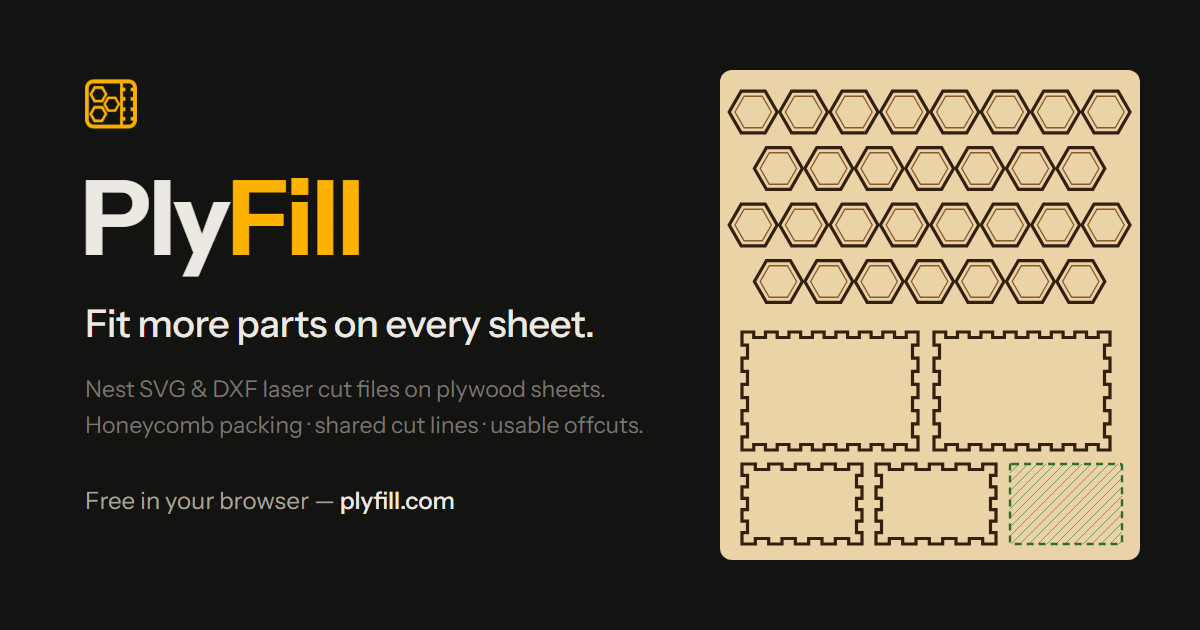

Drop SVG or DXF files and fit the most parts onto every plywood sheet — with live yield, scrap and offcut numbers.
STL PhotoStudio went from idea to paying users with the same process I use for clients: talk, prototype, build, launch. Bring me the problem — I'll bring the software.
Comments
Every comment is reviewed before it appears.
No comments yet — questions, ideas and bug reports are all welcome.