WordPress pluginWordPressPluginShortcodesWooCommerceFree

Arock Shortcodes

Seven ready-made shortcodes: [year], today's date, site name, page title, last updated, reading time and WooCommerce product count. Works with any theme.
Version 1.0.0WP 6.0+PHP 7.4+Updated Nov 2026Downloads 0

What it does 01

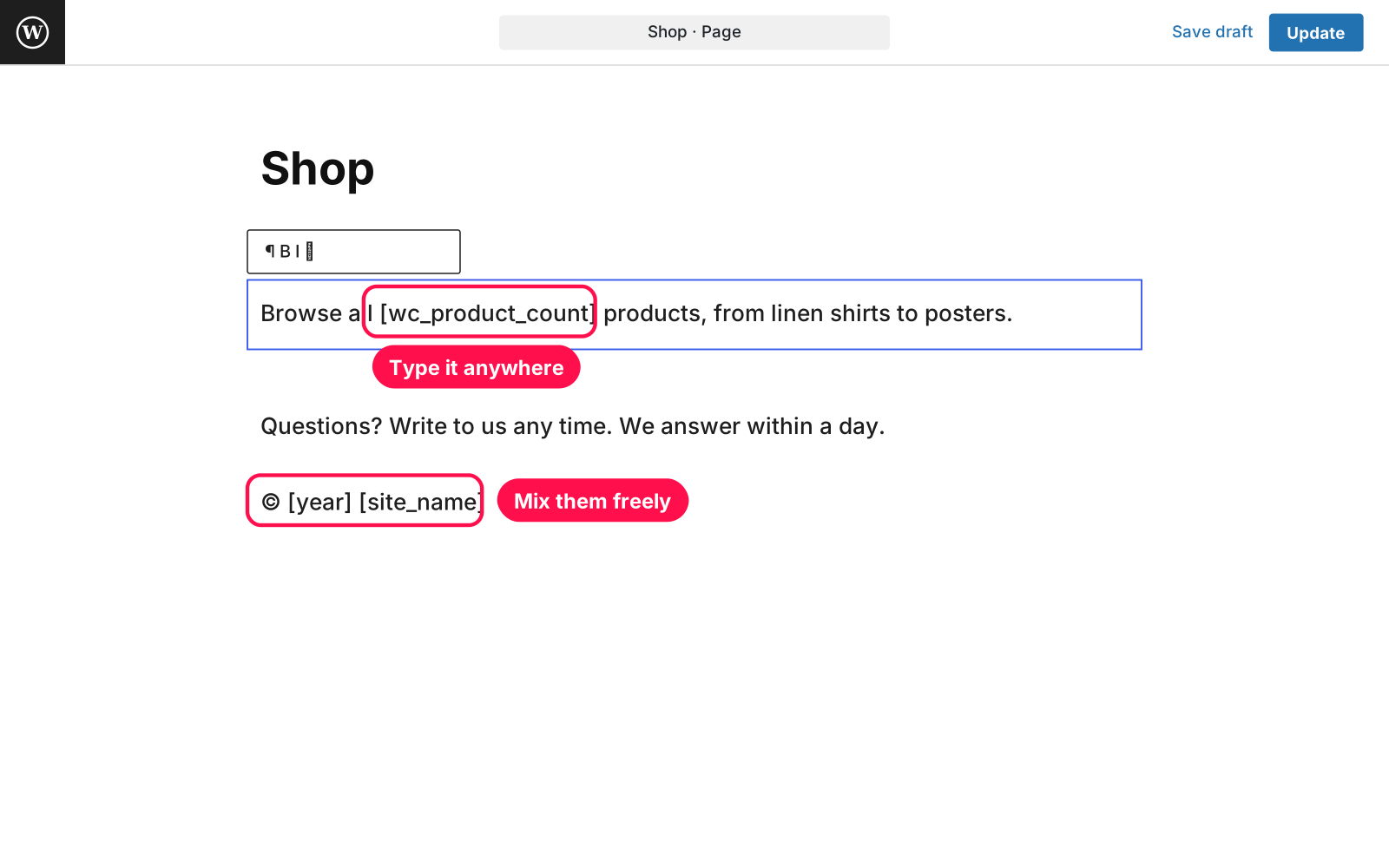
Small shortcodes for the bits of text that should never go stale: the year in your footer, today's date, when a page was last updated, how long it takes to read, and how many products your store has. Type one anywhere shortcodes work and it fills itself in.

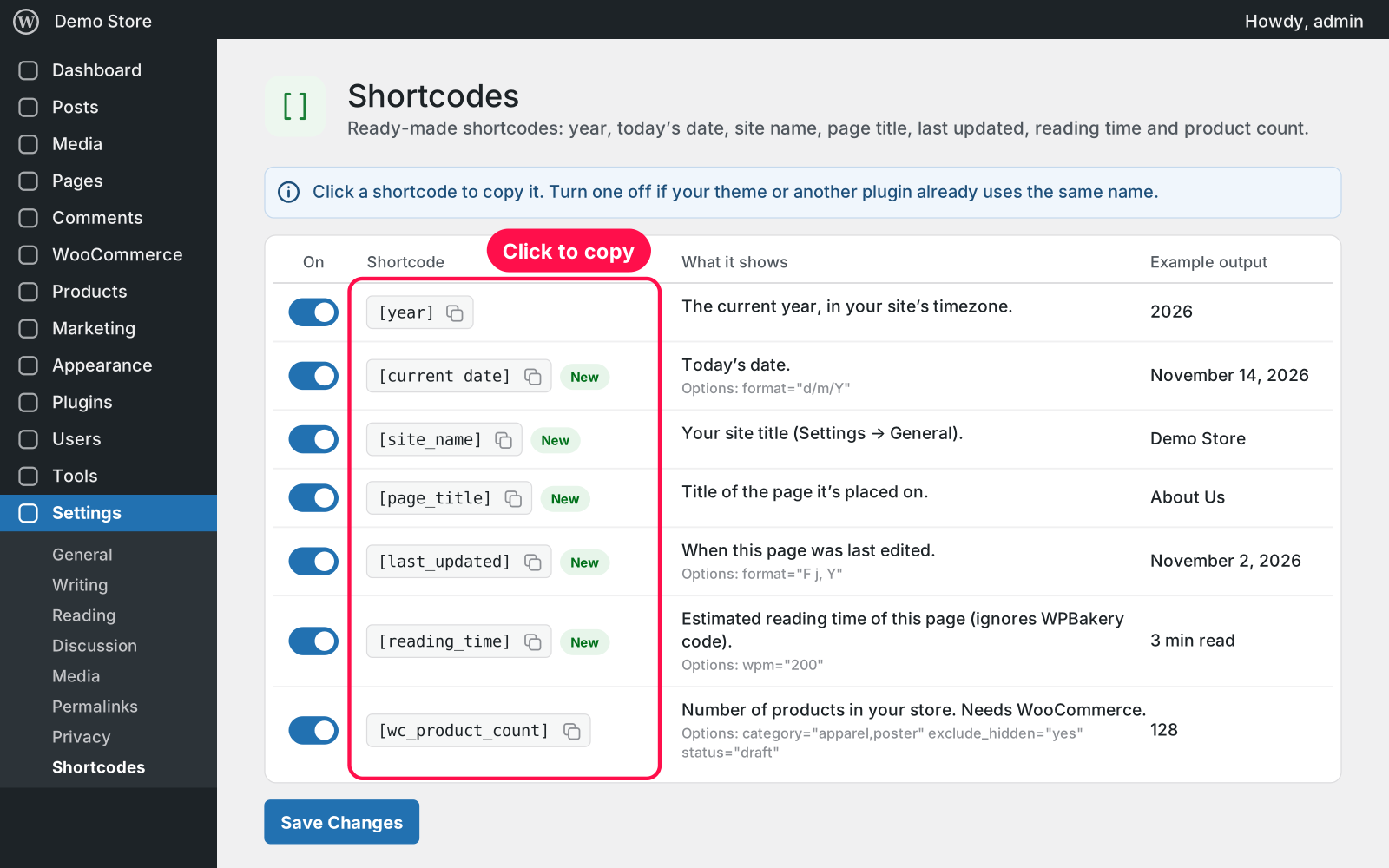
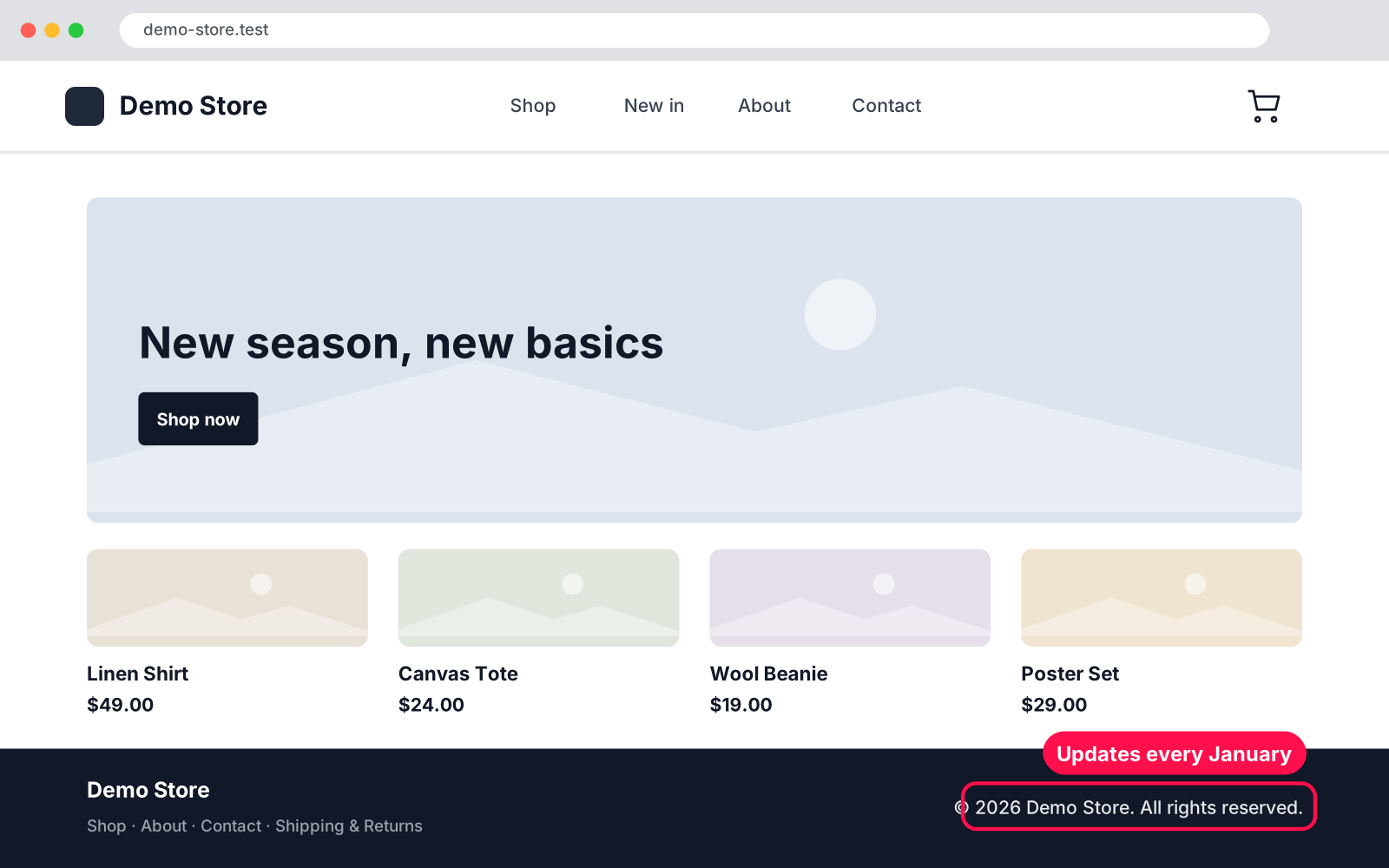
  • [year]: keeps your "© 2026" footer up to date, in your site's timezone.
  • [current_date]: shows today's date, in your site's format or any format you like.
  • [site_name]: prints your site title.
  • [page_title]: prints the title of the page it's on.
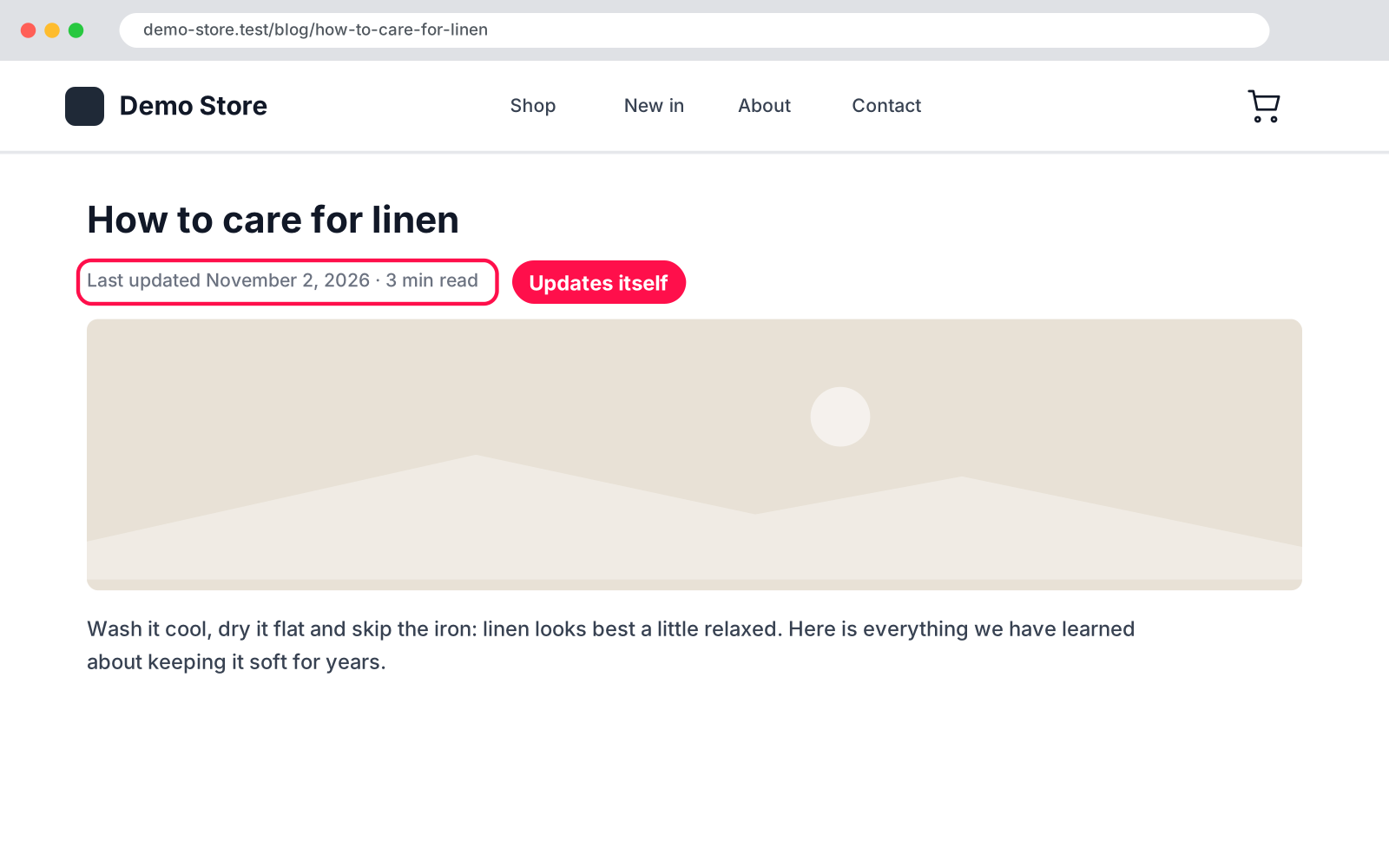
  • [last_updated]: shows when the page was last edited.
  • [reading_time]: shows "3 min read" and ignores WPBakery code when counting words.
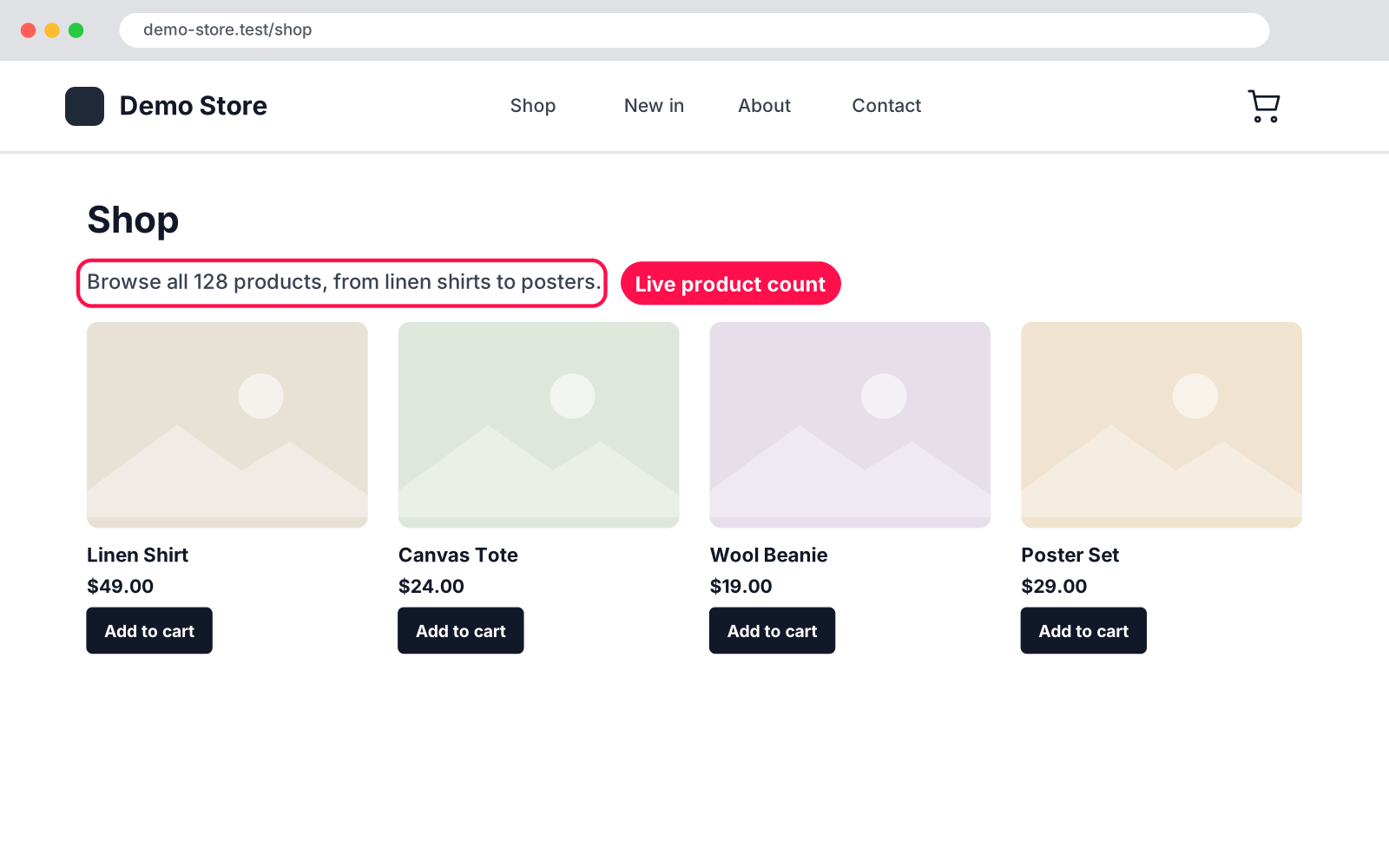
  • [wc_product_count]: shows how many products your store has, optionally by category and without hidden products.
  • Cached counts: product counts are cached and refresh by themselves when products change.
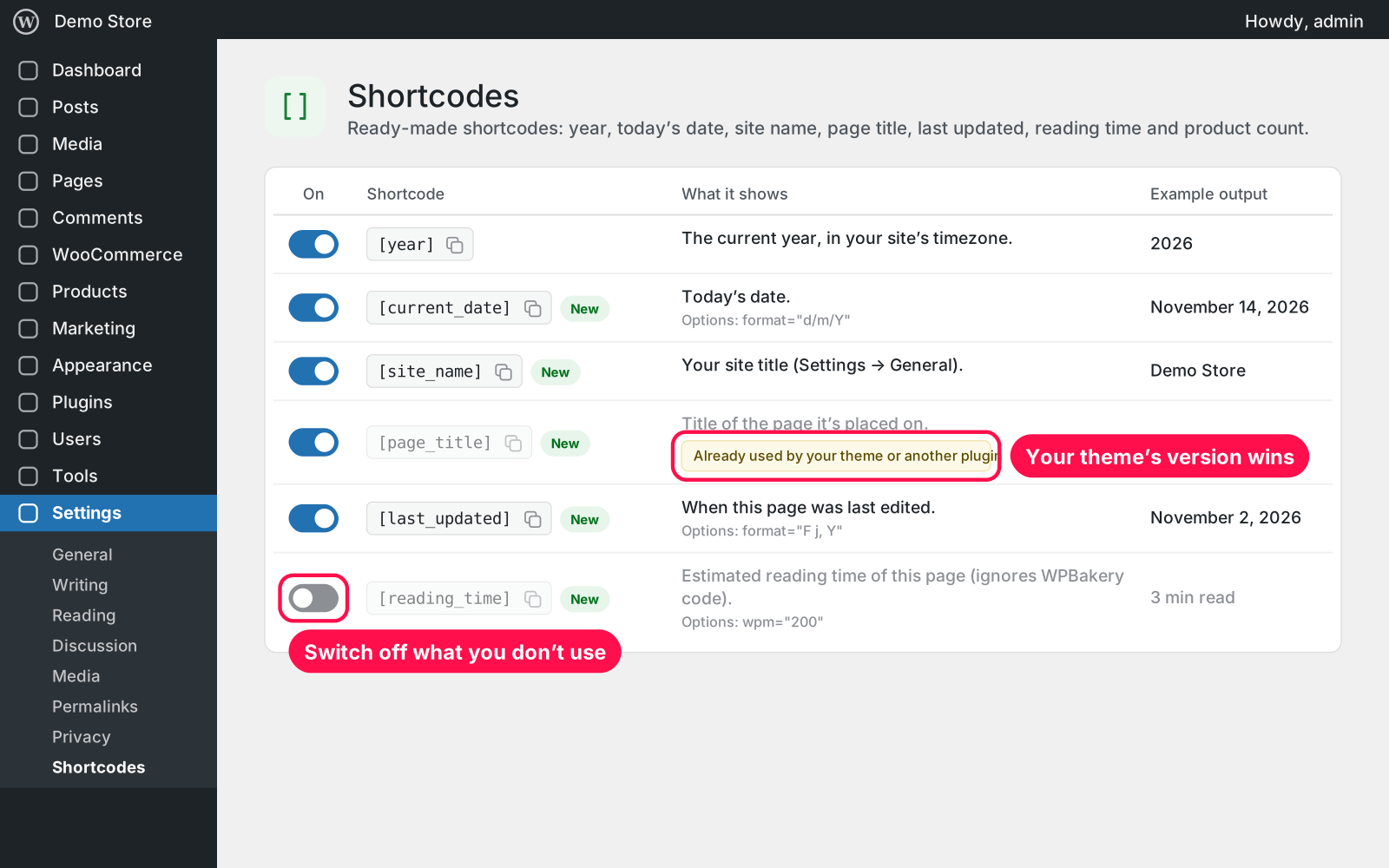
  • Settings page: Settings › Shortcodes lists them all with a live example; click one to copy it.
  • Switch off: turn off any shortcode you don't need.
  • Safe: never overrides a shortcode your theme or another plugin already uses, and tells you when that happens.
  • Replaces old plugins: includes the old "Current Year Shortcode" and "WooCommerce Product Count Shortcode" plugins, with the same shortcodes and options.

Setup 02 · about 1 minute

  1. Install & Activate it. In WordPress go to Plugins → Add New → Upload Plugin, choose the .zip and click Install Now, then Activate. Coming from the old Current Year Shortcode or Product Count plugin? Deactivate it first.
  2. Copy a shortcode. Go to Settings › Shortcodes and click the shortcode you want; it's copied.
  3. Paste it anywhere. Use it in a page, post, footer widget, Shortcode block or page builder text block.

FAQ 03

I used the old Current Year Shortcode. Will [year] keep working?

Yes. [year] works the same way and follows your site’s timezone. If the old plugin is still active, this one waits until you deactivate it, so nothing runs twice.

Do I need WooCommerce?

Only for [wc_product_count]. All other shortcodes work on any WordPress site.

Does it work with my theme and page builder?

Yes. It works anywhere WordPress runs shortcodes: posts, pages, the Shortcode block, text widgets and page builders like WPBakery.

Does it work with page caching?

Yes. Cached pages show the value from when they were cached, so clear your cache after big product changes, and once in January for [year].

Is it really free?

Yes. Free forever, no sign-up, no ads, and it doesn't track you.

What happens to my data when I delete the plugin?

Your settings are kept, because Arock Toolkit and other versions of this plugin share them. Your pages are never changed.

Changelog 04

1.0.0Nov 14, 2026 · Latest
  • - First release.
  • - Includes the old Current Year Shortcode and WooCommerce Product Count Shortcode plugins.
Need it to do something else?

I customize plugins and build new ones from scratch — same care, made for your site.

Ask me

Comments

Every comment is reviewed before it appears.

No comments yet — questions, ideas and bug reports are all welcome.

Leave a comment

Replying to
Comments are moderated and appear once approved. Your email is only used to notify you of replies.
Thanks! Your comment is awaiting moderation and will appear once it's approved.
Scripts & plugins

More plugins.

All scripts & plugins →
WordPressPremium

Arock Wordpress + WooCommerce Toolkit

20 small WordPress and WooCommerce tools in one lightweight plugin. Switch each tool on or off from one page; only the tools you turn on run.

Buy →
WordPress

Arock Disable Comments

Turn comments off everywhere in one click: posts, pages, admin menu, admin bar and dashboard. WooCommerce product reviews can keep working.

FreeDownload ↓
WordPressPremium

Wordpress Simple Popups

Create popups with your own editor or a single image, and choose exactly where, when and how often they appear.

Buy →