
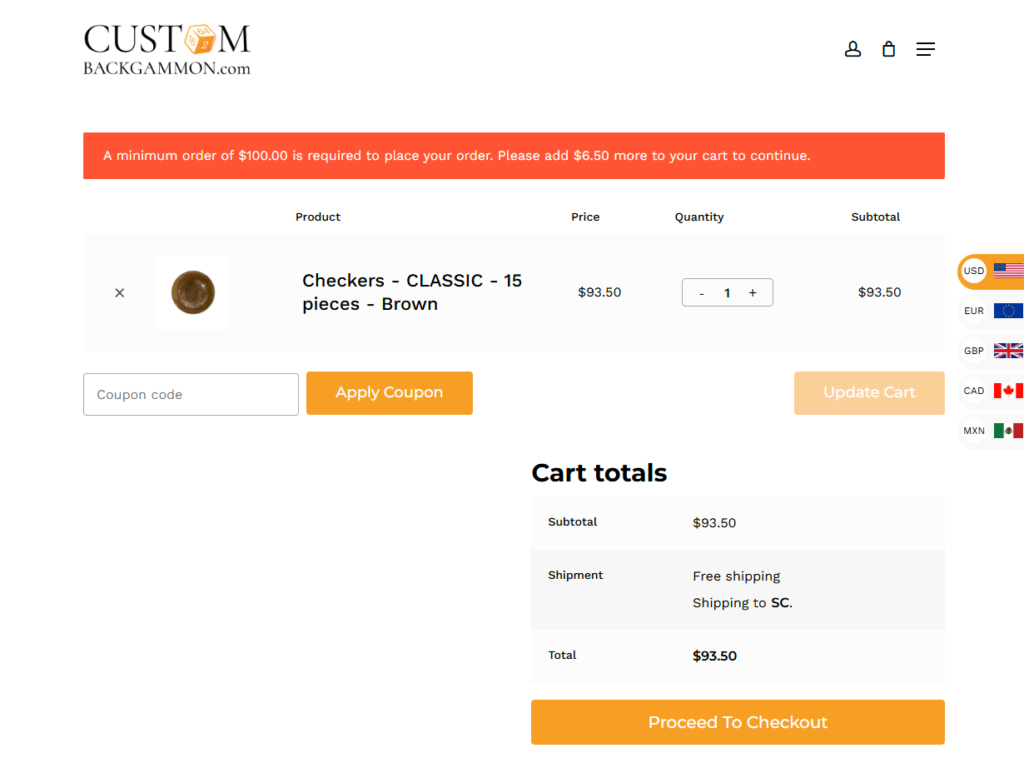
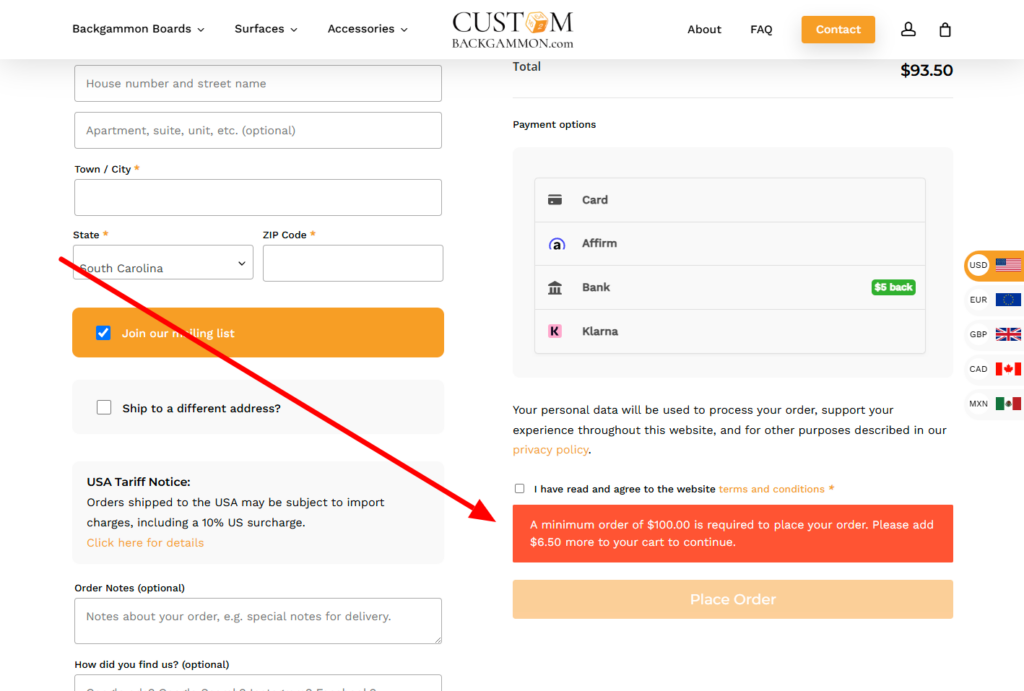
Set a minimum order amount for your WooCommerce store in seconds. When a customer’s cart falls below your threshold, they see a clear notice and can’t place the order until they add enough to qualify—so you stop fulfilling orders too small to be worth shipping. Lightweight, dependency-free, and works on both classic and block-based checkout.
All WordPress Plugins
WooCommerce
WooCommerce – Minimum Amount Checkout
Set a minimum order amount for WooCommerce. Shows a notice and disables Place Order (classic + block) until the cart meets your minimum.
What it does
- Sets a single, store-wide minimum order amount
- Shows a notice on the cart and checkout, but only when the minimum isn't met
- Disables the Place Order button until the cart reaches the minimum
- Works on both classic and block-based cart and checkout
- Lightweight and dependency-free—no extra scripts loaded on your storefront
Installation
- Upload the plugin folder to
/wp-content/plugins/, or install it via Plugins → Add New → Upload Plugin. - Activate it through the Plugins screen in WordPress.
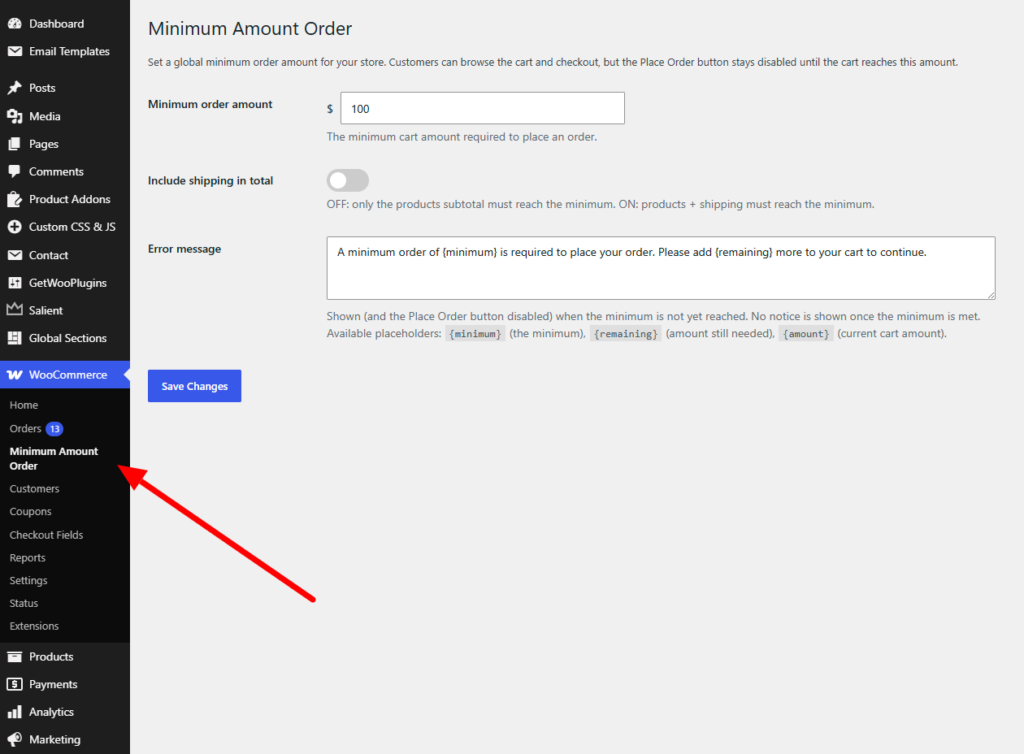
- Set your minimum amount and notice message in the plugin's settings.
Requirements
- WordPress 6.0 or higher
- WooCommerce 8.0 or higher
- PHP 7.4 or higher
Changelog
1.3 June 19, 2026
Get WooCommerce – Minimum Amount Checkout
v1.3 · 6 KB · GPL-2.0 · tested to WP 6.0+
Downloads: 1
Comments