←
All Apps
Media
Emu-Elec Game Indexer
Standalone Python app that scans a drive for game image files and updates the gamelist.xml file so Emu-Elec can detect all games installed.
Standalone Python app that scans a drive for game image files and updates the gamelist.xml file so Emu-Elec can detect all games installed.
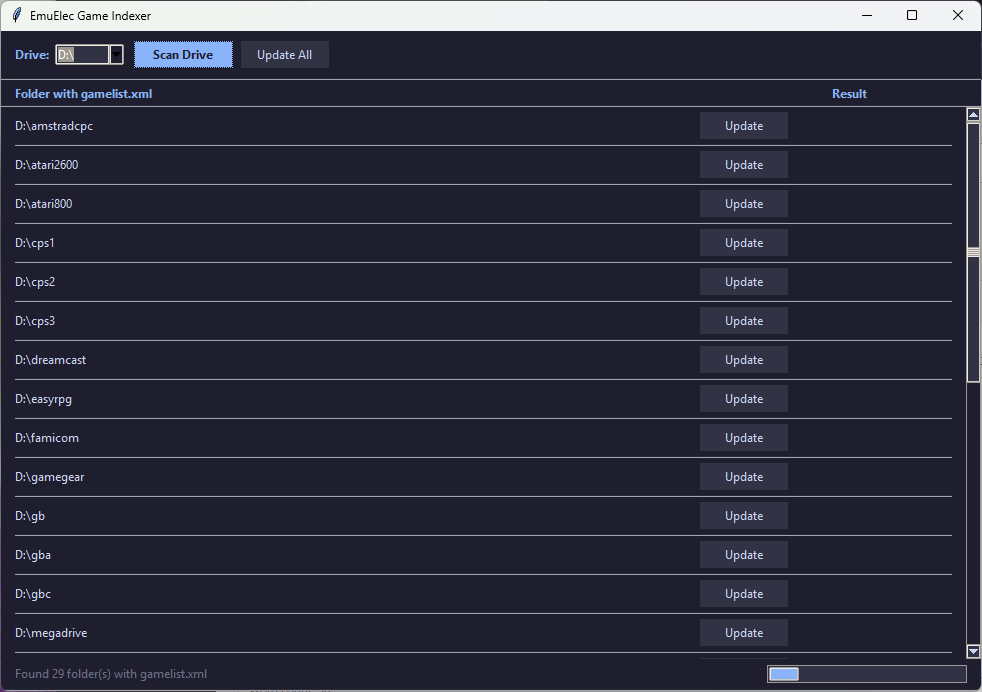
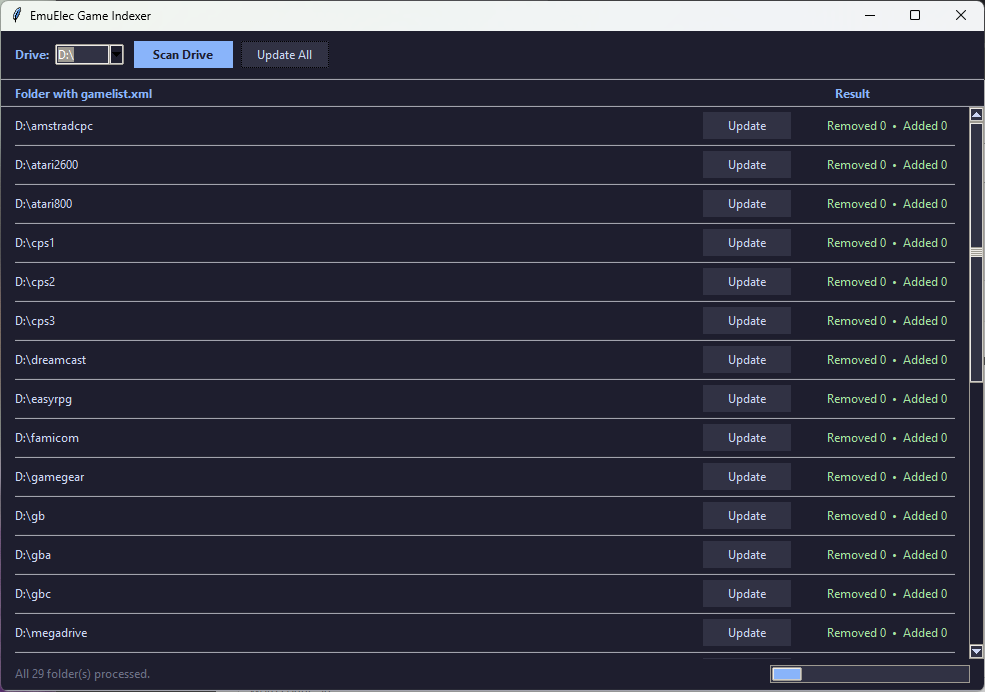
Simply run the app, select your drive, you can then update per folder or batch update the whole drive.
When complete, it will return how many were added / removed to that folders gamelist.xml
What it does
| Scan Drive |
Walks the chosen drive and lists every folder that contains a gamelist.xml |
| Update (per row) |
Backs up to gamelist-backup.xml, then syncs the XML with the actual ROM files in that folder |
| Update All |
Runs Update on every found folder, one at a time, in order |
Sync rules:
- Entry in XML but file missing on disk → entry is removed
- File on disk but not in XML → a minimal entry (
<path> + <name>) is added
- Entries whose
<path> points into a subfolder (e.g. ./downloaded_images/…) are left untouched
- Only direct files with known ROM/archive extensions are considered (
.zip, .7z, .nes, .gba, .iso, .chd, etc.)
The status bar and progress bar update in real time as each folder is processed.
Installation
Unzip and run EmuElec Game Indexer.exe on Windows 10 / 10

Comments