
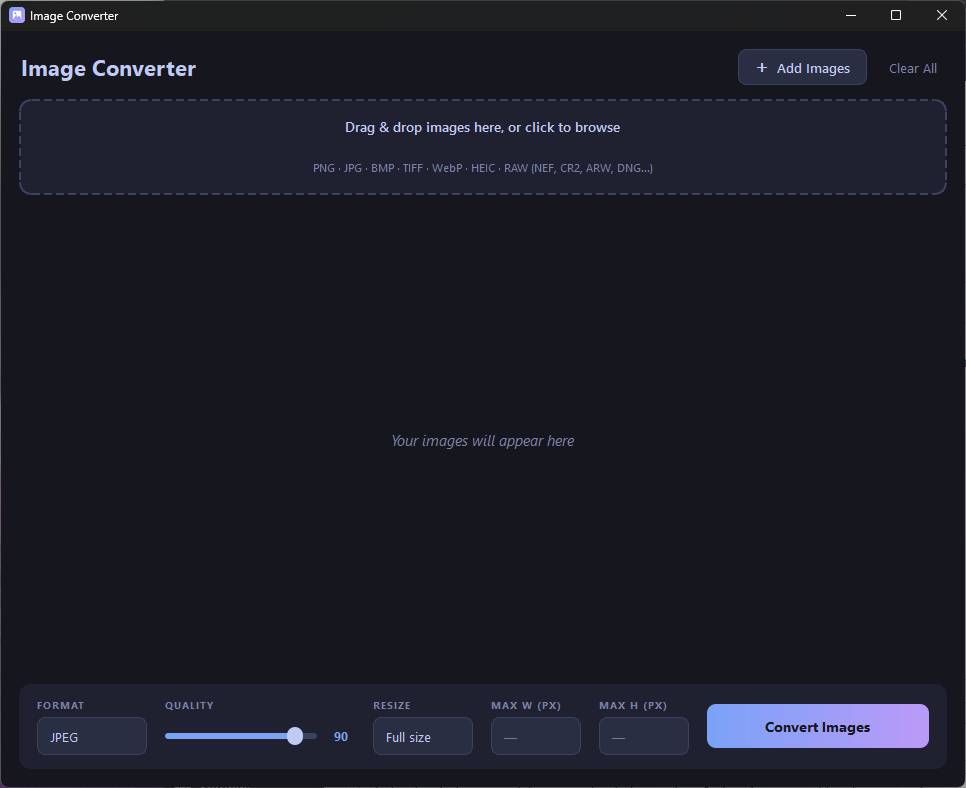
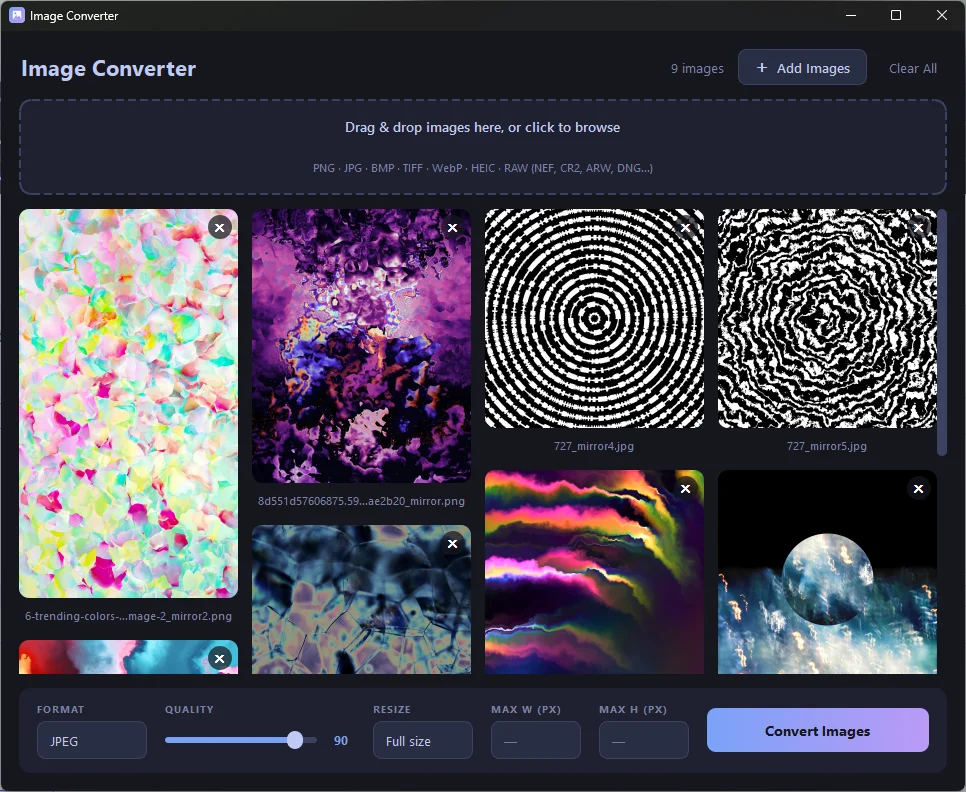
Image Converter is a lightweight Windows desktop app for converting and resizing images in bulk. Drop in a mix of formats — everyday photos, phone HEICs, or RAW files straight off a camera — and it exports clean, optimized JPEG, PNG, or WebP files, with full control over quality and dimensions.
Converted files are saved to a converted folder right next to your originals, so nothing gets overwritten.
Key capabilities
- Wide format support — Reads PNG, JPG/JPEG, BMP, TIFF, WebP, HEIC/HEIF, and camera RAW files (Nikon NEF/NRW, Canon CR2/CR3/CRW, Sony ARW/SR2, Adobe DNG, Olympus ORF, Panasonic RW2, Fujifilm RAF, Pentax PEF, and more).
- Export to JPEG, PNG, or WebP with an adjustable quality slider (1–100).
- Flexible resizing — Scale down by a fraction (½ up to 1/20), or set an independent max width and max height. Images always keep their aspect ratio and are only ever scaled down, so a mixed batch of landscapes and portraits each fit neatly within your limits.
- True batch processing — Convert an entire set at once; images process one-by-one with live progress, so you can watch the queue clear.
- High-quality RAW handling — Full-resolution demosaic with camera white balance for accurate color from RAW.
- Modern, responsive interface — Drag-and-drop or browse to add files, a responsive masonry thumbnail grid that adapts to your window size, and a clean dark theme.
Using it
- Launch the app.
- Drag images onto the drop zone (or click Add Images to browse).
- Choose your output format, quality, and optional resize / max width & height.
- Click Convert Images — your files land in a new converted folder beside the originals.
Comments